Identify your Nest thermostat model to change its battery
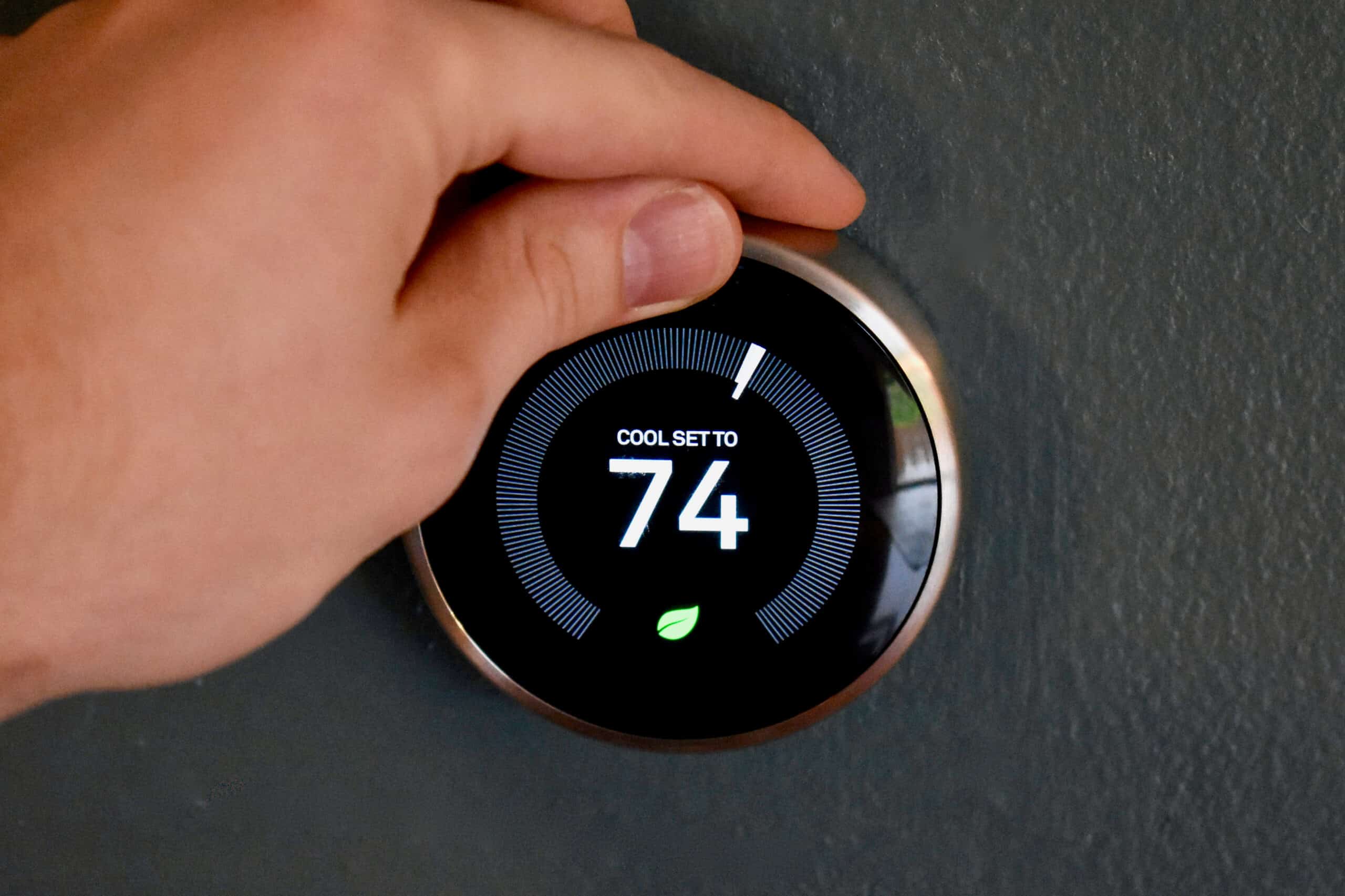
To change battery in nest thermostat, you first need to know which model you own, because the process is completely different depending on whether you have the 2020 Nest Thermostat or a Nest Learning Thermostat/Thermostat E. The 2020 Nest Thermostat (the one with a mirrored, flat display) uses two user-replaceable AAA batteries, while the Learning Thermostat and Thermostat E have a built-in rechargeable lithium battery that you cannot swap out yourself. This distinction is critical because trying to open the wrong model can damage the device or void your warranty, and it determines whether you need to buy new batteries or troubleshoot a charging issue instead.
How to change the battery in a Nest Thermostat (2020 model)
If you have the 2020 Nest Thermostat with the mirrored screen, the battery replacement takes about two minutes and requires no tools. Follow these steps to swap out the two old AAA batteries for fresh ones.
- Gently pull the thermostat’s mirrored display straight toward you to detach it from the round base plate on the wall. Do not twist or yank the wires.
- Turn the display over so you are looking at the back. You will see a small battery compartment door, typically secured by a tab or a sliding latch.
- Press the latch or slide the door in the direction indicated by the arrow to open the compartment.
- Remove the two old AAA alkaline batteries, noting the + and, markings inside the compartment so you insert the new ones the same way.
- Insert two fresh 1.5V AAA alkaline batteries, matching the polarity markings exactly.
- Close the battery door until it clicks securely back into place.
- Line up the display with the base plate and push it firmly until it snaps back on. The thermostat will power on automatically.
That is all there is to it. The 2020 model is the only Nest thermostat designed for user battery swaps, and it needs standard alkaline batteries, not rechargeable ones, which can damage the device over time.
What to do if your Nest Learning Thermostat or Thermostat E has a low battery
If you own a Nest Learning Thermostat (any generation) or a Nest Thermostat E, the internal lithium-ion battery is not user-replaceable. Opening the device to try to reach it will void your warranty and likely break the thermostat. Instead, a low battery warning on these models means the thermostat is not receiving enough power from your HVAC system. The battery is recharged by the system’s wires, so the fix is to ensure the device is getting continuous power. Start by checking whether you have a common (C) wire connected. The C-wire supplies a steady trickle of power to keep the internal battery charged; without it, the battery will slowly drain, especially if your system runs frequently or you use the thermostat heavily. If a C-wire is not connected, you may need to install one or use a power adapter, which Nest Support can help you set up. In the meantime, you can give the thermostat a temporary boost by plugging a USB cable into the port on the back of the device and into a wall charger for a few hours. This will top off the internal battery so the thermostat can keep running while you address the wiring. If the low battery warning persists after confirming the C-wire is connected and charging via USB, contact Nest Support directly, they can run diagnostics and, if necessary, replace the unit under warranty. Nest offers comprehensive support through various channels, including phone, email, and live chat.
Troubleshooting low battery warnings on your Nest thermostat
Low battery symptoms look similar across all Nest thermostat models, so it helps to know what to watch for. Common signs include a notification popping up on the thermostat’s display or in the Google Home app, the screen going dim or unresponsive, the thermostat switching off or going to sleep unexpectedly, and Wi-Fi disconnecting. A low battery notification will appear on the Nest app or an alert on the display of the thermostat itself. If you see any of these, first check the battery level. On the Nest Thermostat, navigate to the settings menu and select 'Battery' to see the current battery level. In the Home app, open the device’s settings to see the battery percentage. If the level is below about 20% on a 2020 model, replace the AAA batteries right away. On a Learning Thermostat or Thermostat E, a low percentage means the internal battery is not being charged properly, so move on to the C-wire and USB charging steps above. If you have already followed the model-specific steps and the warning persists, try a full restart of the thermostat by removing it from the base (for the 2020 model) or using the reset option in Settings (for all models). To perform a reset, go to the settings menu, select 'Reset' and then choose 'All Settings'. A factory reset can clear software glitches that cause false low-battery alerts, but note that it will erase your schedules and settings. After resetting, reconfigure your preferences. If the problem continues, the issue is likely hardware-related, and you should contact Nest Support with your model number and the exact error message. They can confirm whether the battery has failed or if there is a wiring fault, and they will arrange a repair or replacement if needed.
Replacing the battery in your Nest Thermostat is a straightforward task for the 2020 model, but for the Learning Thermostat and Thermostat E, it is a matter of ensuring proper power delivery rather than swapping parts. Knowing which model you own saves you time and prevents damage, and checking the C-wire connection resolves most low-battery complaints on the rechargeable models. If you ever replace watch and device batteries as part of your regular home maintenance routine, you will find the 2020 Nest’s AAA swap just as simple, no special tools or technical skills required.
Frequently Asked Questions
How long do the AAA batteries last in a 2020 Nest Thermostat?
With normal use, the two AAA alkaline batteries in the 2020 Nest Thermostat can last up to two years before needing replacement. Actual lifespan depends on how often you adjust the temperature and how much the display is used.
Can I use lithium AAA batteries instead of alkaline in my Nest Thermostat?
No, you should stick to standard 1.5V AAA alkaline batteries. Lithium AAA batteries can have a slightly different voltage curve and are not recommended by Nest, as they may cause the thermostat to misread the battery level or shut off prematurely.
Why does my Nest Thermostat show a low battery even after I replaced the batteries?
If you just replaced the AAA batteries and the warning persists, the thermostat may not have fully seated back onto the base, or the battery contacts might be dirty. Remove the display, wipe the contacts with a dry cloth, and reattach it firmly. If the warning continues, the issue could be a faulty battery compartment, which requires professional service.
Will my Nest Thermostat stop working if the battery dies completely?
Yes, if the battery dies completely, the thermostat will shut off and lose its Wi-Fi connection and programmed schedules. On the 2020 model, you will need to replace the AAA batteries immediately; on the Learning Thermostat, a dead battery means the device is not receiving power from the HVAC system, so you must address the C-wire or USB charging issue.
How do I know if my Nest Thermostat is the 2020 model or an older one?
The 2020 Nest Thermostat has a flat, mirrored front that hides the display until you approach it, and it comes in several pastel colors. The Learning Thermostat has a visible round display with a metal ring you turn, and the Thermostat E has a simpler, all-plastic design with a smaller display. If you are still unsure, check the back of the display for a model number.
How long does the Nest Thermostat battery last?
The battery life of a Nest Thermostat can last up to 10 years on average.
For the wider topic, see replacing watch and device batteries.
Related reading: How To Change Battery In Ring Doorbell.