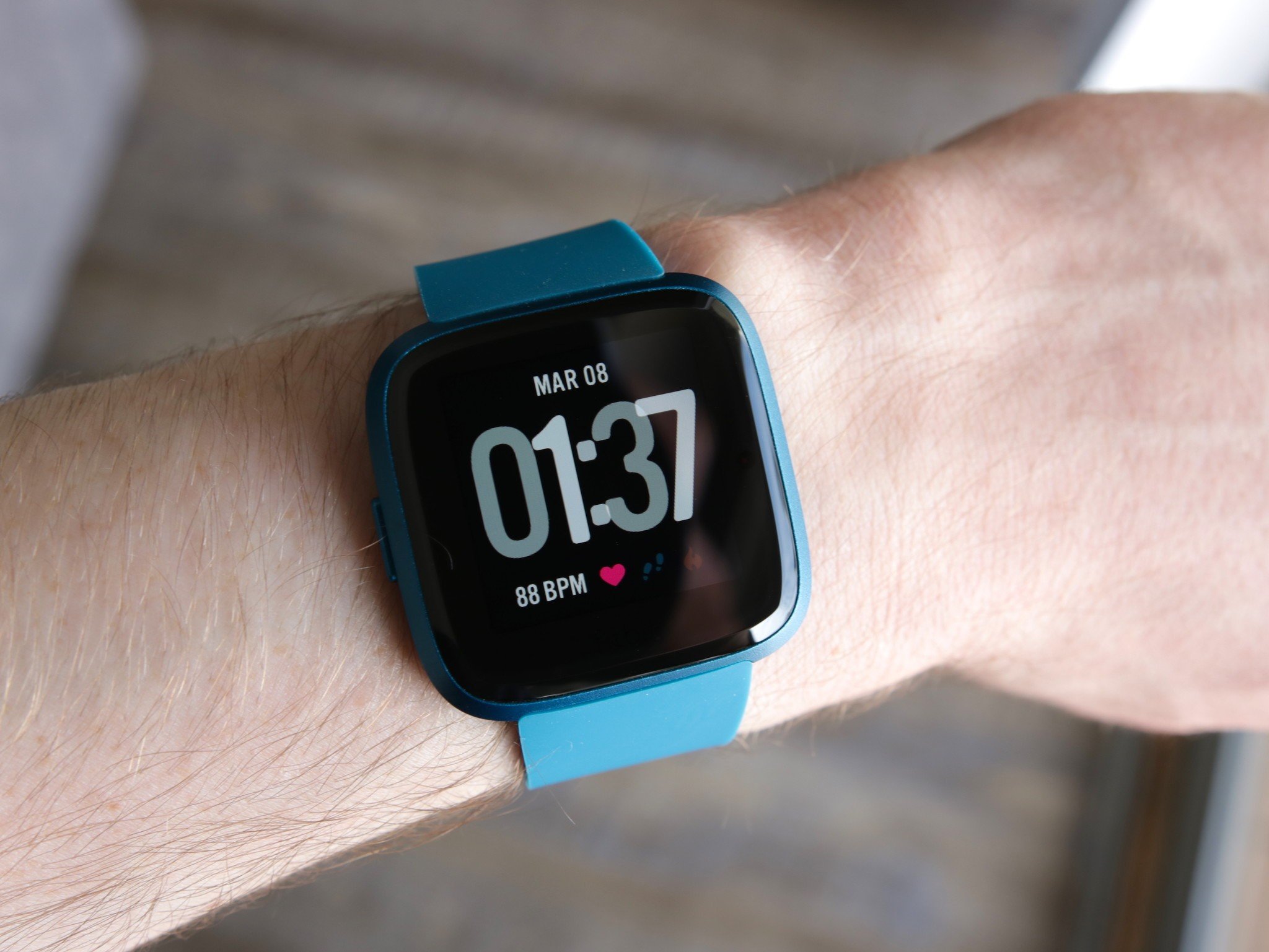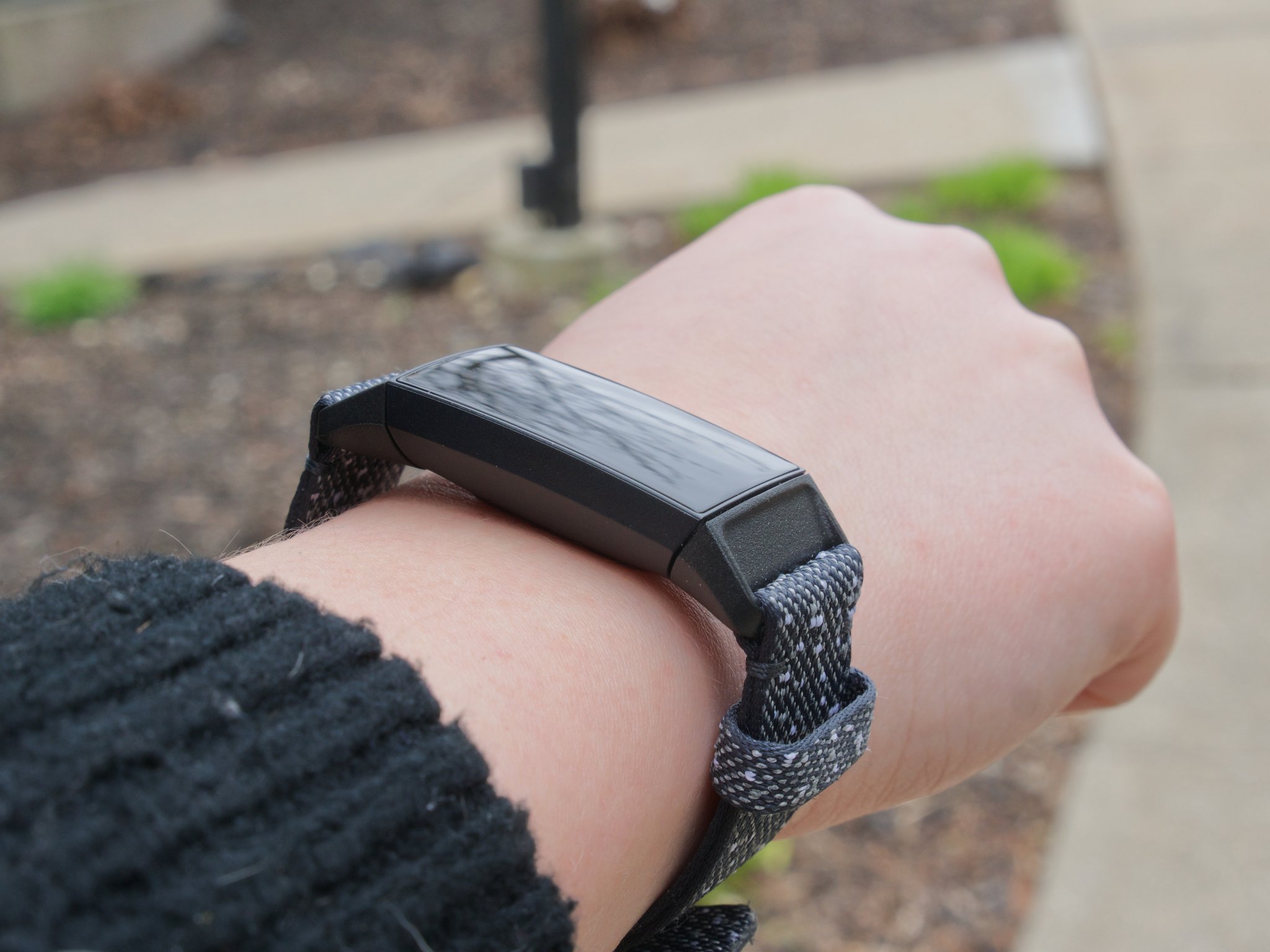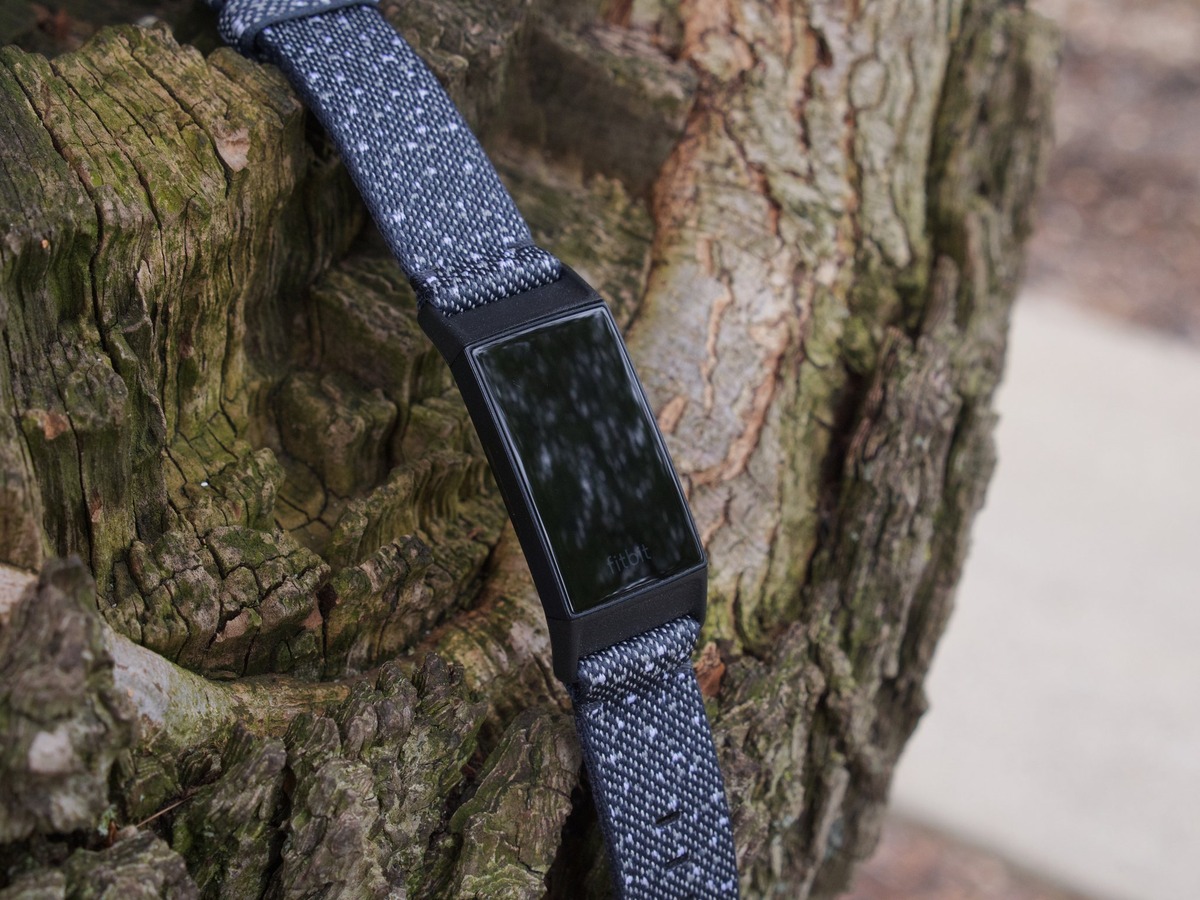
Water Lock on Fitbit is a device lock that prevents the screen and buttons from activating when you are in water, protecting against accidental taps while still allowing notifications and alarms to appear. When you enable Water Lock on Fitbit, you can swim or shower without worrying about your device misinterpreting water droplets as finger touches.
What water lock on Fitbit actually does
Water Lock is a dedicated mode that locks your Fitbit's screen and, on supported devices, its physical buttons to prevent accidental inputs during water activities. When active, a Water Lock icon appears at the bottom of the screen. Notifications and alarms still come through, but you must unlock the screen to interact with them. This feature is designed specifically for use in water, not as a general phone or device lock.
How to turn water lock on
The method to activate Water Lock depends on your Fitbit model. For most devices with a clock screen, follow these steps:
- Swipe down from the clock screen to open the shortcuts menu.
- Tap the Water Lock icon.
- Firmly tap your screen twice to confirm.
On some trackers, press and hold the buttons on your tracker, tap Water Lock, then firmly tap your screen twice. Water Lock can also start automatically when you begin a swim exercise in the Exercise app on devices that support this feature.
How to turn water lock off
To exit Water Lock mode, firmly double-tap the middle of the screen with your finger. If the word "Unlocked" does not appear, tap harder. If Unlocked does not appear, tap harder. The double-tap must be deliberate and firm to register through any water on the screen.
When to use water lock mode
Use Water Lock mode whenever your Fitbit will be submerged or exposed to running water, such as during swimming, showering, or other water activities. The mode prevents accidental screen taps and button presses that could interrupt your workout, change settings, or drain battery life. It also ensures your Fitbit features and metrics are accurately tracked during swim sessions without interference from water contact.
Frequently Asked Questions
Will I still see notifications while Water Lock is on?
Yes, notifications and alarms still appear on the screen. However, you must unlock the device by double-tapping the screen before you can interact with them.
Does Water Lock turn on automatically every time I swim?
Is Water Lock available on all Fitbit models?
The official help pages describe the feature on Fitbit trackers generally, but do not provide a complete list of supported devices. The exact activation path can vary by model, such as the swipe-down method documented for the Fitbit Charge 6 versus the button-press method described for other trackers. Fitbit Charge 6 is a specific model that uses the swipe-down path.
Can I use Water Lock as a general screen lock outside of water?
No, Water Lock is specifically designed for water use such as showering or swimming. It is not a general phone or device lock setting.
What should I do if Water Lock won't turn off?
If the screen does not show "Unlocked" after double-tapping, try tapping harder in the center of the screen. The firm double-tap is necessary to register through water or moisture on the display.
Related reading: What Does BPM Mean On Fitbit and What Does Fitbit Ace 3 Do.