Snapchat is a multimedia messaging app centered on creating and sharing ephemeral photos and videos called Snaps, along with features like Stories, Lenses, Filters, Chat, and Snap Map. If you are wondering what Snapchat is, it is a mobile app designed for real-time, visual communication where content can disappear after being viewed.
What is Snapchat?
Snapchat is a mobile app for creating and sharing Snaps, viewing Stories, using Lenses and Filters, chatting, making video calls, viewing a map, saving content in Memories, and scanning Snapcodes. The app is built around the idea of sending a Snap, a photo or video, to a friend or posting it as a Story, with additional tools for creative expression and social connection.

What devices support Snapchat?
Snapchat support says it works on Android 5.0 or newer, iOS 14.0 or newer, and Fire OS 5+. It also supports Android devices without Google Mobile Services.
Core Snapchat features and how to use them
Snapchat’s main features include sending photos and videos, posting Stories, applying Lenses and Filters, scanning Snapcodes, chatting and video messaging, maintaining Streaks, sharing location on Snap Map, and saving content in Memories. Each feature is designed to make sharing quick, fun, and personal.
Sending photos and videos
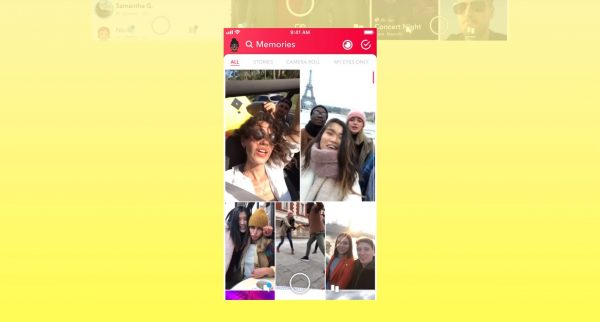
To send a Snap from Memories: swipe up from the Camera screen to open Memories, press and hold the Snap, then tap and select who you want to send it to. A Snap taken directly in the app can also be sent from the camera flow, but the verified path for sending from Memories involves those specific steps.

Snapchat Stories
A Story is a compilation of Snaps that you post to your profile, where they remain viewable for 24 hours. This feature lets you share a sequence of moments from your day that your friends can watch in order.

Lenses and Filters
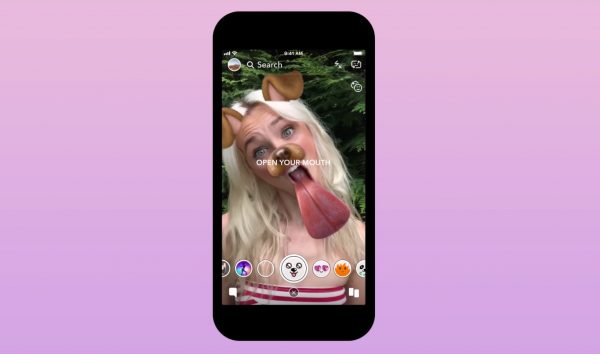
Snapchat says Filters are design overlays added on top of Snaps, and they are different from Lenses. To add a Filter to a Snap: create a Snap, swipe left or right to choose a Filter, then tap the layer icon to layer multiple Filters. Lenses are augmented reality effects applied before capture using face detection. You can find new Lenses by tapping the magnifying glass icon in Lens Explorer when the carousel is active. Snapchat says it is no longer possible to create a custom filter for special events like weddings and birthday parties. Instead, Snapchat says you can create a Lens with Lens Studio for those events. You can add Lenses to your carousel for 24 hours by tapping a Lens tile or by swiping up on a featured Snap in Community Lens Stories. You can favorite a Lens by tapping the heart in Lens Explorer, but Snapchat says there is a limit to how many Lenses you can Favorite. To stay up to date with a Lens creator, open Lens Explorer, tap the creator’s display name, then tap Subscribe.
Snapcode
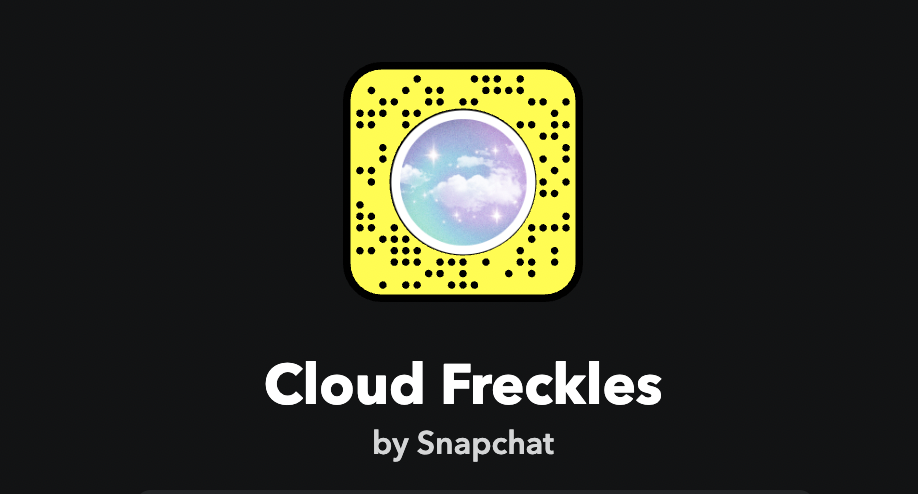
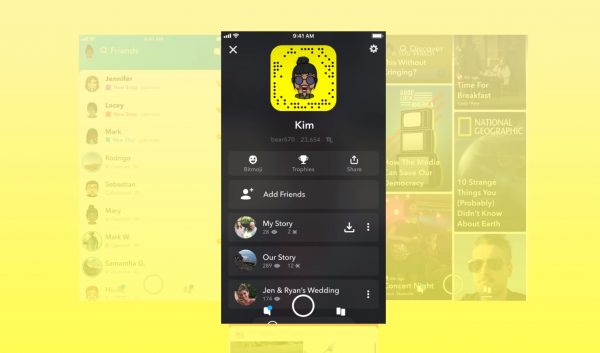
Snapchat says Snapcodes with a circle in the center can unlock special Lenses for a limited time. These scannable codes, featuring the Snapchat ghost icon with black dots, allow you to quickly add friends or access exclusive content without needing a username.
Chat and video messaging
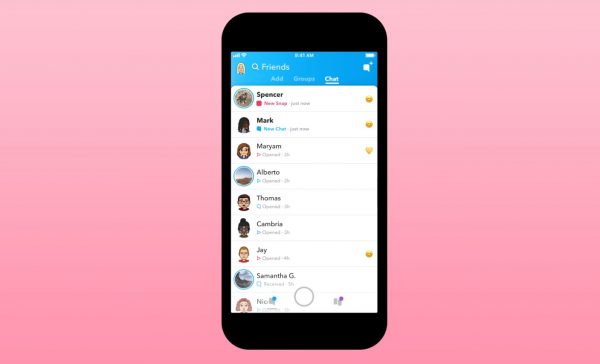
The app provides functionality for one-on-one and group text and video communication. You can send messages, make video calls, and start group chats directly from your friends list.
What is a Snapchat Streak?
A Snapchat Streak, or Snapstreak, is when you and a friend exchange Snaps for consecutive days. The fire emoji appears next to your friend’s username once the streak starts, and the number next to it shows how many days the streak has lasted. The 100 emoji appears when a streak reaches 100 days. If an hourglass emoji appears, the streak is about to end, meaning you need to send a Snap quickly to keep it going.
Snap Map
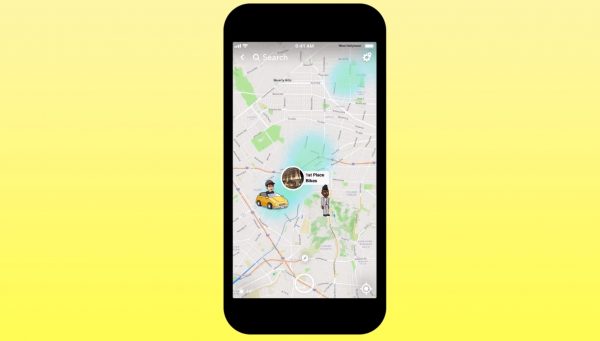
Snap Map is a location-sharing feature that lets you see friends’ locations and public stories on a map.
Snapchat Memories
Memories serves as an in-app gallery to save, edit, and re-share Snaps. This allows you to keep your favorite Snaps and post them later.
How to change your Snapchat display name
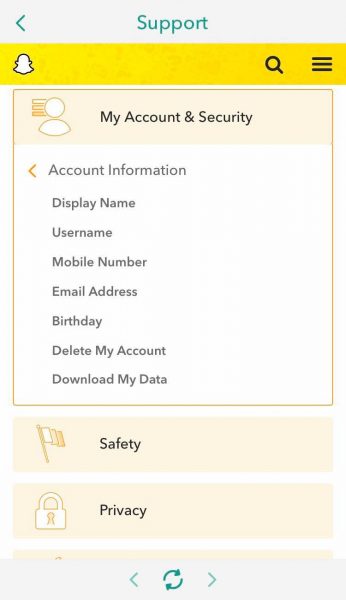
Your Snapchat username is permanent and cannot be changed, but your display name, how your name appears on your profile, can be updated. To change your display name, go to your profile, tap your current display name, edit it, and then tap "Save."
How to deactivate and delete a Snapchat account
Deactivating and deleting a Snapchat account is a single process. Once you delete your account, it is automatically deactivated, and you can reactivate it by logging in within 30 days. To permanently delete your account, avoid logging in for 30 days from the day you deactivated it. To access Snapchat data before deleting, you can request your data through the account settings.
Frequently Asked Questions
Can I save a Snap from a friend?
If a friend sends you a Snap, you can take a screenshot of a photo or screen record a video to save it. The sender will be notified if you take a screenshot.
What happens if I block someone on Snapchat?
Blocking someone prevents them from contacting you or viewing your Story. Snapchat does not notify the blocked user, but they will no longer be able to find you in search or send you Snaps.
How do I know if someone blocked me?
If a friend’s name disappears from your friends list or does not appear when you search for them, they may have blocked you. You will also be unable to send them Snaps or view their Story.
Can I recover a deleted Snapchat account?
Yes, if you log in within 30 days of deactivating your account, it will be reactivated. After 30 days, the account is permanently deleted and cannot be recovered.
Is Snapchat free to use?
Yes, Snapchat is free to download and use. The app offers optional paid features like Snapchat+ for additional perks, but the core features are available without charge.