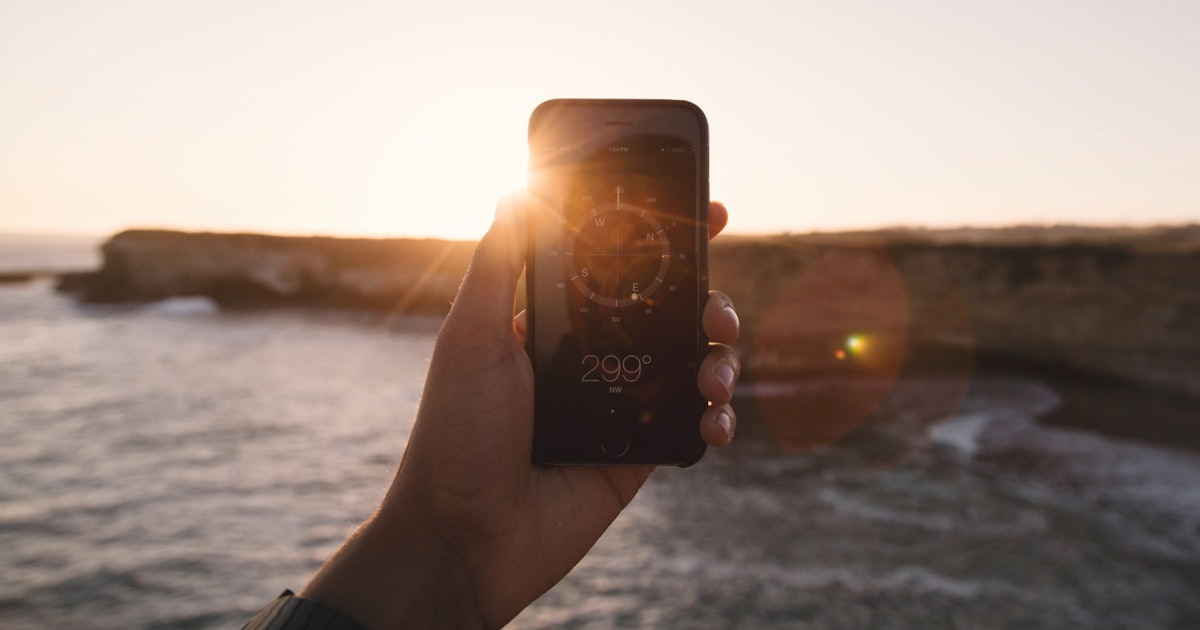
To watch an eclipse with a cell phone safely, you must follow two non-negotiable rules: always use a proper solar filter on the camera lens during the partial phases, and never look at the Sun through the phone screen itself. This is the only safe method to photograph or record a solar eclipse without damaging your phone's sensor or your eyes.
How to watch an eclipse with a cell phone safely
Photographing a solar eclipse with your phone is possible, but safety comes first. The Sun's intense light can permanently damage both your phone's camera sensor and your eyes. Official guidance states you need a proper solar filter on the camera for any partial phase, and you should never look at the Sun through the phone screen or camera during a partial eclipse.
Equipment you need for eclipse photography
Gathering the right gear before the event ensures you can capture the eclipse without risking your safety or your phone. Here is what you need:
- Certified eclipse glasses for your eyes. Eclipse glasses are for viewing, not for the camera lens.
- A proper solar filter for the phone camera. Do not use sunglasses, tinted glass, X-ray film, or other improvised materials as a camera filter.
- A stable support such as a tripod or phone mount for steadier shots.
- A clean lens and enough battery and storage for video or burst shooting.
Preparing your phone before the eclipse
Proper preparation prevents damage and improves your results. Follow these steps before you aim your phone at the Sun:
- Clean your phone's camera lens with a soft cloth to remove dust or smudges.
- Attach the solar filter to the camera lens before pointing the phone at the Sun during any partial phase.
- If using a Google Pixel phone with Macro mode enabled, turn it off by tapping the yellow flower icon so Macro is not active. The yellow flower icon indicates Macro is on.
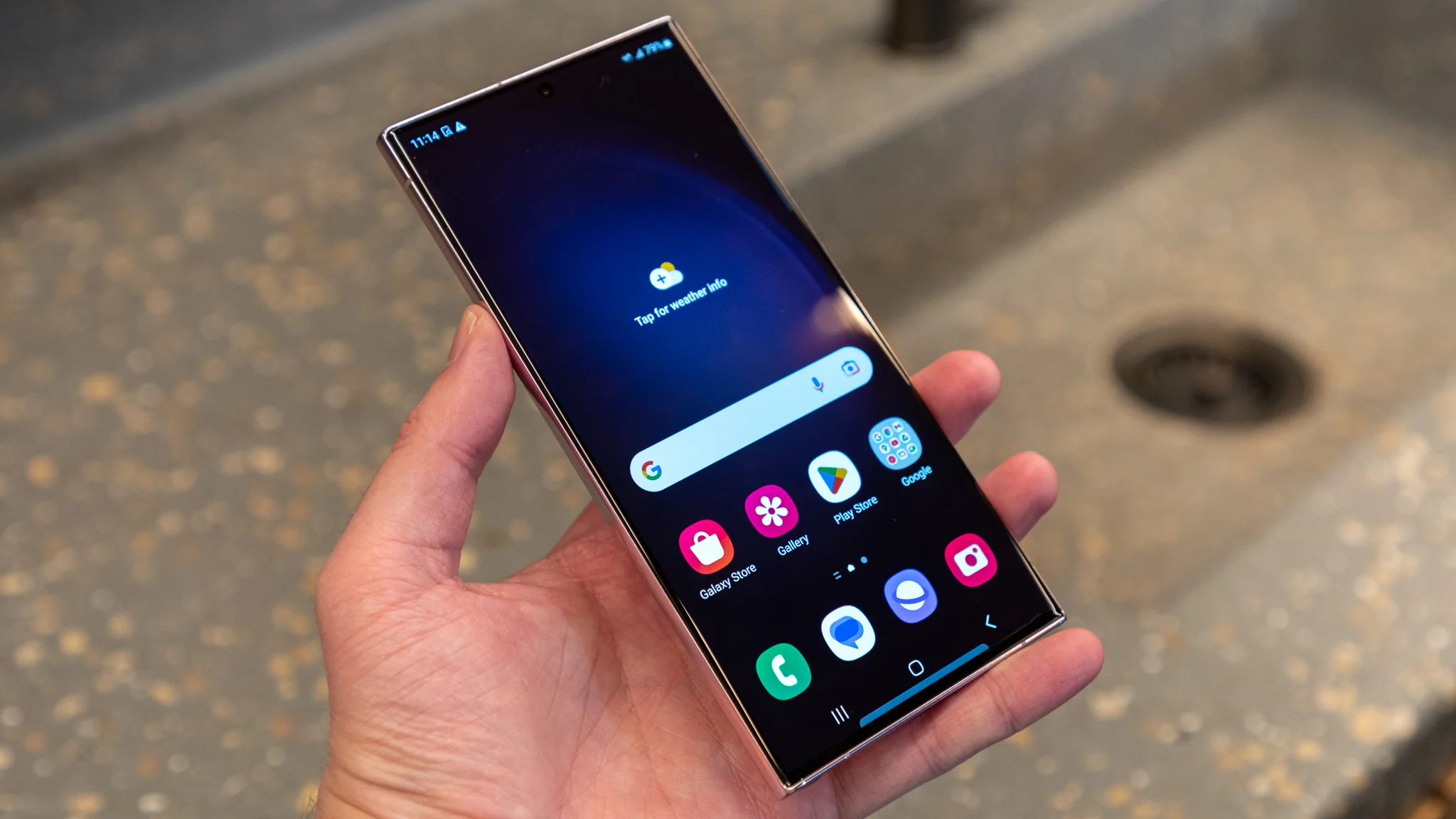
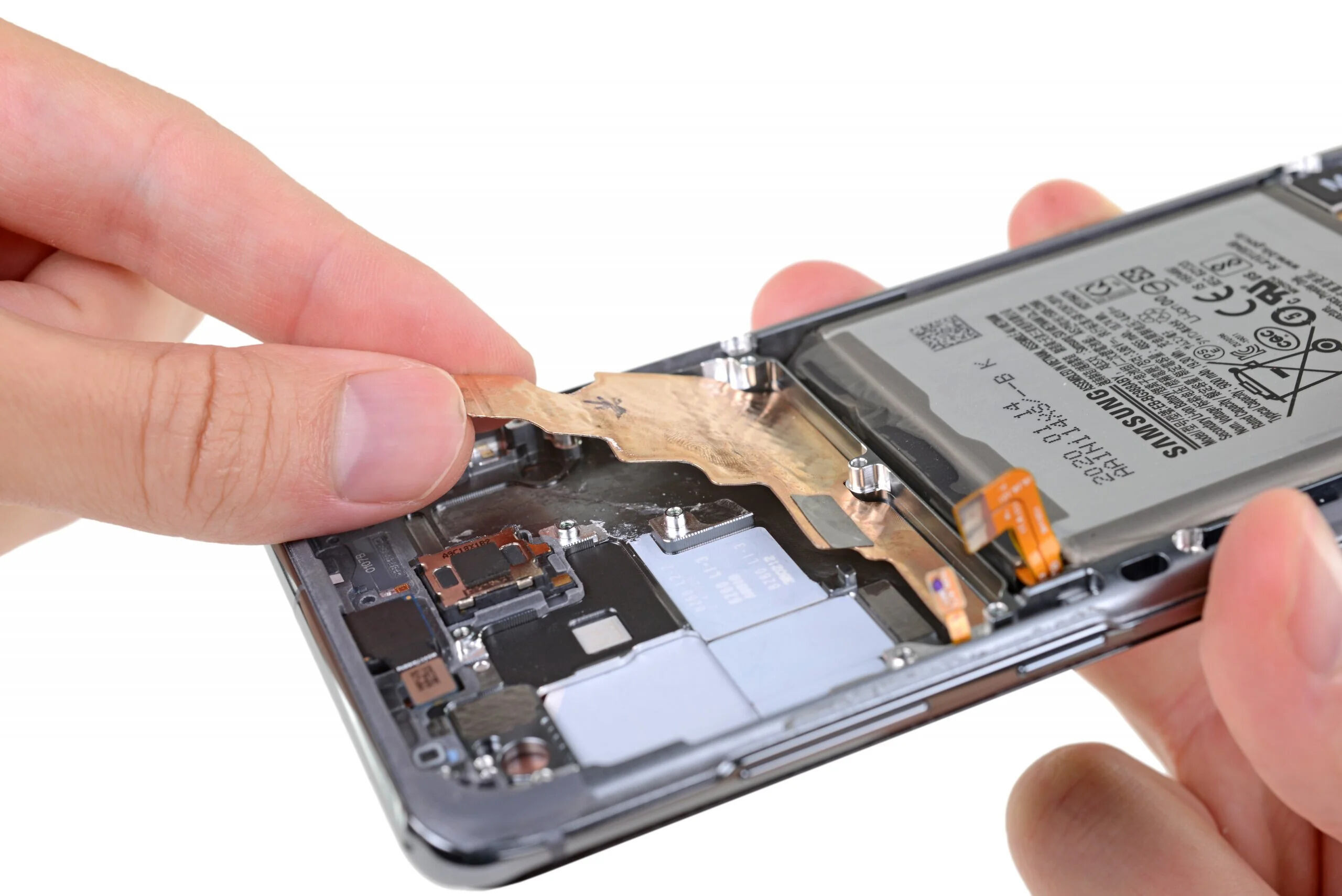
- Samsung guidance warns that Galaxy cameras should not be pointed directly at sunlight or other very intense light sources because of possible damage to the microlenses or sensor. A solar filter is required whenever the Moon is not fully obscuring the Sun.
How to photograph the partial eclipse phases
During the partial phases, the Sun's bright photosphere is still visible and poses a risk to both eyes and equipment. To capture these phases safely:
- Keep the solar filter on the camera lens at all times while the Sun is partially visible.
- Use a tripod or stable mount instead of holding the phone by hand.
- Avoid digital zoom if possible; rely on optics and proper filtering rather than zooming, as digital zoom significantly reduces image quality.
- Limit continuous recording or pointing at the Sun to only as long as necessary, even with a filter in place.
- For best exposure control, one retrieved iPhone-focused article recommends tapping the screen on the sun and lowering exposure, but that was not from an official Apple page and no exact Apple menu path was documented.
- Keep recording or pointing at the Sun only as long as necessary; one retrieved article says to avoid prolonged continuous recording even with a filter.
What changes during totality
Totality is the brief window when the Moon completely covers the Sun's bright photosphere. Only during this exact interval can you remove the camera filter. Remove it only for as long as the photosphere is fully covered, then replace the filter before totality ends. If you miss this timing and the partial phase returns, you risk immediate sensor damage.
Safety precautions that protect your eyes and phone
These rules are not optional. Following them ensures you do not injure your eyes or destroy your phone's camera:
- Never look directly at the Sun through the phone, camera lens, telescope, or binoculars.
- A phone screen is not a substitute for eye protection. View the eclipse with certified eclipse glasses, not through the phone display.
- Samsung has confirmed that direct sunlight or other very intense light sources can damage the camera sensor, microlenses, or both.
- Samsung guidance in the retrieved material warns against direct sunlight or other very intense light sources because of sensor damage risk.
- When not using the camera, adjust your phone's display and home screen settings to reduce brightness and avoid accidentally aiming the screen at the Sun.
Frequently Asked Questions
Can I use eclipse glasses on my phone camera?
No. Eclipse glasses are designed for your eyes, not for the camera lens. You need a proper solar filter specifically made for the phone camera to protect the sensor during partial phases.
Will the eclipse damage my phone camera?
Yes, without a filter during the partial phases. The Sun's intense light can permanently damage the camera sensor, microlenses, or both, as confirmed by official Samsung guidance.
Can I watch the eclipse through my phone screen?
No. Looking at the Sun through the phone screen does not protect your eyes. You must use certified eclipse glasses to view the eclipse safely.
Do I need a special app to photograph the eclipse?
No, a solar filter and a tripod are the essential tools. Some apps can help with timing or exposure, but they are not required for safe photography.
Is it safe to record video of the entire eclipse?
No. Even with a filter, avoid prolonged continuous recording. Point the camera at the Sun only as long as necessary to capture each phase, then stop.
Related reading: How To Live Without A Cell Phone, How To Get Out Of A Cell Phone Ticket, and How To Accept Collect Calls From Jail On Cell Phone.