To check Verizon Wireless voicemail from another phone, dial your 10-digit mobile number and press the pound key (#) as soon as your greeting begins. You will then be prompted to enter your voicemail password to access and manage your messages.
How to check verizon wireless voicemail from another phone
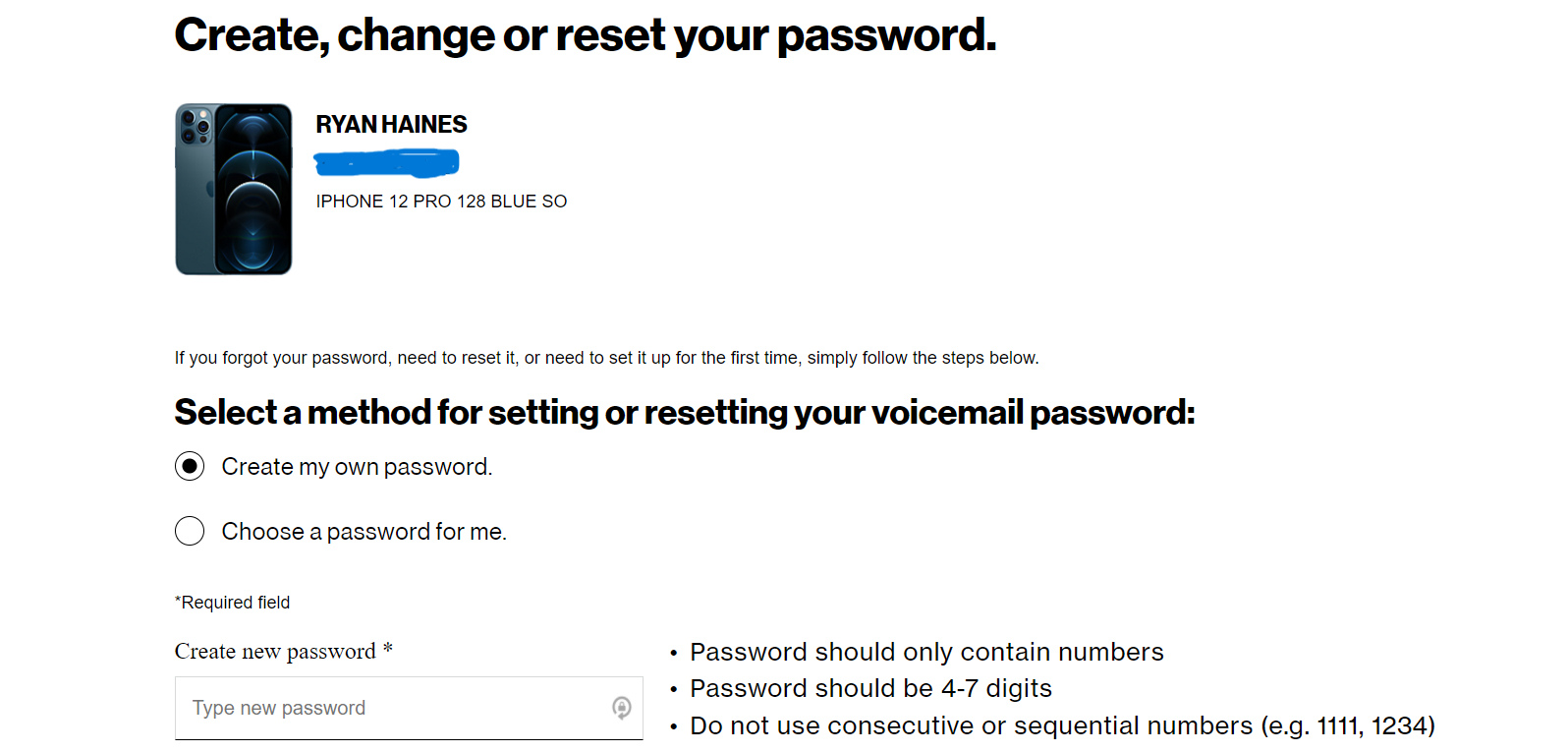
Accessing your Verizon Wireless voicemail remotely requires a pre-set voicemail password. Without this password, you cannot retrieve messages from another device. The unified process below works identically whether you are using a landline, a friend's mobile phone, or an office phone.
- Dial your 10-digit Verizon Wireless mobile number.
- As soon as your voicemail greeting begins, press the pound key (#).
- Enter your voicemail password (PIN) when prompted.
- Follow the audio prompts to listen to, save, or delete your messages.
What you need before you start
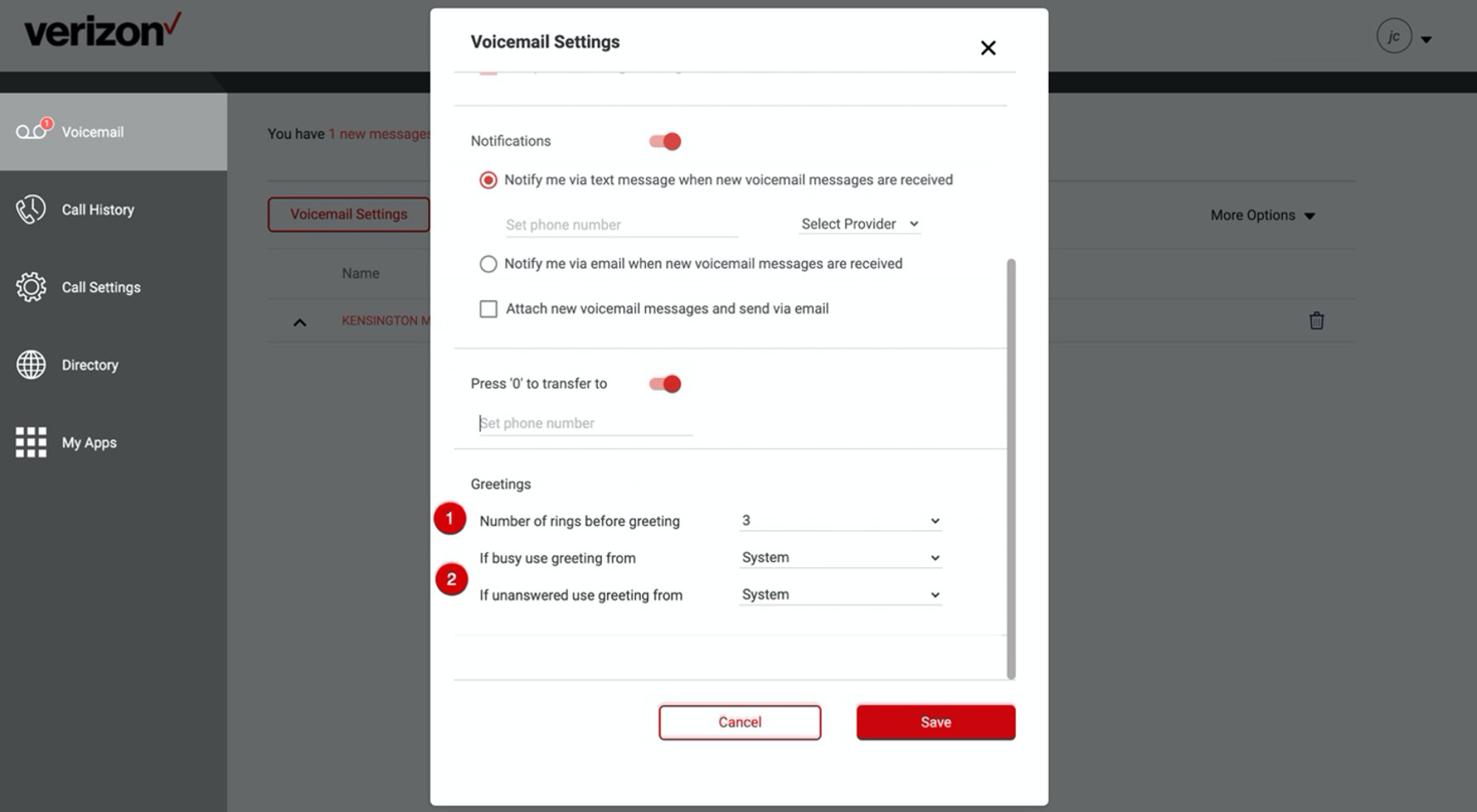
A voicemail password is always required to access your Verizon mobile voicemail account from any phone. There is no default voicemail PIN; you must set one up for your account. Your PIN should be 4-10 digits long and difficult for others to guess, avoiding sequences like your phone number, repeating numbers (e.g., 3333), or sequential numbers (e.g., 23456). If you have not yet created a password, you will need to complete that setup from your own phone first, including tasks like setting up and managing voicemail on phones. Verizon Wireless provides a transcription service that converts voicemail messages into text format. Users have the option to forward voicemail messages to other contacts or email addresses. Verizon Wireless offers ample storage space for voicemail messages, ensuring that important messages are never deleted due to lack of space.
Step-by-step instructions for any phone
The process to check voicemail remotely is identical regardless of the phone you are using. Whether you are calling from a landline, a friend's mobile, or an office phone, follow these four steps:
- Dial your 10-digit Verizon Wireless mobile number.
- Press the pound key (#) as soon as your greeting begins.
- Enter your voicemail password when prompted.
- Use the audio prompts to listen to and manage your messages.
Depending on your landline phone plan, there may be charges associated with making the call to your voicemail number. Some features available on your mobile phone's voicemail system may not be accessible when checking voicemail from a landline, such as visual voicemail.
How to check voicemail when traveling internationally
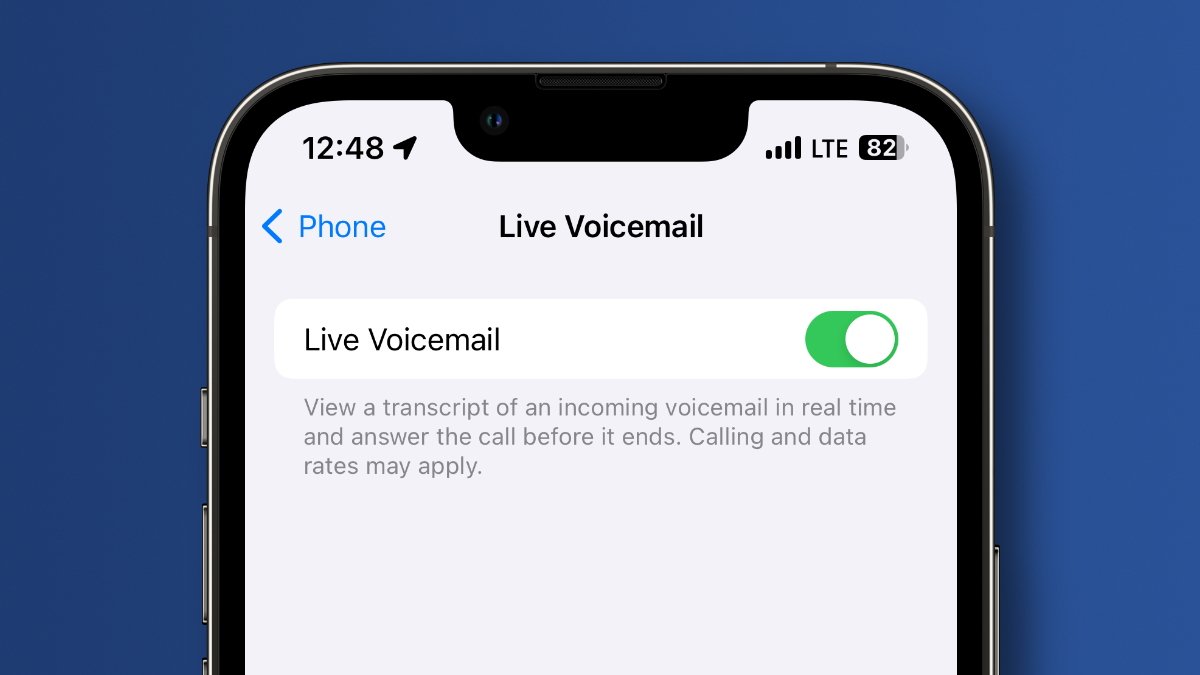
If you are traveling internationally, or if calling your own mobile number does not work, you can use the alternate voicemail number: +1 (845) 613-8700. When using this number, you will be prompted to confirm or enter your mobile number, then input your voicemail PIN. Some wireless networks in certain countries may not allow you to call your own mobile number to check voicemail, making this alternate method essential. Visual Voicemail can also be used to access messages if you have a data connection, which is particularly useful when traveling internationally. Visual Voicemail is included on iPhones, while Android users can add it to their account online for $2.99/month. Visit the Verizon Wireless website and sign in to your account. Navigate to the "My Verizon" section and locate the voicemail option. You can set up a forwarding option in your Verizon Wireless account settings so your voicemail messages will be sent to your email inbox. If accessing voicemail directly is not an option, you can try forwarding your Verizon Wireless calls to your current carrier's voicemail system.
Frequently Asked Questions
Can I check my Verizon Wireless voicemail from another phone?
Yes, you can check your Verizon Wireless voicemail from another phone by dialing your 10-digit mobile number, pressing the pound key (#) during the greeting, and entering your voicemail password.
What if I have forgotten my voicemail password?
If you have forgotten your voicemail password, you must reset it from your own Verizon Wireless phone by accessing the voicemail settings. There is no way to retrieve or reset your password remotely from another phone.
Can I check my voicemail without calling my own number?
Yes, you can use the alternate international access number +1 (845) 613-8700, or use Visual Voicemail if you have a data connection on your device.
Related reading: How To Set Up Voicemail On Verizon Wireless and How To Check Voicemail On Xfinity Home Phone.