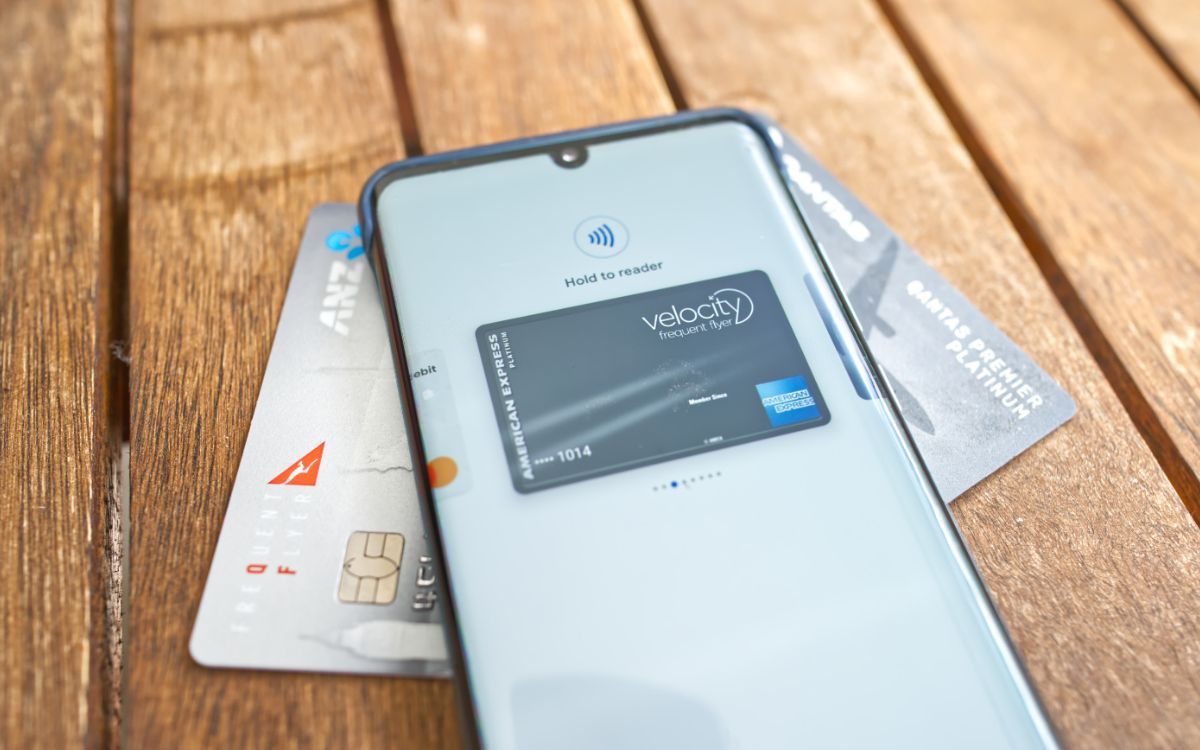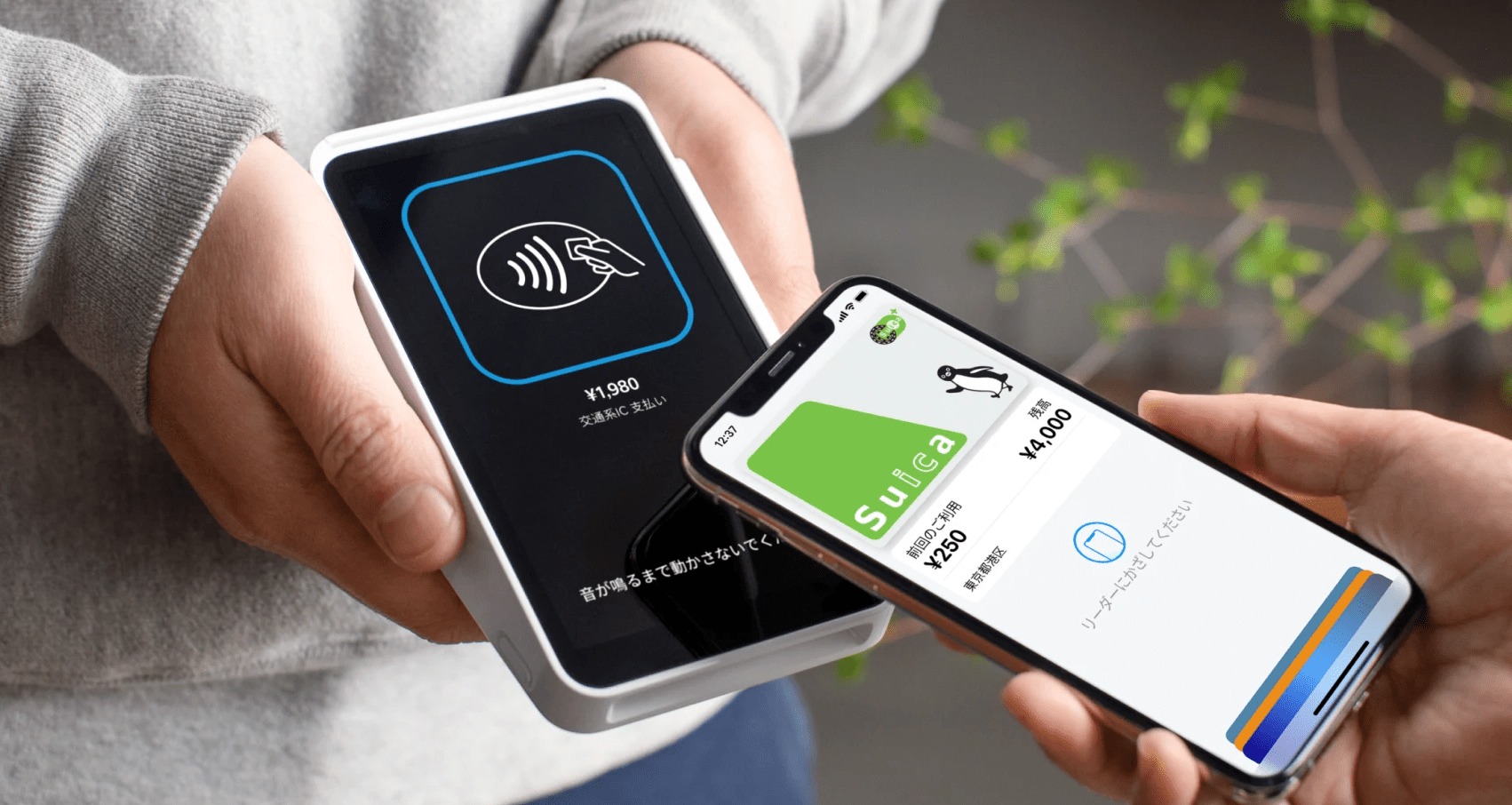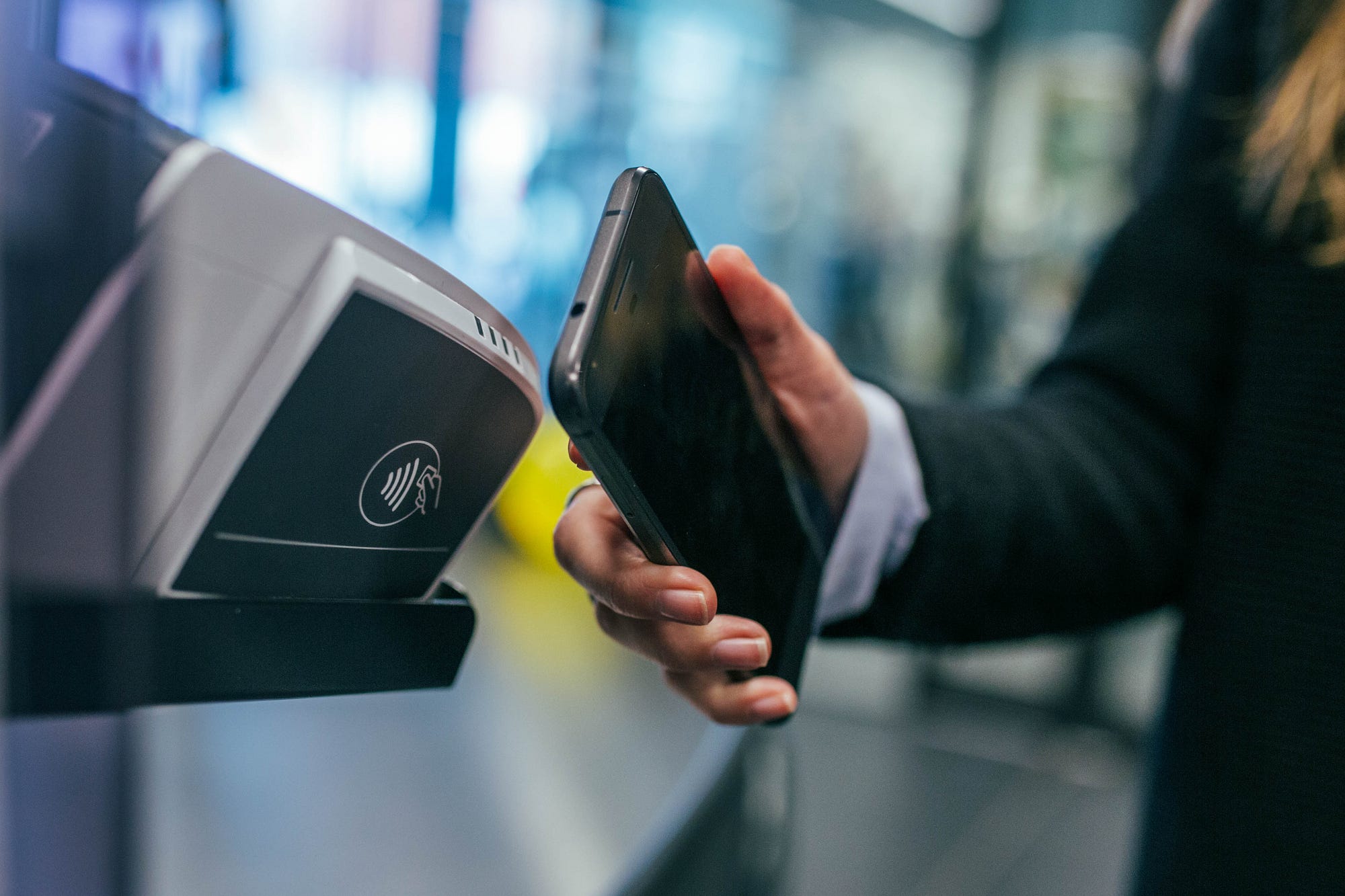
A card reader is a contactless terminal that reads a card or pass from a phone when the device is held near the reader. On iPhone, the standard method is to open Wallet or use the Lock Screen prompt, authenticate if needed, then hold the top of the iPhone near the contactless reader until Done or a checkmark appears.
What is a card reader?
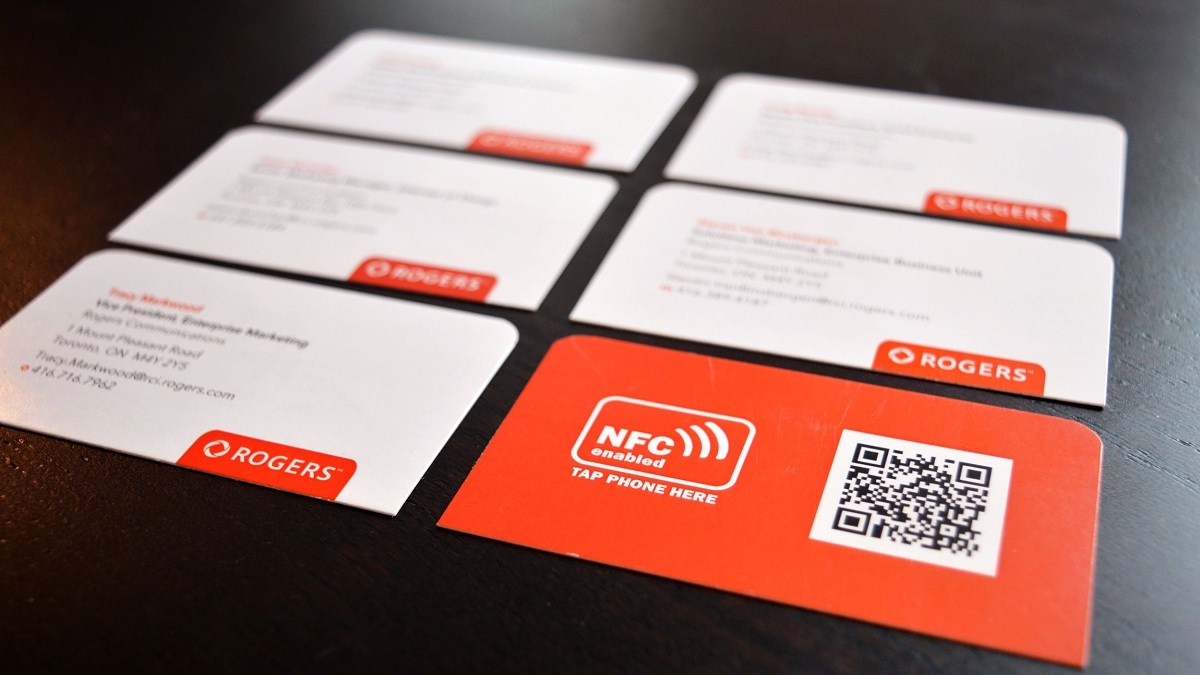
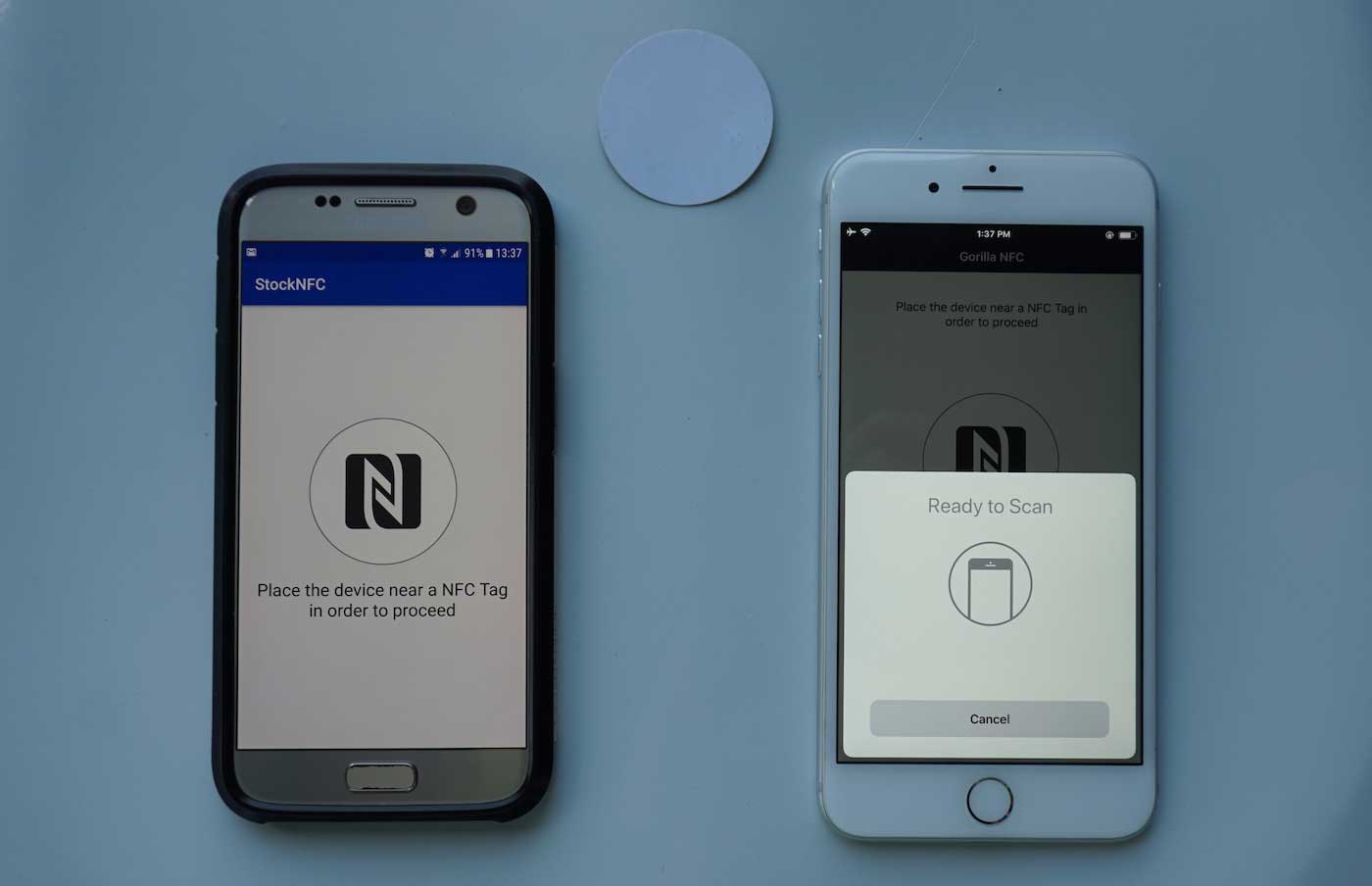
A card reader, in the context of modern mobile payments, is a contactless terminal that communicates with your phone using near-field communication (NFC) technology. Card readers also read data from a magnetic stripe or chip on physical payment cards, not just phones. They are used in physical retail locations, ATMs, and online payment gateways. When you hold your phone near the reader, it wirelessly reads the digital card or pass stored in your Apple Wallet or Google Wallet. This is the same technology that powers tap-to-pay transactions and digital key entry. For a deeper look at the underlying technology, NFC tags and readers explained in detail how these short-range radio signals enable secure data exchange between devices and terminals.
How a card reader works with your phone
Using a contactless reader with an iPhone follows a straightforward flow:
- Open the Wallet app or use the Lock Screen prompt to bring up your card or pass.
- Authenticate using Face ID, Touch ID, or your passcode when prompted.
- Hold the top of your iPhone near the contactless reader.
- Wait until you see Done or a checkmark appear on the screen.
For magnetic stripe cards, the reader uses a magnetic head; for chip cards, it uses an electronic contact.
Express Mode and automatic selection
Express Mode lets supported items work without waking or unlocking your iPhone. When enabled, you simply hold your device near the reader and the transaction completes automatically. Apple also provides Suggest on Lock Screen, which surfaces certain Wallet items based on time or location, so the right card or pass appears when you need it without manual selection.
What you can use with a contactless reader
Contactless readers support a wide range of digital items stored on your phone, including transit cards, payment cards, passes, keys, student IDs, car keys, scooter keys, hotel room keys, and other compatible passes. The specific items available depend on your region and the issuer of the card or pass.
Security when using a card reader
Apple requires Face ID, Touch ID, or a passcode before a card or pass is presented to the reader, unless Express Mode or another automatic option is enabled for that item. Express Mode can allow supported items to work without waking or unlocking the iPhone, and some items may even function when the iPhone needs to be charged. EMV chip cards use advanced encryption technology to reduce card fraud risk. Tokenization replaces sensitive card data with a unique token to reduce data breach risk. Regularly monitoring bank or credit card statements helps detect unauthorized transactions. Use reputable, PCI-DSS compliant payment gateways for online transactions. On Android, Google Wallet supports adding cards by camera, manual entry, or by holding the physical card to the back of the device to read its information, a feature called Add with a tap available only in select countries.
Adding cards to your phone
To add a card to Apple Wallet, open the Wallet app and follow the prompts to add a new card or pass. Google Wallet users can add a debit or credit card by opening Google Wallet, tapping Add to Wallet, then selecting Payment card and choosing New credit or debit card. Options include using the camera to scan the card, manual entry, or Add with a tap in select countries where you hold the physical card to the back of the device.
Frequently Asked Questions
Does my phone need to be unlocked to use a contactless reader?
For most transactions, yes, you need to authenticate with Face ID, Touch ID, or a passcode. Express Mode is the exception, allowing certain items like transit cards to work without unlocking.
Can I use a contactless reader if my phone battery is dead?
Apple states that some Express Mode items may work even when your iPhone needs to be charged, but this depends on the specific card or pass and the remaining battery reserve.
What types of cards cannot be added to Apple Wallet or Google Wallet?
Not all cards or passes are supported. Compatibility depends on the issuer and your region. Common unsupported items include certain loyalty cards, membership cards, and some prepaid cards.
Is the contactless reader the same as an NFC reader?
Yes, contactless readers use NFC technology to communicate with your phone. The terms are often used interchangeably in the context of mobile payments and digital passes.
Do I need an internet connection to use a contactless reader?
No, the transaction itself happens locally between your phone and the reader via NFC. However, your phone may need internet access to initially download or update the card or pass in your wallet.
Related reading: What Is Mobile Payment (M-payment)? and What Is An NFC Card?.