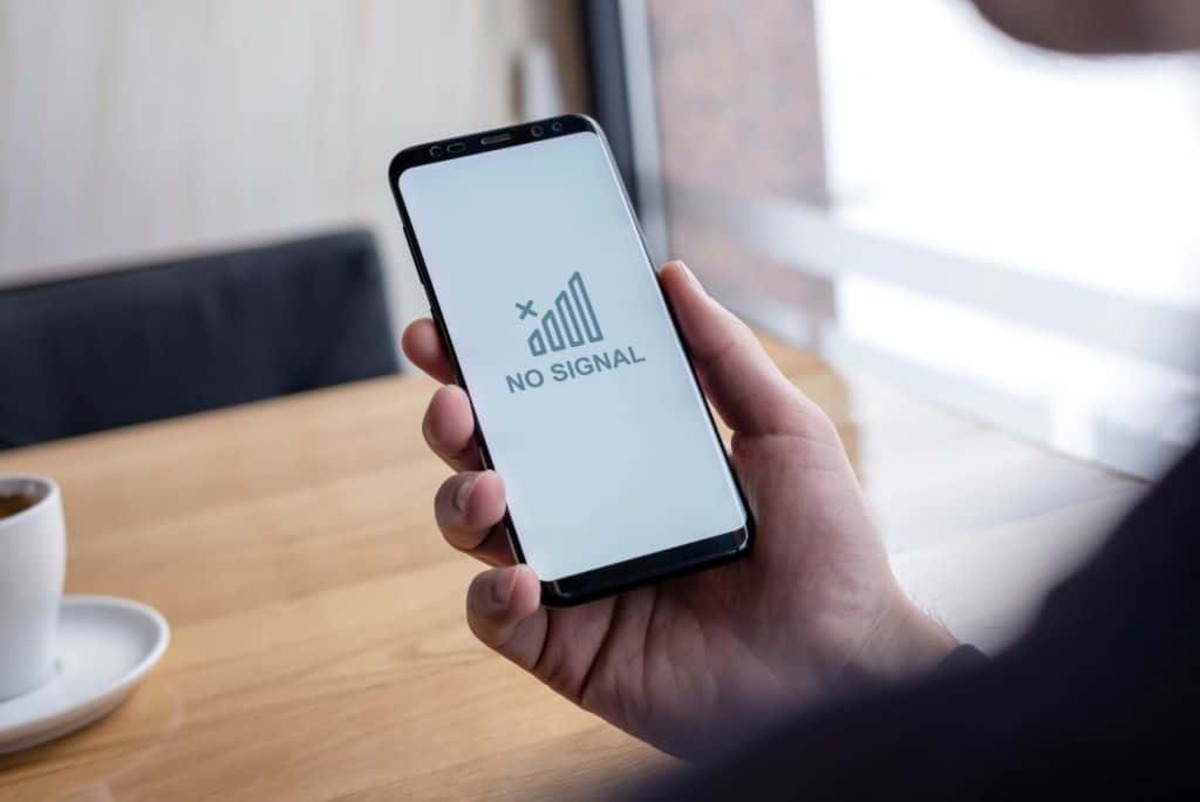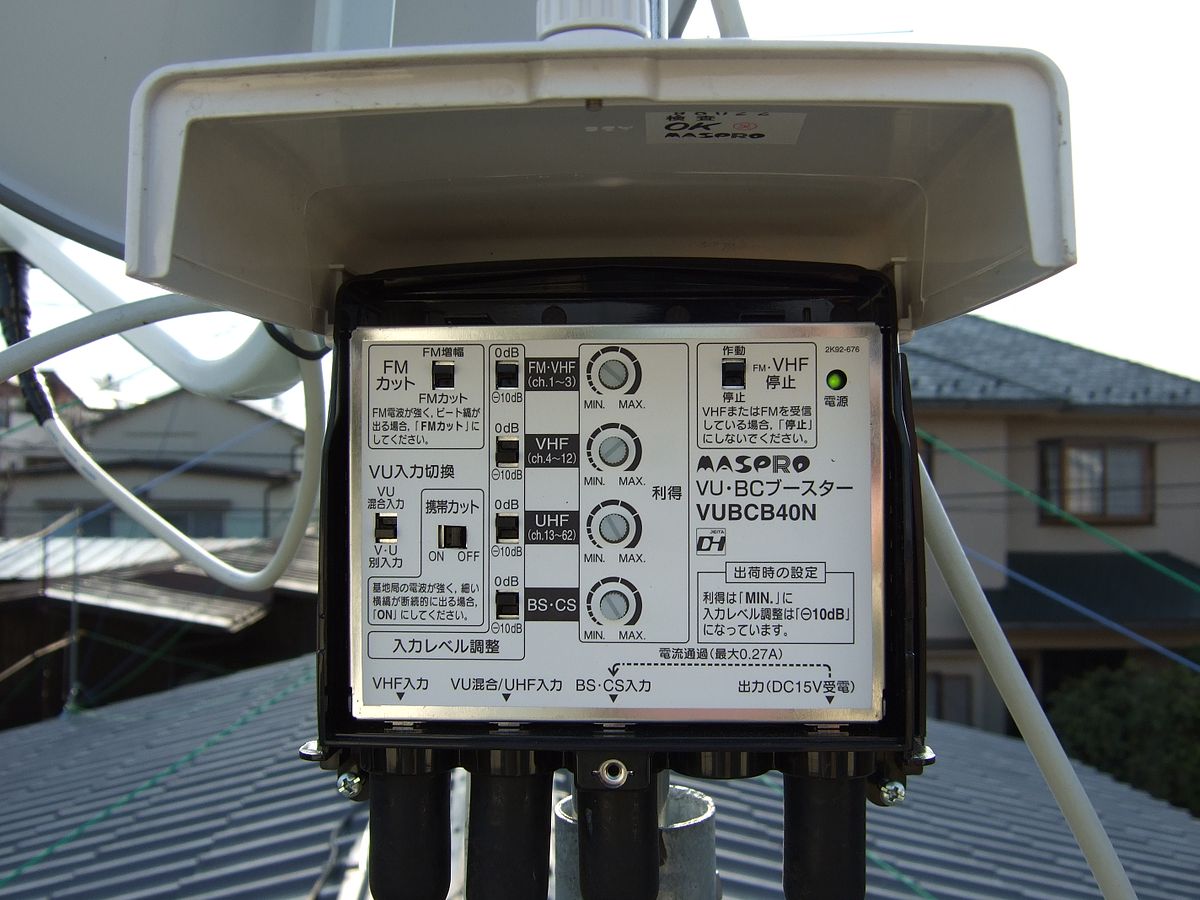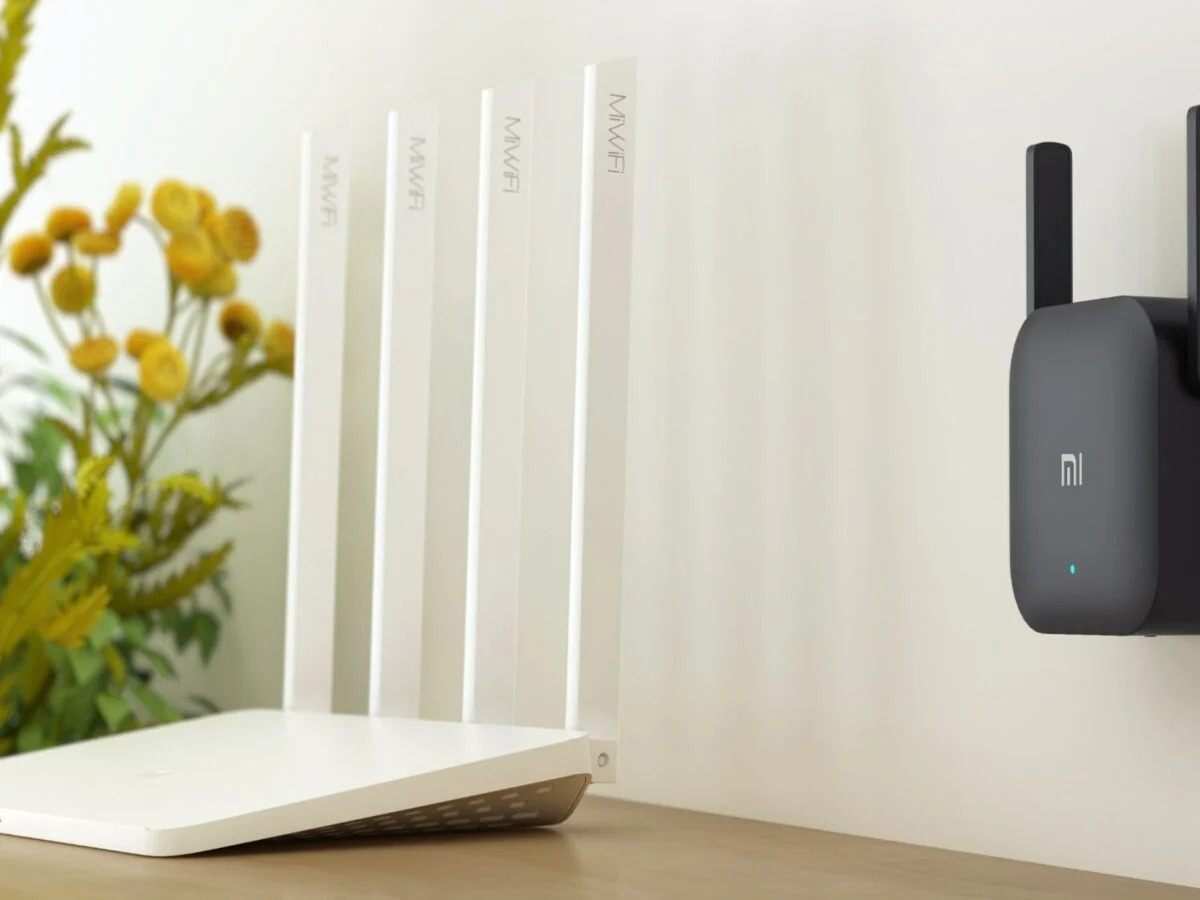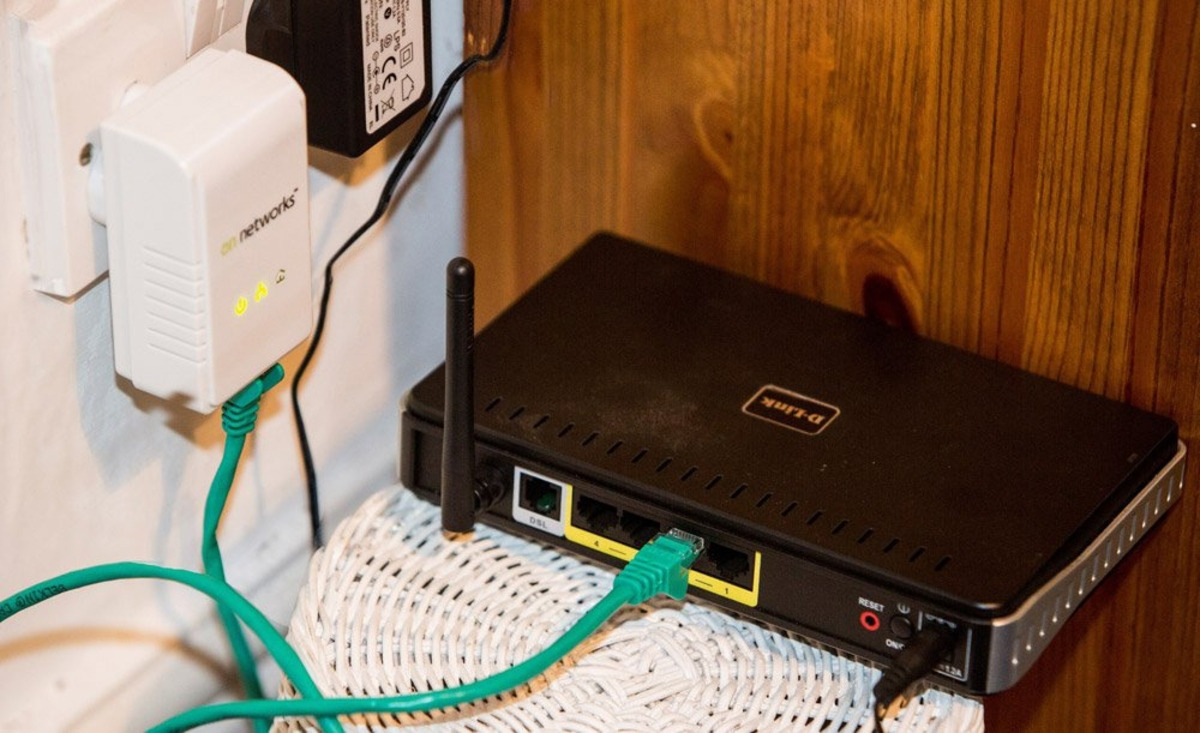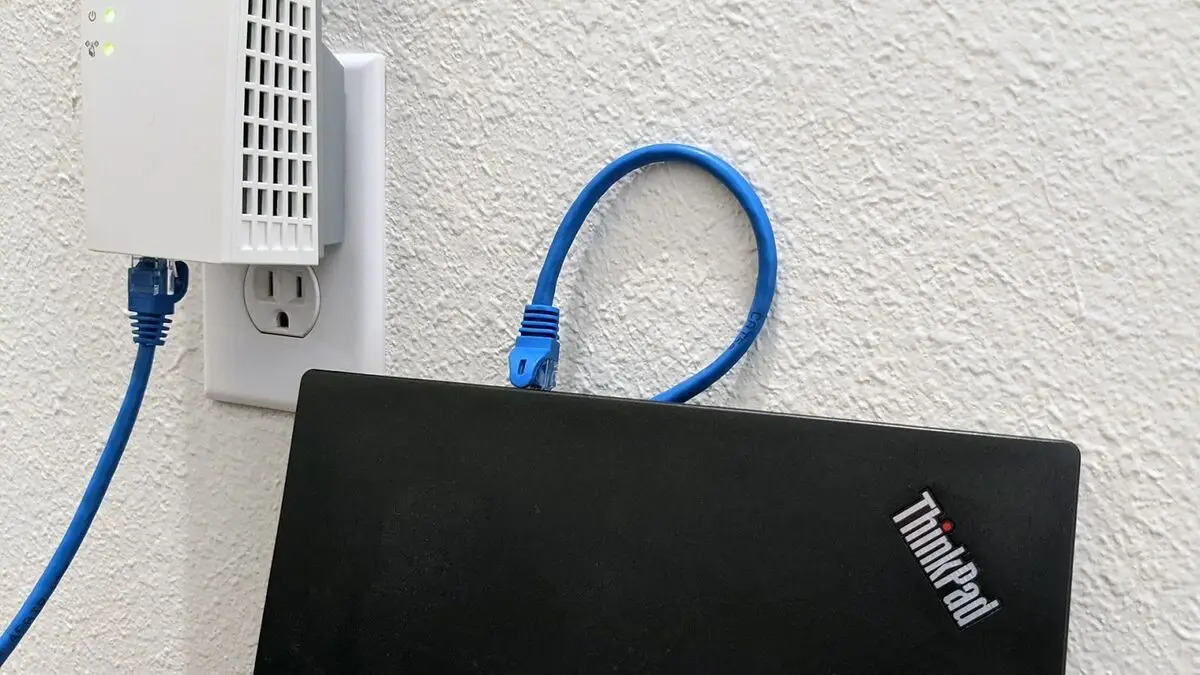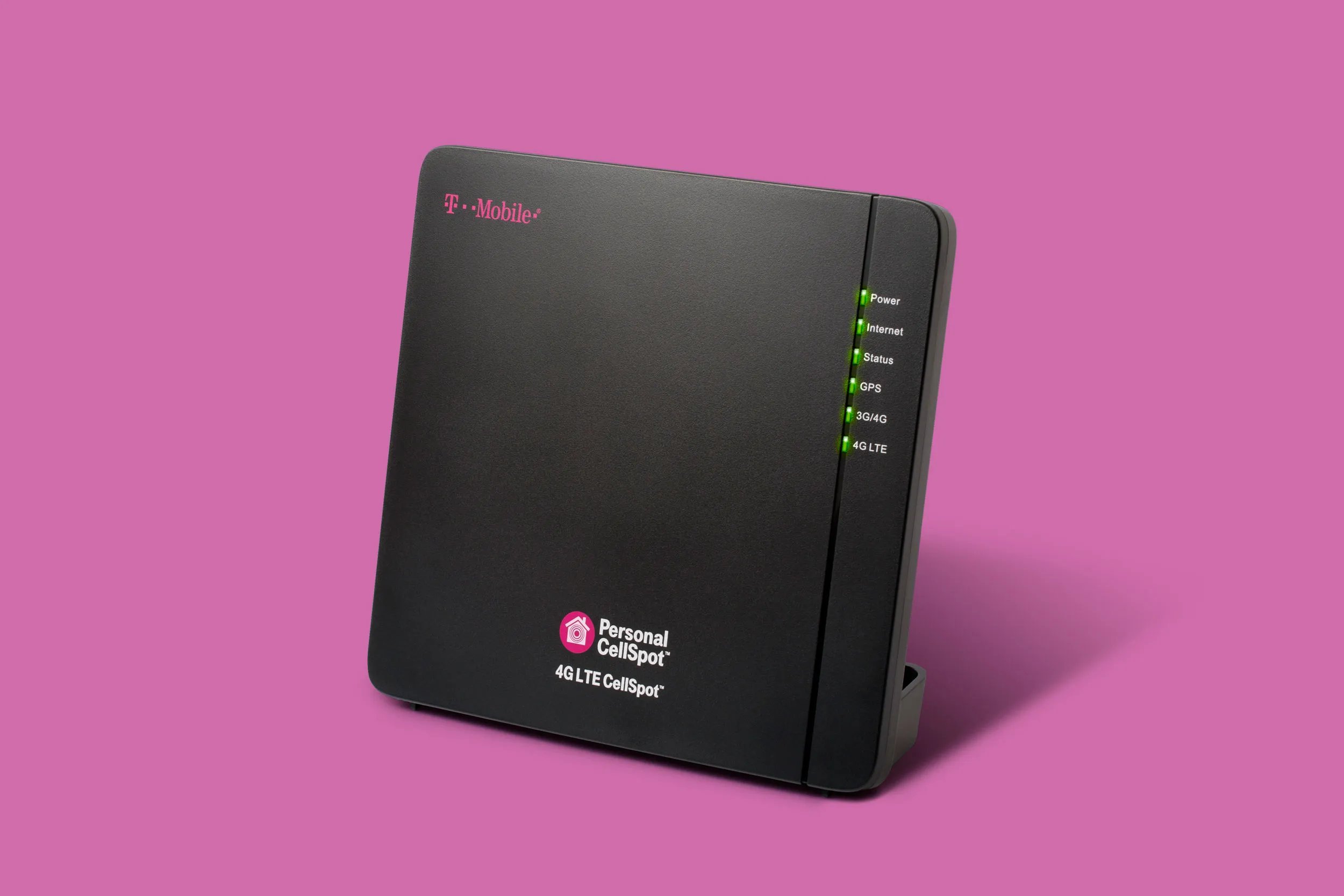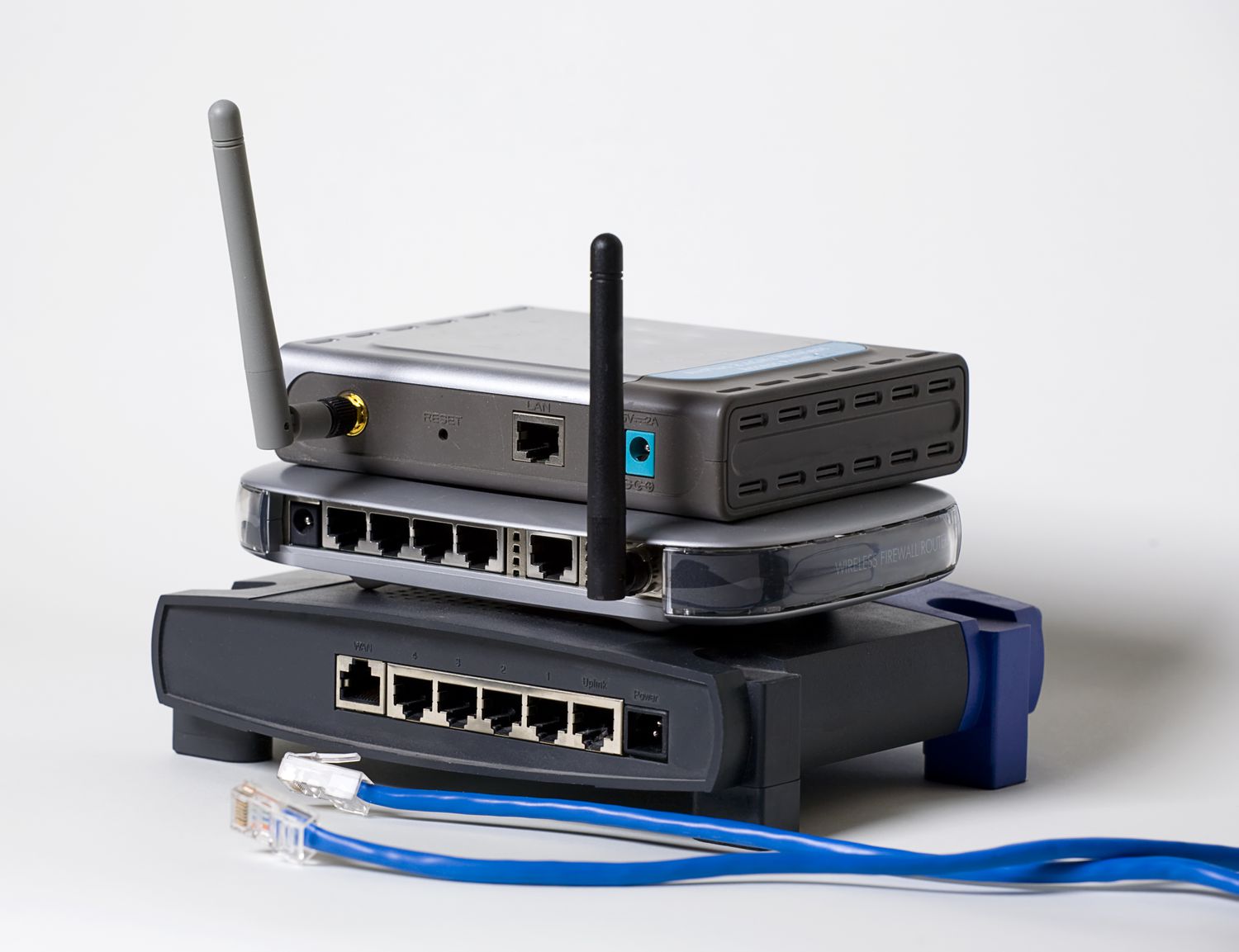
A Wi-Fi signal booster works by capturing your router's existing signal, amplifying it with a built-in amplifier, and rebroadcasting the stronger signal to extend coverage into dead zones. This process effectively creates a second network or extends the original one, allowing devices farther from the router to maintain a stable connection.
Why Wi-Fi signals weaken in the first place
Wi-Fi signals naturally degrade as they travel. Common obstacles like walls, floors, and ceilings absorb or reflect radio waves, reducing signal strength. Distance from the router is another major factor: the farther you are, the weaker the signal. Interference from neighboring Wi-Fi networks, cordless phones, microwaves, and other electronic devices operating on the same frequency band can also cause signal drops and slower performance. These factors create the dead zones that a signal booster is designed to fix.
Types of Wi-Fi signal boosters
There are three main categories of Wi-Fi signal boosters, each approaching signal extension differently. A plug-in range extender is a compact device that plugs directly into a wall outlet. It receives the existing Wi-Fi signal, amplifies it, and rebroadcasts it to nearby areas. A mesh Wi-Fi system uses multiple access points placed throughout the home that work together to create a single, seamless network, automatically routing your connection through the strongest node. An outdoor booster is a weatherproof device designed to extend Wi-Fi coverage to patios, gardens, or other outdoor spaces, typically mounted on a wall or pole.
What a Wi-Fi signal booster does not do
A Wi-Fi signal booster does not increase the speed of your internet plan. If your ISP provides a slow connection, the booster cannot make it faster. It also cannot fix issues caused by your internet service provider, such as outages or throttling. Finally, a booster does not replace the need for a functioning router; it requires an existing Wi-Fi signal to amplify and extend.
How your phone connects to the boosted network
Once your booster is set up, connecting your phone is the same as joining any Wi-Fi network.
On iPhone
- Open Settings and tap Wi-Fi.
- Tap the network name of your booster or extended network to join.
- If you need to manage known networks, tap Edit to view them. Tap the detail button (an "i" in a circle) next to a network to change settings like Forget This Network, Private Wi-Fi Address, Low Data Mode, or DNS. You can also find options for Limit IP Address Tracking, HTTP Proxy, and Use Connectivity Assist.
- To control how your iPhone joins networks, go to Settings > Wi-Fi > Ask to Join Networks and choose Off, Notify, or Ask.
- For personal hotspots, go to Settings > Wi-Fi > Auto‑Join Hotspot and choose Never, Ask to Join, or Automatic.
On Android
- Open Settings and go to Network & internet, then tap Internet.
- Tap the listed network name you want to join.
- If you cannot find a network-related option, use the search function in Settings.
Benefits of using a Wi-Fi signal booster
Using a Wi-Fi signal booster improves signal strength and coverage, eliminating dead zones throughout your home or office. This leads to enhanced network performance for activities like streaming video and online gaming, with fewer interruptions. A booster also reduces interference from obstacles and other devices, providing a more stable connection. Flexible placement options let you position the booster wherever coverage is needed most, whether in a specific room or an outdoor area.
Frequently Asked Questions
What is a Wi-Fi signal booster?
A Wi-Fi signal booster, also known as a range extender or repeater, is a device that amplifies and extends your router's Wi-Fi signal to improve coverage in areas with weak or no connectivity.
How do I install a Wi-Fi signal booster?
Place the booster within range of your existing Wi-Fi signal, plug it into a power source, and follow the manufacturer's instructions to connect it to your router. Some boosters use a WPS button for quick setup, while others require a software configuration.
What factors should I consider when choosing a Wi-Fi signal booster?
Consider the range of amplification, compatibility with your router, the number of devices it can support, and features like dual-band support or Ethernet ports. The size of the area you need to cover also matters.
Can a Wi-Fi signal booster improve my internet speed?
A Wi-Fi signal booster does not directly increase your internet plan's speed. It can improve the reliability and range of your connection, which may result in faster perceived performance in areas that previously had weak signals, but it cannot fix slow speeds caused by your ISP.
For the wider topic, see connect wireless extender.
Related reading: What Is A Cell Phone Signal Booster And How Does It Work? and How To Use A TV Signal Booster.