You cannot delete a phone number from Uber without replacing it or deleting your entire account. Uber does not offer a documented "delete phone number" option, so the only ways to remove a phone number from Uber are to update it to a new number or to delete the account entirely.
Can you delete a phone number from Uber?
The direct answer is no. Uber's help pages document only two paths related to phone numbers: updating the number in the app or deleting the whole Uber account. There is no standalone feature for removing phone numbers from accounts without either replacing the number or deleting the account.
How to update your phone number in the Uber app
If you have a new number and want to replace the old one, Uber's documented steps for rider accounts are as follows:
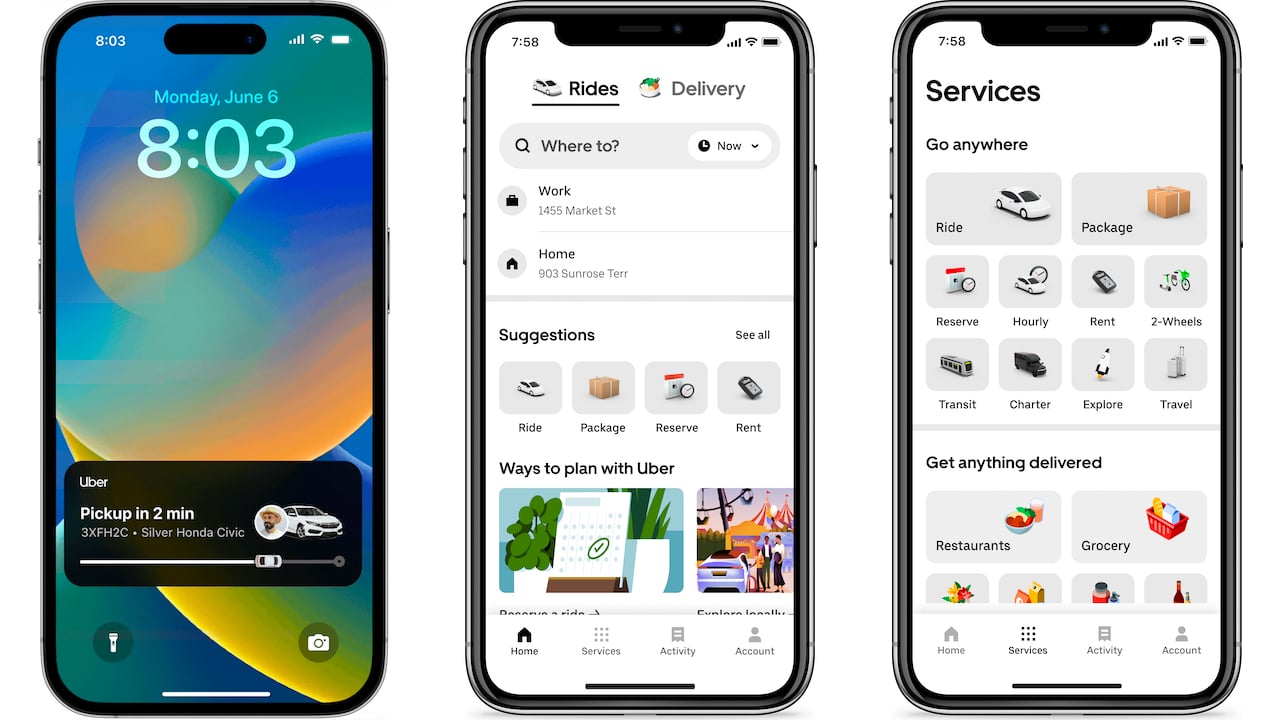
- Open the Uber app and go to the Account section.
- Tap your photo or scroll down to Settings.
- Select Personal Info.
- Update your phone number and select Save.
- If prompted, enter the SMS verification code sent to your new number to confirm the change.
Uber also documents an alternate path in the rider app: tap the account icon in the lower right corner, tap Setting, then tap the bar showing your name, phone number, and email. Make your changes and tap Update. Both methods require SMS verification to complete the change.
What to do if you lost access to your old phone number
If you cannot access the phone number on your account, Uber provides a recovery flow:
- Open the Uber app.
- On the Get Started page, select Changed your mobile number? below the Mobile Number box.
- Follow the verification and update prompts to link a new number to your account.
If the in-app recovery option does not work, Uber directs users to use the support form on its help page to regain access and update the number.
How to delete your Uber account to remove your phone number
If you want the phone number removed entirely and do not want to replace it, the only documented option is to delete your Uber account. To do this in the app:
- Go to Account > Settings > Privacy.
- Select Account Deletion and follow the prompts.
Account deletion is also available through Uber's privacy portal on the web. Note that Uber may require a phone number attached to the account for identity verification during the deletion process. Deletion is blocked if there is an outstanding payment on the account. Deleting a phone number from Uber does not delete your entire account; account information, ride history, and payment methods remain intact.
Troubleshooting phone number changes on Uber
Several verified issues can arise when trying to update a phone number on Uber:
- SMS code not arriving: Phone number changes require an SMS verification code entered in the app. If the code does not arrive, check network connectivity and try again. Check spam or junk folders for the verification code if it is not received.
- Browser updates not supported for riders: Phone number updates for rider accounts cannot be done from a browser. They must be performed in the Uber app.
- Outstanding payments blocking deletion: Account deletion is blocked if there is an unpaid balance. Resolve any payments before attempting deletion.
- Lost access to the number: If you cannot sign in because you no longer have the old number, use the Changed your mobile number? flow or the support form.
- Multiple accounts with the same number: If you have multiple Uber accounts with the same phone number, you may encounter difficulties deleting the number from a specific account and need to contact Uber's customer support.
- Number still visible after update: After deleting the phone number, try logging out and back in to see if the change has taken effect; if the number is still visible, contact support.
Frequently Asked Questions
Can you delete a phone number from Uber without replacing it?
No. You must either update the number to a new one or delete the entire account.
Can you use Uber without a phone number?
No. A phone number is required to create and use an Uber account. It is used for verification, ride communication, and contacting drivers. You can change the number but cannot remove it entirely without deleting the account.
What happens to ride history after account deletion?
Deleting your Uber account removes your account data, including ride history. Past rides are linked to your account, not your phone number, so deleting the number alone would not affect ride history, but deleting the account removes it.
Where is the phone number setting in the app?
Uber documents the setting under Account > Settings > Personal Info for the primary path, or by tapping the bar showing your name, phone number, and email from the Setting menu.
Can I update my phone number from a computer?
No. Uber says phone number updates for rider accounts must be done in the app, not from a browser.
Related reading: How To Recover Uber Account With New Phone Number and How To Remove Phone Number From Uber Eats.