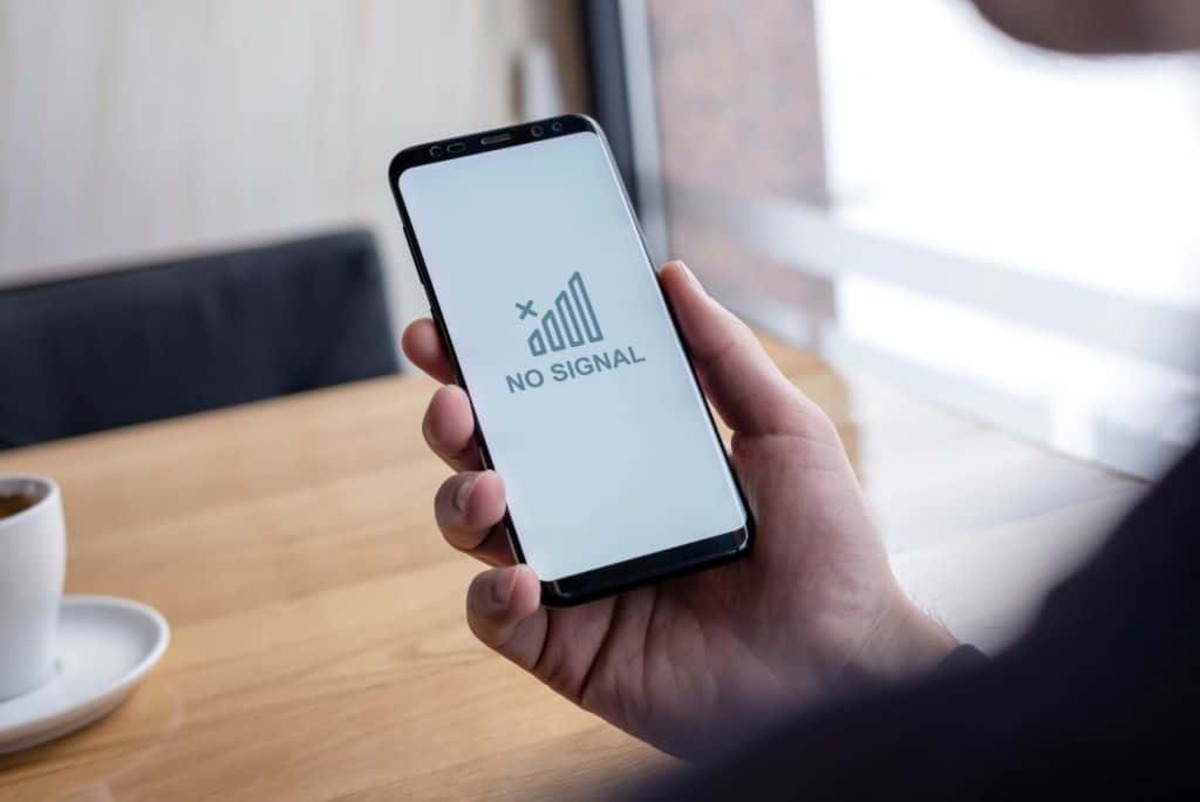
Finding someone's location by cell phone number alone, in real time, is not possible for regular users without their explicit consent or legal authorization. Any website or app that claims to track a phone by number alone is a scam and should not be trusted.
Can you find someone's location by cell phone number?
A phone number acts as an identifier, not a real-time tracking beacon. Location data relies on the device's GPS, Wi-Fi, and cellular connections, along with user permissions. Websites or apps that claim to track a phone by number alone are typically scams and should not be trusted.
The only safe way to share locations: built-in phone features
Consent-based location sharing is the only legitimate method to know someone's location. Both Android and iOS devices have built-in tools designed for this purpose. For real-time location updates, these sharing features require the device to be powered on and have an active internet connection, though the last known location may be available if the device is offline. Both Apple's Find My network and Google's Find My Device can locate devices even when they are offline, utilizing crowdsourced networks.
How to share your location with Google Maps
Google Maps location sharing works on both Android and iOS. To share your location, open the Google Maps app, tap your profile icon, select "Location sharing," tap "New share," choose a duration, select the contact, and tap "Share." Duration options range from 15 minutes to "Until you turn this off."
- Open the Google Maps app.
- Tap your profile icon.
- Select "Location sharing."
- Tap "New share."
- Choose a duration.
- Select the contact.
- Tap "Share."
To stop sharing your location, open Google Maps, tap your profile icon, select "Location sharing," tap the profile of the person you no longer want to share with, and tap "Stop."
For Android's Find My Device to work, the feature must already be active on the target device beforehand; enable it via Settings > Security > Find My Device. Find My Device only runs on Android 4.0 Ice Cream Sandwich or later. Find My Device extra features include locking and erasing the phone's data remotely, with customized messages and numbers on the lock screen.
Google Maps Pro Tip: switch to Indoor Maps to boost accuracy when searching for someone in an enclosed area.
How to share your location with Apple Find My
Find My iPhone is built into iOS and does not require a download from the App Store; track via iCloud.com or by logging into iCloud on any iPhone, iPad, or iPod Touch. To enable Find My on your device, go to Settings, tap your name, tap Find My, and turn on "Find My device." Also turn on "Find My network" for offline finding and "Send Last Location" for low battery situations.
- Go to Settings.
- Tap your name.
- Tap Find My.
- Turn on "Find My device."
- Turn on "Find My network."
- Turn on "Send Last Location."
To share your location with a person, open the Find My app, tap the "People" tab, tap "Start Sharing Location," enter their contact, and choose a sharing duration such as "Share for One Hour," "Share Until End of Day," or "Share Indefinitely."
To stop sharing with everyone, open the Find My app, tap the "Me" tab, and turn off "Share My Location." To stop sharing with a specific person, tap the "People" tab, select their name, and tap "Stop Sharing My Location."
How to use Samsung SmartThings Find
To enable this feature, go to Settings, tap Samsung Account at the top of the menu, tap "Find My Mobile" or "Lost device protection," and ensure "Allow this phone to be found" is turned on.
- Go to Settings.
- Tap Samsung Account.
- Tap "Find My Mobile" or "Lost device protection."
- Turn on "Allow this phone to be found."
To locate a device, visit smartthingsfind.samsung.com in a web browser, sign in with your Samsung account, and select the desired device from the list to view its location on a map.
What you can actually find with a phone number
Reverse phone lookup services typically provide general information like region, carrier, or number type, not real-time GPS coordinates or exact addresses. CNAM lookups can identify a caller's registered city and state, along with the owner's name. CNAM lookup drawback: if the person uses a CNAM blocker, the call will not be identified since this feature hides the caller's name and phone number. CNAM lookup drawback: robot-operated or unknown calls do not show any details of the phone number. Whitepages can reveal a home address associated with a phone number, but this is not real-time location data. These services are useful for verifying who called or finding a general area, but they cannot provide the current location of a person. Localize service claims to send an SMS link to the target number; tracking begins only after the receiver taps the link and approves the request. Spyera claims to use Wi-Fi connection to obtain location if the target device doesn't have GPS.
How to identify a phone's IMEI number
The IMEI is a unique 15-digit number for every mobile device. To find it, dial *#06# on the phone, regardless of the model. Alternatively, go to Settings, tap General, tap About, and scroll down to view your IMEI.
- Dial *#06# on the phone.
- Or go to Settings.
- Tap General.
- Tap About.
- Scroll down to view your IMEI.
IMEI tracking option: your cell phone provider can track the phone using the IMEI; you may have to wait hours or days depending on the company. IMEI tracking option: download an IMEI tracker app from Google Play Store or Apple App Store, or use a web-based IMEI tracker with no download needed.
Now you know the truth about phone number tracking
Safety and consent are paramount. The built-in sharing tools on your phone are the only reliable way to know someone's location. When it comes to tracking a phone location, understanding the different phone location tracking methods helps you avoid scams and use legitimate tools that respect privacy. Always get permission before attempting to locate someone.
Frequently Asked Questions
Can I track a phone number without the person knowing?
No. Real-time location tracking without consent is not possible for regular users. Legitimate methods like Google Maps and Apple Find My require the person to actively share their location.
What if the phone is turned off?
If the phone is powered off, real-time location sharing stops. However, both Apple's Find My network and Google's Find My Device can show the last known location before the device went offline.
Are there any free phone number tracker apps that work?
No. Apps or websites that claim to track a phone by number alone for free are scams. The only free and reliable methods are the built-in location sharing features on your phone.
Can I use an IMEI number to track someone's location?
No. An IMEI number identifies the device, not its real-time location. Your cell phone provider can use it to help locate a lost or stolen phone, but this requires legal authorization and is not available to the general public.
How do I know if someone is sharing their location with me?
On Google Maps, you will see their icon on the map. On Apple Find My, they will appear under the "People" tab. Both apps notify the person when they start or stop sharing.