To make a song your ringtone Android, you use the device’s settings or the Files by Google app to select any local audio file. The exact steps depend on your phone’s manufacturer and Android version, but the core process is the same: choose the song from your storage and assign it as the ringtone.
How to make a song your ringtone on Android
Personalizing your Android device with a custom song ringtone is straightforward using the official methods built into the operating system. Android provides documented paths through the system settings and the Files by Google app, while Samsung phones offer a slightly different menu layout. The following methods cover the supported ways to set a local audio file as your phone’s ringtone.
Use the default settings on stock Android or Pixel
On stock Android and Pixel-style interfaces, the documented path is through the system settings. This method lets you choose from your stored audio files directly.
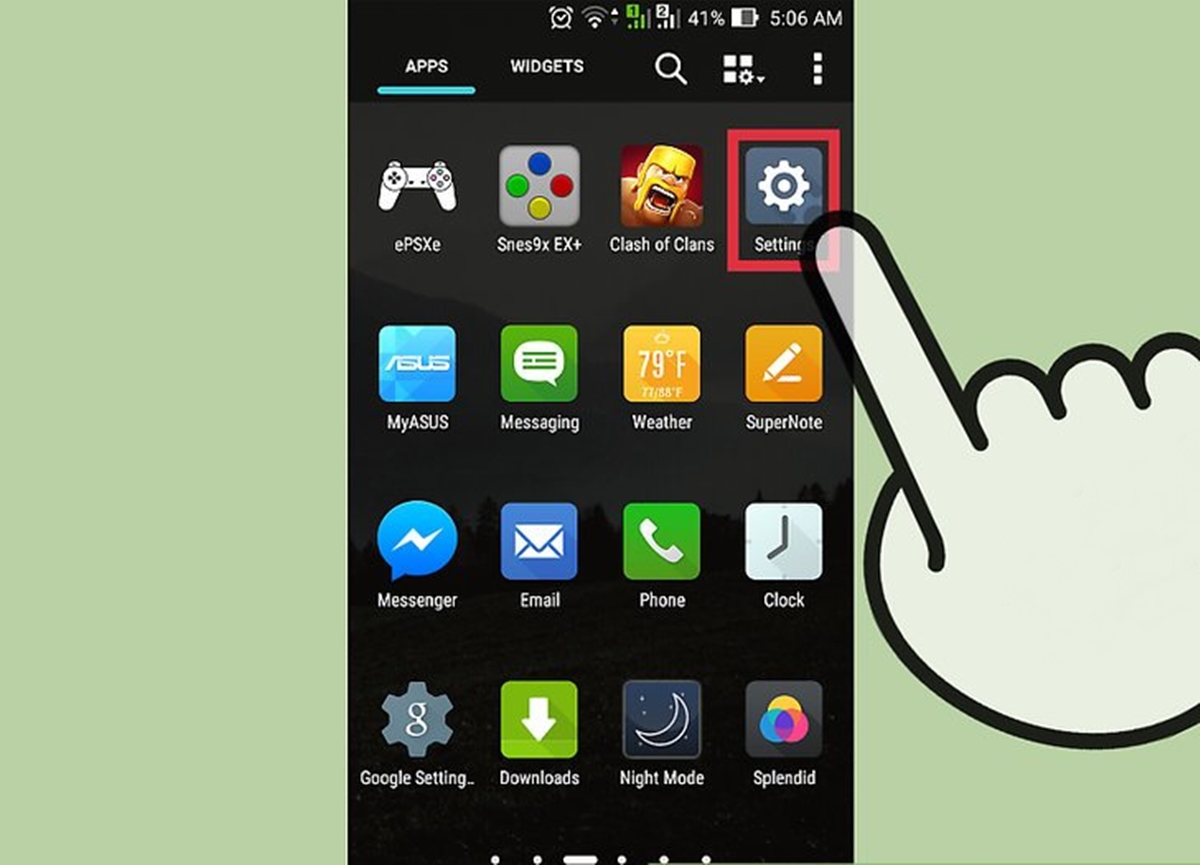
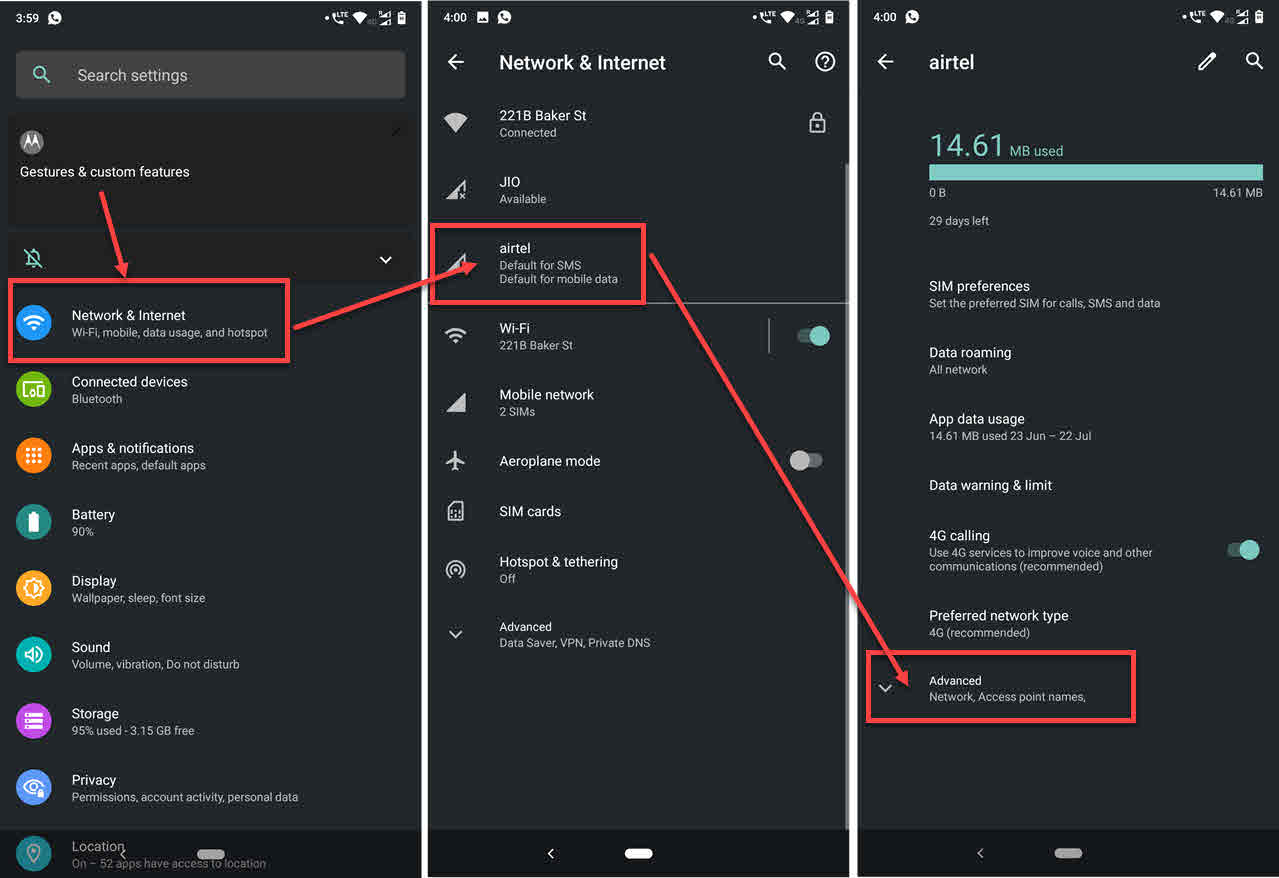
- Open the Settings app.
- Tap Sound & vibration.
- Tap Phone ringtone.
- Choose the song from the list of available ringtones. If your song does not appear, it may need to be placed in the Ringtones folder first using a file manager.
- Tap Save if that button appears.
Use the default settings on a Samsung phone
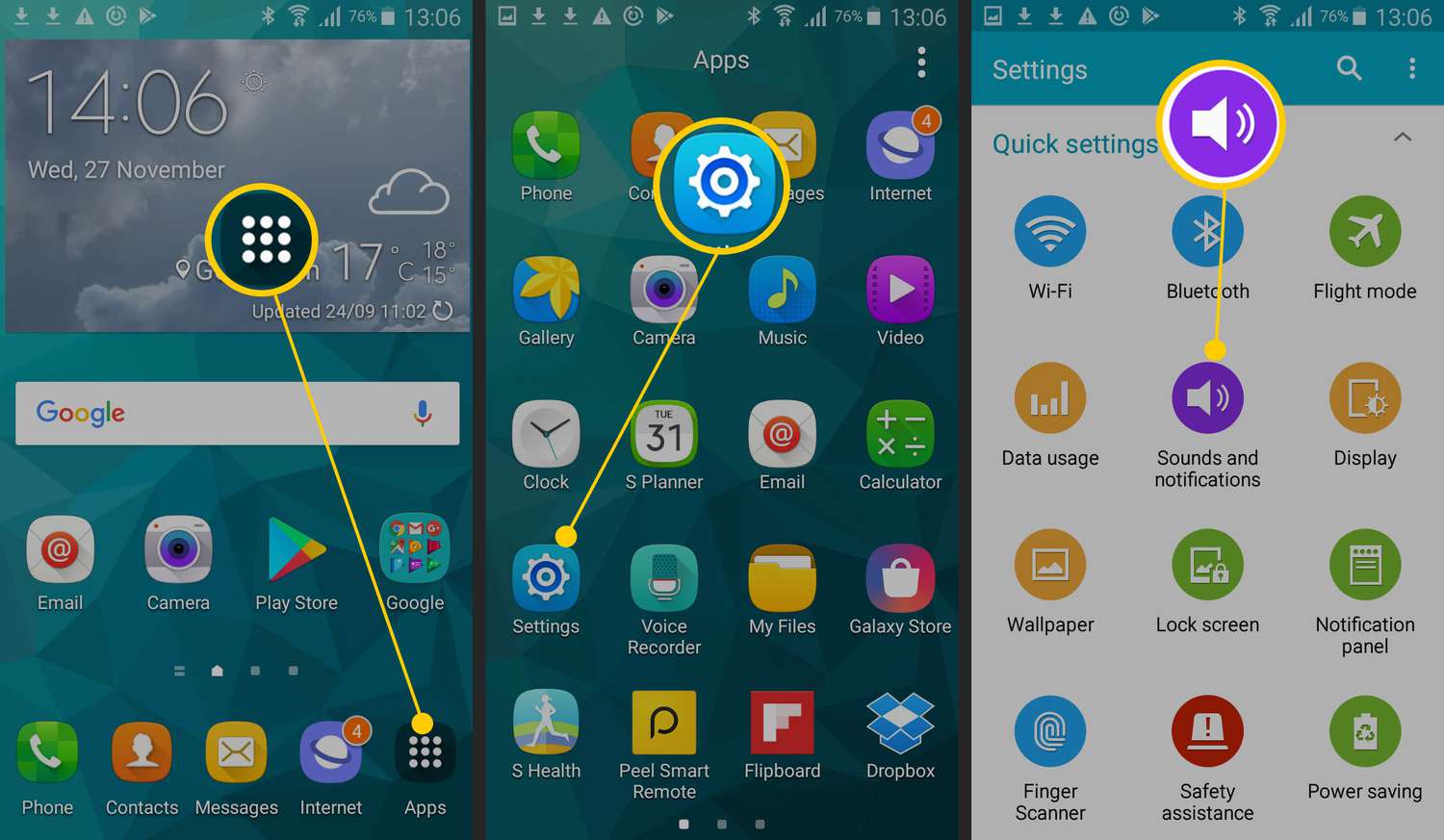
On Samsung phones, the menu names differ from stock Android. The documented path uses the + (or Add) icon to import a custom song. Note that wording may vary slightly by model and One UI version: some pages describe My Sounds and a Save button, while others describe + and an imported Custom section.
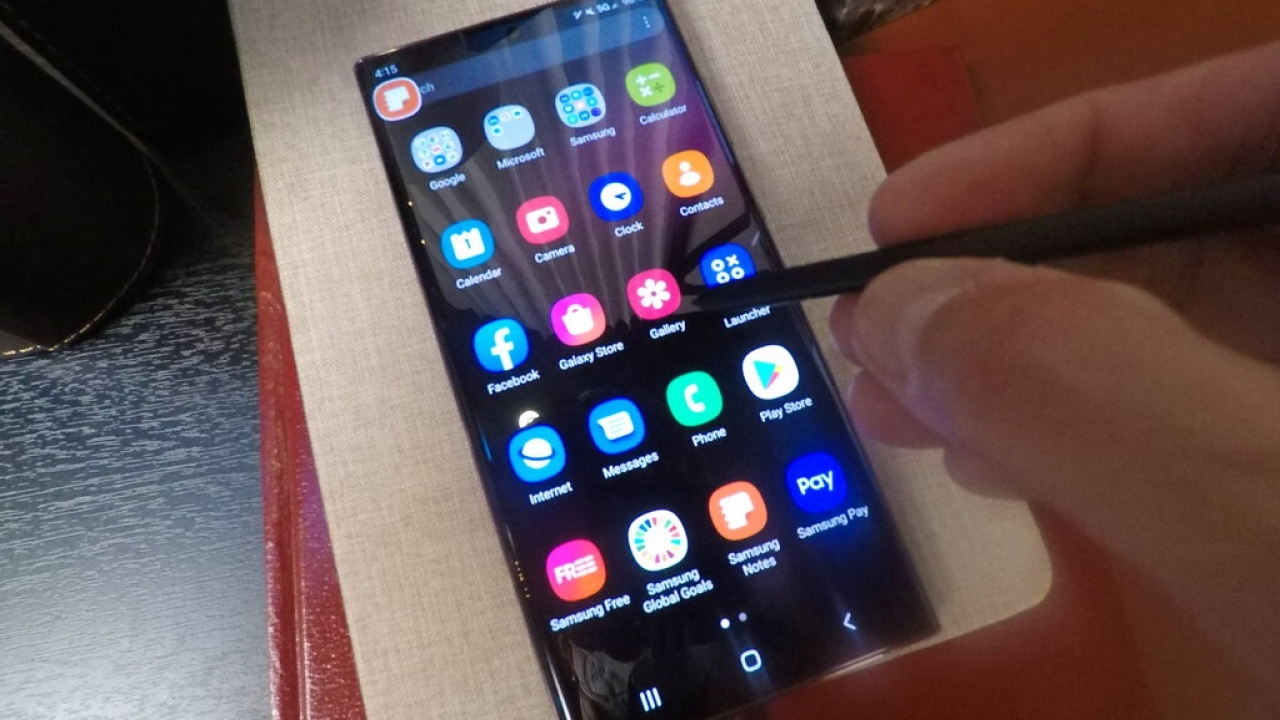
- Open Settings.
- Tap Sounds and vibration.
- Tap Ringtone.
- Tap the + icon (or Add).
- Choose the audio file stored on your phone.
- Tap Allow if prompted. The song will appear in a Custom section.
Use the Files by Google app
Google’s own Files by Google app provides an official method for setting any local audio file as a ringtone on Android devices. This works regardless of your phone manufacturer.
- Open the Files by Google app.
- Go to Categories.
- Tap Audio.
- Play the file you want to use.
- Tap More (the three-dot menu).
- Tap Set as ringtone.
- Tap Continue.
- Turn on Allow modify system settings when prompted.
Trim a song with a ringtone maker app
If you want only a specific part of a song as your ringtone, you can use a ringtone maker app to trim the audio before setting it. This is a common supplementary step, though it is not an officially documented method on Android support pages. The equivalent official method on iPhone uses GarageBand, but on Android you can download a ringtone maker app from the Play Store, select the song, trim it to your desired length, save it, and then use one of the settings or Files by Google methods above to assign it. Examples of such apps include Ringdroid, Zedge, and Audiko.
Frequently Asked Questions
Can I make any song my ringtone on an Android device?
Yes, you can make any song your ringtone on an Android device as long as it is stored as a local audio file.
Can I use a specific part of a song as my ringtone?
Yes, trimming is possible using a ringtone maker app to select only the portion you want.
What audio file types are supported for ringtones on Android?
Google’s support pages do not list specific file formats beyond “audio file.” Common formats like MP3, M4A, and WAV generally work, but your device may vary. The Files by Google method accepts whatever audio files the app can play.
Is there a maximum length for a song used as a ringtone?
Neither Google nor Apple document a maximum song length for ringtones in their support pages. Most Android devices will play the full song as the ringtone, though very long files may stop after a certain duration depending on the phone model.
Can I set a different song ringtone for specific contacts?
Yes. Open the Contacts app, tap the contact, tap Edit, then tap Ringtone. Choose a custom ringtone from your list. This feature works on both Android and iPhone; on iPhone you assign the ringtone through the same Contacts edit flow.
Does Spotify mobile features allow setting a song as a ringtone?
Spotify mobile features do not include an official option to set a song as a system ringtone. To use a song from streaming services, you must download it as a local audio file first, then use the settings or Files by Google method.
Will these methods work on any Android phone?
The supported steps differ by Android skin and manufacturer. Stock Android, Pixel, and Samsung devices have documented settings paths, while other brands may use different menu names. The Files by Google method works on any Android device with that app installed.
Related reading: How To Find Phone Storage On Android and How To Move Photos To SD Card On Android.