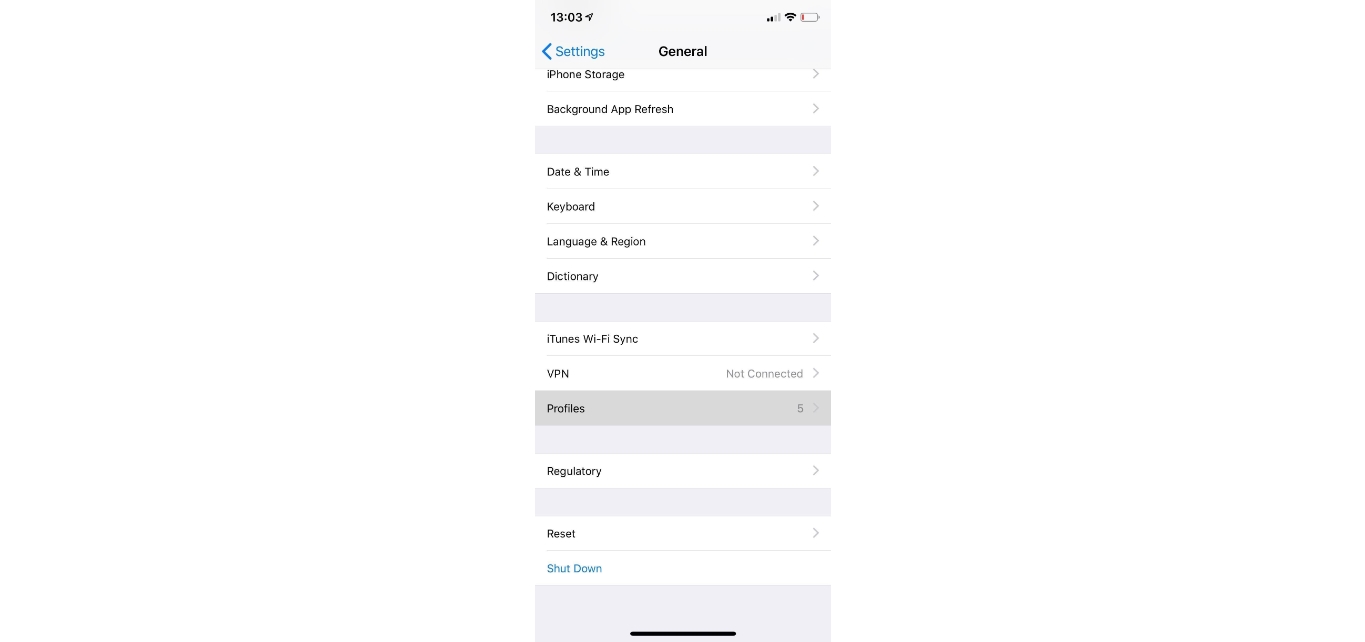
To close mobile device management on iPhone, open Settings > General > VPN & Device Management, tap the management profile, and choose Remove Management if the option appears. If that button is missing, Apple states the profile was likely installed by an organization and must be removed by that organization, not from the device itself.
How to close mobile device management on iPhone
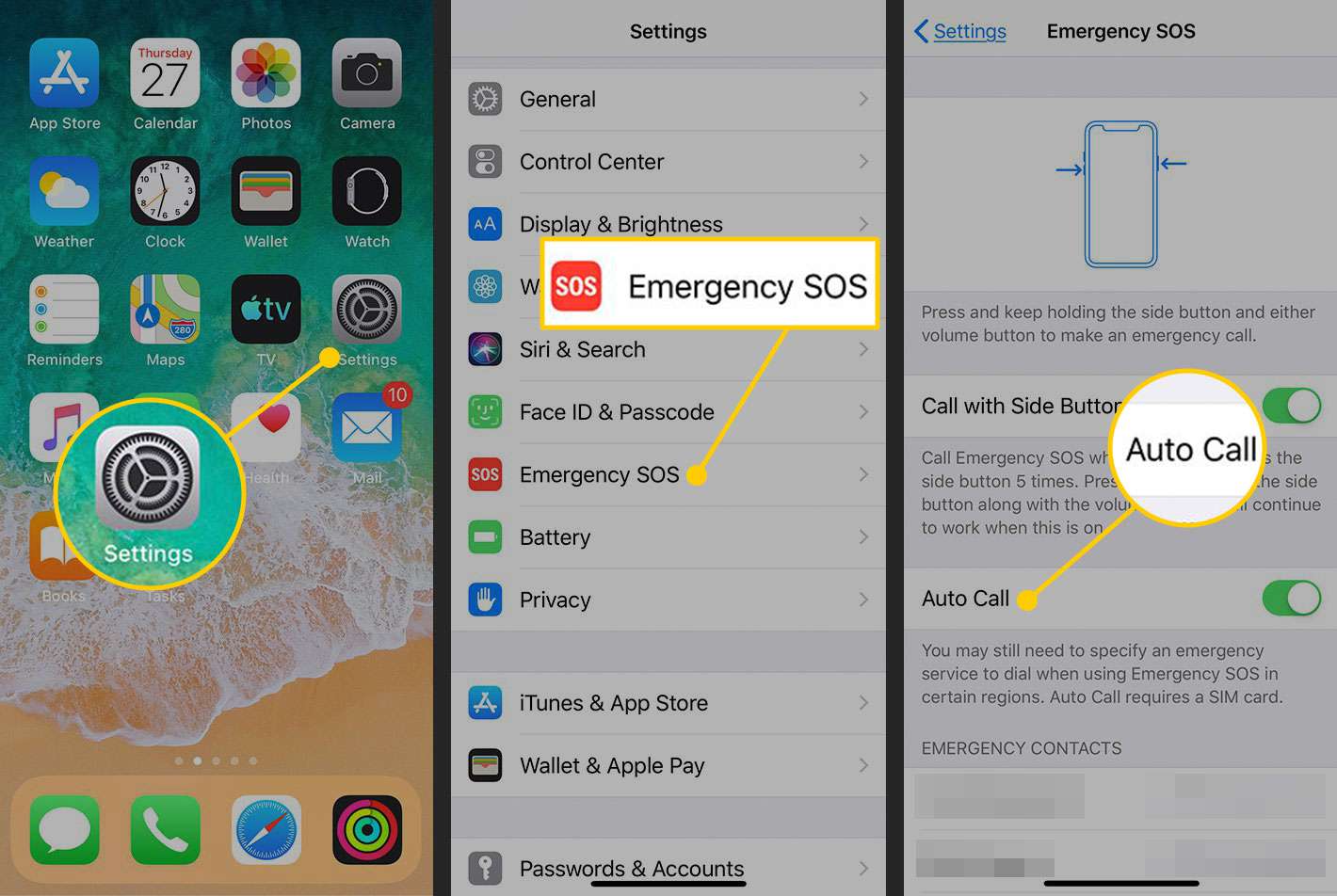
- Open Settings > General > VPN & Device Management.
- Tap the installed management profile if it is shown.
- Tap Remove Management if the option appears.
- Enter your iPhone passcode if prompted.
Apple’s documented path is Settings > General > VPN & Device Management. Older community answers may call this section Device Management or Profiles, but the official Apple page uses VPN & Device Management. Apple says you may be able to delete a configuration profile only if the person or organization that installed it allows removal.
What if the Remove Management button is missing?
If Remove Management does not appear or is blocked, Apple says the profile may have been installed by an organization and must be removed by that organization. A configuration profile can be deleted only if the installer allows it. When the option is unavailable, Apple indicates the organization that installed the profile may need to remove the device from its system before you can delete the profile on your own.
Contact your IT administrator
If the MDM profile was installed by an employer, school, or other organization, Apple says the organization that installed it may need to remove it. Reach out to your IT department or the administrator responsible for managing the device. They can remove the profile from their management console, which is often the only way to clear the profile when the on-device removal option is blocked. If your iPhone is enrolled in an MDM program mandated by your employer or organization, you may need to contact their IT department or administrator for assistance in removing it.
Reset network settings
If you see this step suggested elsewhere, it is not supported by the official sources and should not be relied on to close mobile device management on iPhone. Reset Network Settings action resets Wi-Fi networks, VPN configurations, and cellular settings.
Erase all content and settings
Apple’s profile-removal guidance still points to the organization that installed the profile when removal is blocked, so wiping the device does not replace that requirement. Back up important data before erasing all content and settings.
Supported devices and versions
Apple’s reviewed guidance applies to iPhone and iPad devices that can show Settings > General > VPN & Device Management. Google’s reviewed guidance applies to Android devices with a work profile managed through Google’s Android Enterprise or Android Device Policy setup. The reviewed pages do not list a model-by-model support matrix or a minimum iOS or Android version for profile removal.
Documented limits
Google’s Android help adds that removing a work profile deletes the apps and data inside that work profile, which is a separate process from iPhone MDM removal.
Frequently Asked Questions
Can MDM be removed from an iPhone in Settings?
Yes, if the profile allows removal. Use Settings > General > VPN & Device Management and tap Remove Management when it appears.
What if the Remove Management button is missing?
Apple says the organization that installed the profile may have to remove it. Contact your IT administrator or the organization that manages the device.
Does erasing the iPhone remove MDM?
Can MDM be re-enabled after closing it?
Yes, if your organization re-enrolls the device. You will need the enrollment details or re-enrollment instructions from your employer or administrator.
Will closing MDM affect my device's functionalities?
Removing the profile may remove security policies, restrictions, or managed apps the organization imposed. Removing MDM may result in loss of certain features or restrictions imposed by the MDM server. If the device is company-owned or required for work, check with your IT department before removing it.
What is MDM used for?
MDM is often used by organizations to enforce security policies and monitor devices.
For the wider topic, see freeing up phone storage space.
Related reading: How To Unzoom IPhone and How To Brighten IPhone Screen.