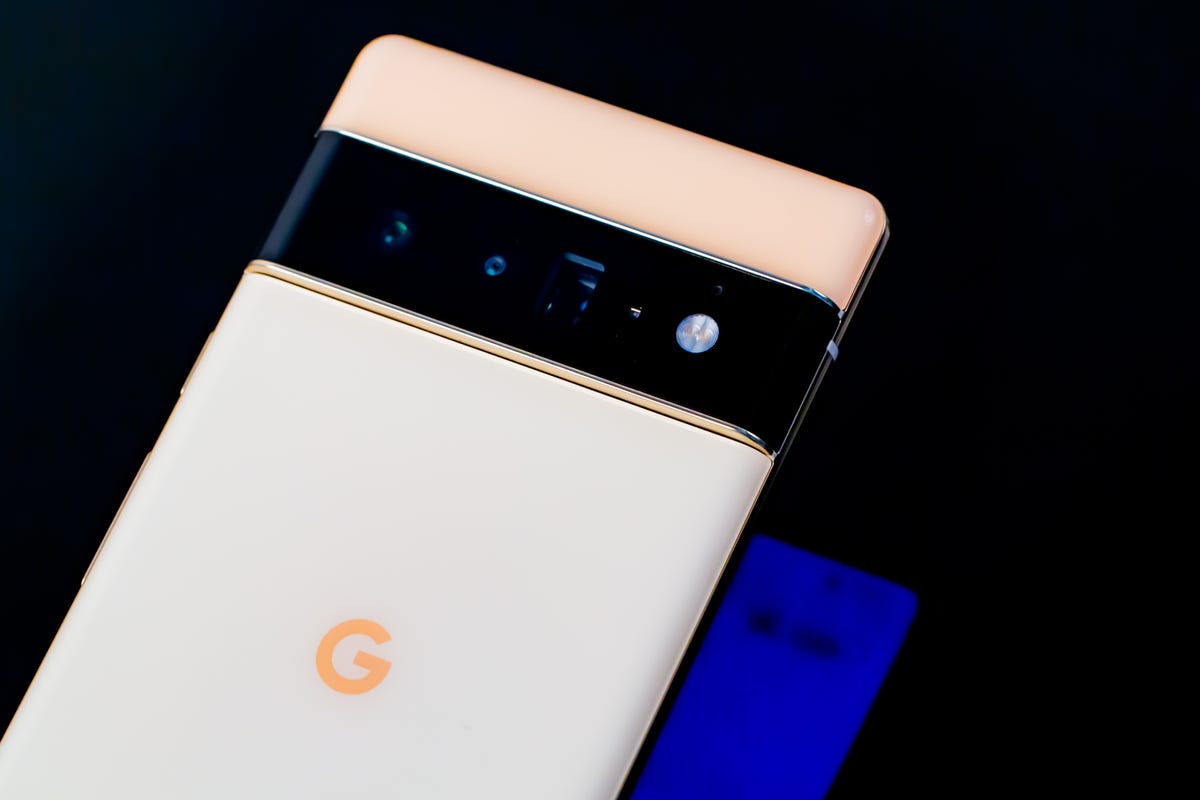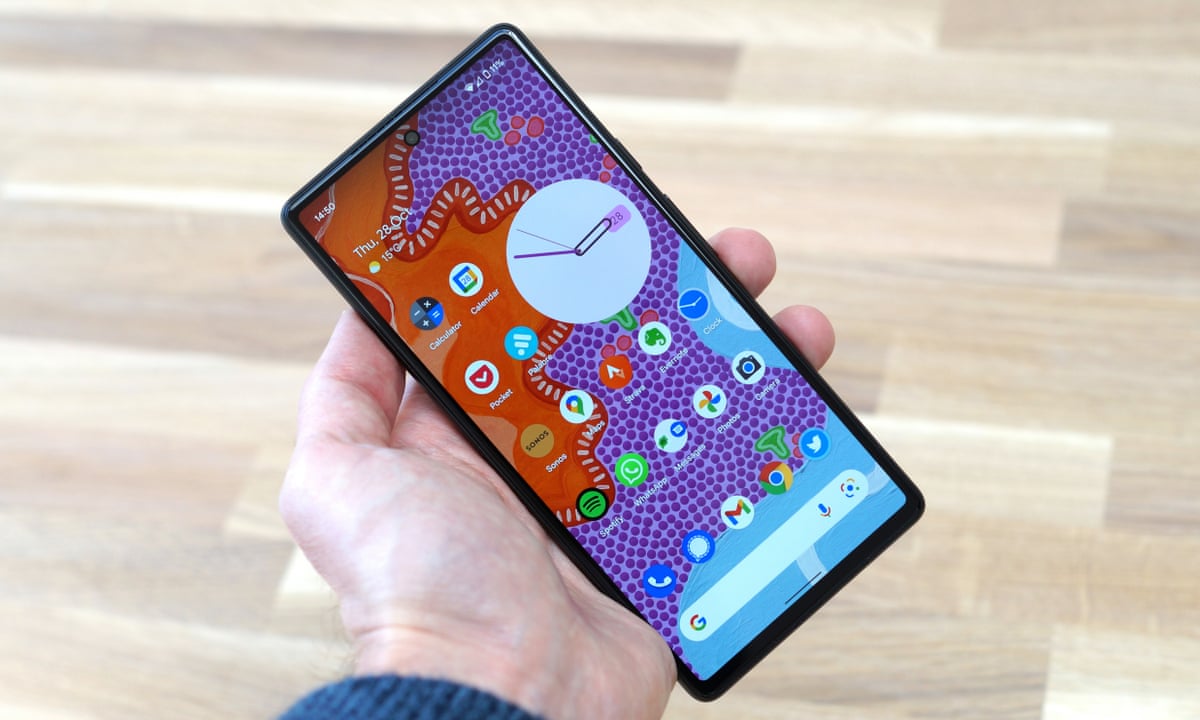
The black dot on your Pixel 6 screen is a hardware display defect, most likely a dead or stuck pixel, not a software feature or the front-facing camera cutout. This means the dot is a physical issue with the screen itself, and understanding that is the first step to diagnosing whether it can be fixed.
What the black dot on your Pixel 6 screen really is
The black dot is a hardware display defect, typically a dead pixel. It is not a normal part of the phone's design, a setting you can enable, or a sensor. If you see a fixed, unmoving black dot on your screen, it is almost certainly a problem with the display panel itself. Google’s official support treats this as a screen appearance issue that needs to be diagnosed, not a feature you can turn on or off.
Why a black dot appears on the display
Google’s documented causes for screen spots include several possibilities. The black dot may result from:
- A cracked, chipped, or otherwise physically damaged screen.
- Interference from a case or screen protector.
- Dirt or residue on the screen surface.
- A faulty app or system issue that affects screen behavior.
For a Pixel 6 specifically, if the black dot is fixed in place and does not move, the most likely cause is a display defect rather than a software issue.
How to fix the black dot on your Pixel 6
Follow Google’s documented troubleshooting steps in order. Perform each step and check if the dot is gone before moving to the next.
- Check that the screen is not cracked, chipped, or otherwise damaged.
- Remove any case or screen protector.
- Remove gloves, stickers, or anything else covering the screen or sensors.
- Clean the screen with a soft, dry cloth.
- Restart the phone.
- Check whether a specific app is causing the problem by testing the screen in safe mode or with different apps.
- Test the affected part of the screen using the device’s built-in diagnostic tools if available.
- Turn off developer options if they are enabled.
- Install any Pixel updates by going to Settings > System > System update.
- Try a Pixel Fixer App from the Play Store that cycles colors and patterns to attempt to revive a stuck pixel.
- Apply gentle pressure to the black dot with a soft cloth for a few seconds, being careful not to press hard enough to damage the screen.
- Clear the cache partition by turning off the phone, then holding Volume Down and Power to enter recovery mode, and selecting Wipe cache partition using the volume keys.
- If the issue remains, contact the device manufacturer.
Google does not offer a setting that directly repairs a black dot, and there is no Pixel 6-specific menu item for this issue. You should also know how to interpret your phone icon symbols and indicators to rule out software notifications that might mimic a display defect.
What to do if the black dot won't go away
If the black dot remains after you have completed all the troubleshooting steps, including checking for damage and installing the latest updates, you must contact the device manufacturer. Google’s guidance is clear: contact the manufacturer for further assistance or a possible repair or replacement. Google does not provide a setting or software fix for a persistent black dot.
Frequently Asked Questions
Is the black dot on my Pixel 6 normal?
No. It is treated as a screen appearance issue that needs to be investigated.
Can I fix it with a setting change?
No. The issue is hardware-related and cannot be toggled off.
Should I factory reset my Pixel 6 to fix the black dot?
It is unlikely to resolve a hardware defect.
When should I get the Pixel 6 repaired for the black dot?
If the black dot remains after you have checked for damage, removed accessories, cleaned the screen, restarted the device, tested the screen, and installed all updates, you should contact the device manufacturer for repair options. This is the only documented course of action for a persistent dot.
Can I remove the black dot from my Pixel 6?
You can attempt to remove it using troubleshooting steps like cleaning the screen, restarting the phone, using a Pixel Fixer App, applying gentle pressure, or clearing the cache partition. If the dot persists after all steps, it is a hardware defect that requires manufacturer repair or replacement.
Does the black dot affect the screen quality of my Pixel 6?
Yes. A black dot is a visible defect that affects the affected area of the display. It can reduce clarity, block content, and may indicate underlying screen damage that could worsen over time.
Is the black dot a sign of a defect or malfunction in my Pixel 6?
Yes. A fixed black dot is a sign of a display defect or malfunction, typically a dead pixel or physical damage to the screen panel. It is not a normal software feature or notification.
Can I customize the black dot on my Pixel 6?
No. The black dot is a hardware defect and cannot be customized, moved, resized, or changed in color through any Pixel 6 setting or app.
For the wider topic, see phone icon symbols and indicators.
Related reading: 15 Impressive Phone Brands You Must Know.