It is not possible to create a second Venmo account with the same phone number. Venmo's security policy strictly requires each account to be linked to a unique phone number for verification, so attempting to reuse your existing number for a new account will be blocked during sign-up.
Can you create a second Venmo account with the same phone number?
No. Venmo allows only one account per phone number. If you try to register a new account with a phone number already in use, the app will display an error and prevent you from proceeding. This policy applies regardless of whether you use a different email address or bank account, the phone number itself must be unique.
Why Venmo requires a unique phone number for every account
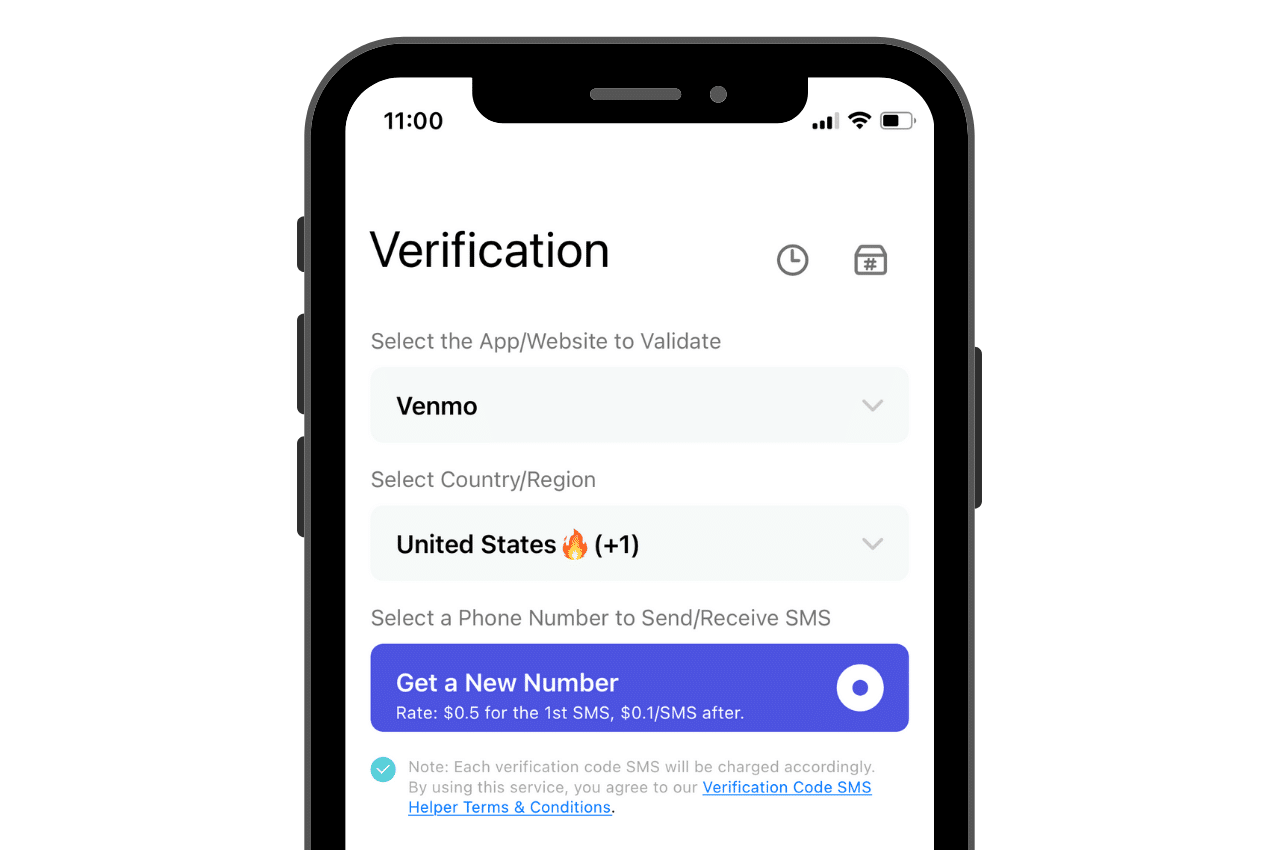
Venmo uses phone number verification as a core security measure. When you sign up or update your number, Venmo sends a verification code via text message to confirm ownership. This process links each account to a single individual, helping prevent fraud, unauthorized access, and duplicate accounts. The one-number-per-account rule ensures that every user can be reliably identified and that payment activity remains traceable.
How to legitimately set up a second Venmo account
To create a separate, policy-compliant second Venmo account, you need three new elements: a unique phone number, a unique email address, and a unique bank account or card. Follow these steps:
- Obtain a new phone number that is not already registered with Venmo. Options include a free Google Voice number, a prepaid SIM card, or an additional line from your mobile carrier.
- Create a new email address that you have not used for any Venmo account.
- Clear app data from device settings before reinstalling Venmo to ensure a fresh start for the new account.
- Open the Venmo app and tap "Sign Up." Enter the new email address and create a strong password.
- When prompted, enter your new phone number. Venmo will send a verification code via text; enter the code to confirm.
- Link a bank account or debit card that is not already associated with your existing Venmo account. Using the same payment method on both accounts is not allowed.
- Complete your profile setup and start using the second account for your separate personal or business finances.
This method fully complies with Venmo's terms of service and keeps both accounts active and secure.
What to do if your phone number is already in use on an account you can't access
If you have an old Venmo account tied to your phone number but you can no longer log in (for example, because you forgot the password or the email is lost), you must contact Venmo Support to release the number. Transfer any remaining funds or cancel any pending transactions before unlinking your phone number from an existing account. Explain the situation and provide any identifying information you can. Once Venmo confirms your identity and releases the number, you can use it to create a new account. Do not attempt to create a new account while the number is still linked to an inaccessible account, the system will block the registration.
Risks of trying to bypass Venmo's phone number policy
Attempting to bypass the one-number-per-account rule, such as by using temporary verification codes, virtual numbers that violate terms, or trying to unlink and relink the same number, carries serious consequences. Venmo monitors for policy violations, and accounts found to be in breach may be suspended or permanently terminated. Any funds in a suspended account could become inaccessible. The only safe, reliable path is to obtain a new, unique phone number and follow the legitimate setup process.
Frequently Asked Questions
Can I use a landline number for a second Venmo account?
No. Venmo requires a mobile phone number capable of receiving SMS text messages for verification. Landlines and VoIP numbers that cannot receive texts are not accepted.
What is the difference between a personal profile and a business profile on Venmo?
A personal profile is for individual use, such as splitting bills with friends. A business profile is a separate account type for merchants or freelancers, which requires its own phone number and bank account. You cannot convert a personal account into a business profile, each requires a distinct registration.
Can I manage two Venmo accounts on the same device?
Yes, you can log out of one account and log into another on the same phone. However, you must use different credentials (email and password) for each account. The app does not support simultaneous logins, so you will need to switch between them manually.
How do I update my phone number on my existing Venmo account?
If you get a new number, update it on your current account instead of creating a new one. In the Venmo app, go to Settings, then Account, and tap "Phone Number." Enter the new number and verify it via the text code. This process is separate from creating a second account and is the correct way to handle a number change.
What does "porting and releasing phone numbers" mean for Venmo?
Porting and releasing phone numbers refers to the process of transferring a number from one carrier to another or freeing it from an old account. If you port a number to a new carrier, you must update it on your Venmo account. If you want to reuse a number currently linked to an inaccessible Venmo account, you must request that Venmo Support release it before you can register it with a new account.
Can I change phone number on Venmo without losing my account history?
Yes. When you update your phone number in Settings, your account history, balance, and linked payment methods remain unchanged. The change only affects how Venmo contacts you for verification and notifications. This is the recommended way to switch numbers while keeping your existing account active.
Related reading: How To Create A Venmo Account Without A Phone Number.