Fixing playback and app issues on YouTube mobile
The most effective YouTube mobile tips often solve freezing feeds and black screens by adjusting a simple mismatch in your configuration. On an Android device, check your app settings for Playback in feeds options. If videos refuse to start automatically, switching from “Off” to “Wi‑Fi only” or “Always on” usually resolves the stutter. When the entire app goes blank or crashes, a clean restart is the fastest way to fix YouTube on phone, and you can find a full guide with "10 ways to fix it on your phone" to cover every possible cause. Force-close the app first. If that fails, reboot the device entirely before you reinstall anything. Your audio may drop out while switching apps. Check the notification drawer rather than the volume keys, because a persistent silent mode can accidentally mute YouTube on mobile even when media volume is turned up. Community tools that let you see dislikes on YouTube mobile can highlight misleading tutorials before you commit to watching, though official support for that metric varies by extension. The player may stop the moment your screen locks. True background listening requires an active Premium membership. Sign back into your account and verify the subscription hasn’t lapsed, because that restriction is the real culprit behind most “screen‑off” failures. If you have already confirmed your plan and the video still halts, check your connection strength, conflicting audio apps, and notification permissions that silently block playback.
Playing YouTube in the background or with screen off
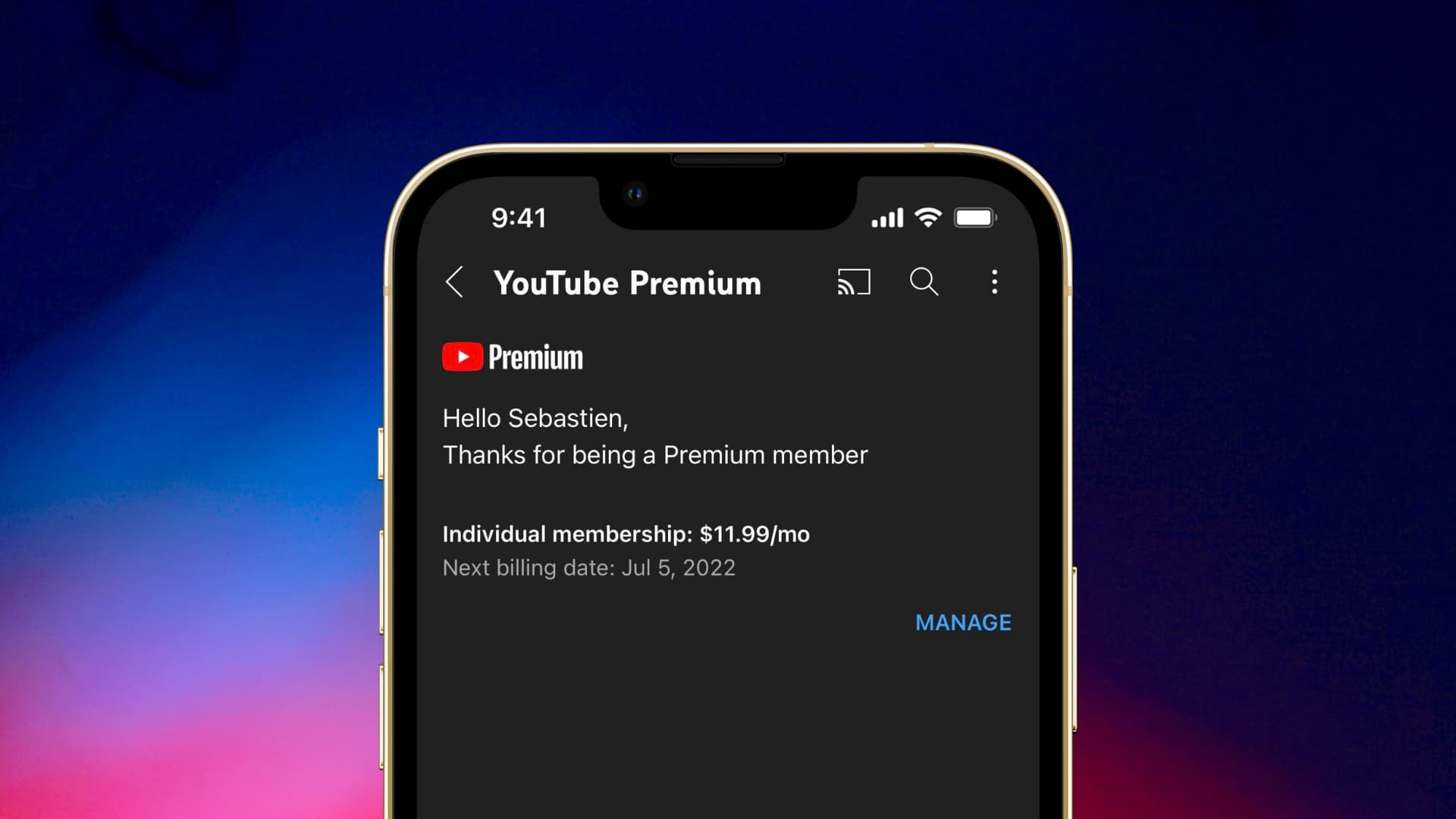
When you try to play YouTube while phone is off, what you are actually chasing is the background play feature. The official line is clear. This only works on mobile for YouTube Premium members who are signed in. On Android, the master switch lives under Settings > Background & Downloads > Background Play. The default “Always on” keeps audio running even after you lock phone while on YouTube. If you would rather the sound stopped when you unplug your headphones, the “Headphones or external speakers” option gives you that control. Apple users face an extra layer. To get YouTube to play when phone is locked you need an active Premium subscription. Jump into the iPhone’s own Settings > General > Picture in Picture and turn on Start PiP Automatically for automatic picture-in-picture. From there, you can enable PiP for YouTube on iPhone by opening a video and exiting the app while it is playing. Then simply swipe up to go home. The player shrinks into a floating window. If the sound cuts out anyway, head into the YouTube app’s Settings > Playback. Confirm that the Picture-in-picture switch is on.
Creating and editing videos on your phone
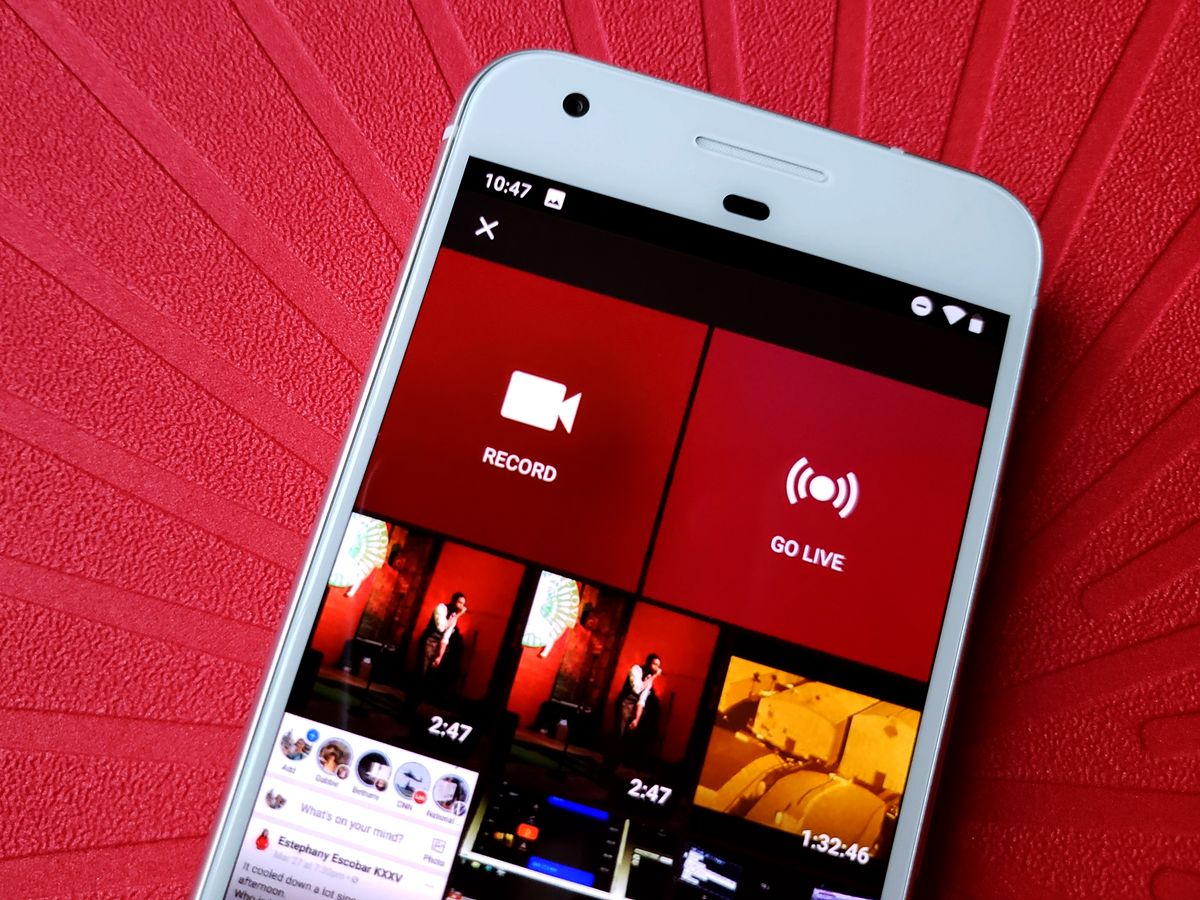
To make a YouTube video on mobile using an Android device, open the creation flow from the plus icon and capture or import your clip directly from that starting point. The in-app editor gives you the Sound tool in the toolbar, which is a way to add music to a YouTube video on mobile directly inside the app. Tapping it lets you browse tabs for the Shorts Audio library, royalty-free tracks, sound effects, or files saved locally on your phone, and you can preview a song before applying it. If you need more control over placement, you can later add music to a video on phone by using a desktop video editor, where you can drag multiple tracks into position and save the updated audio mix. Once your content is live, you can check monetization on YouTube in mobile by opening the YouTube Studio mobile app and looking at the status next to your uploaded videos, though the exact menu path varies. If the green dollar sign does not appear, confirm that you have enabled monetization on the upload and that the video complies with the platform's advertiser-friendly guidelines.
Managing your account and interactions
Your public profile and channel memberships live in the same account space, so keeping your details current avoids interruptions when you tap Join. Before you join membership on YouTube mobile, open the creator’s channel or one of their videos and confirm the Join button is visible. The feature only appears when the creator has turned memberships on; if the button is missing, the channel simply does not offer that option yet. Once you commit and enter your payment information, the purchase is immediate, so double-check which Google account you are signed into before you tap Buy.
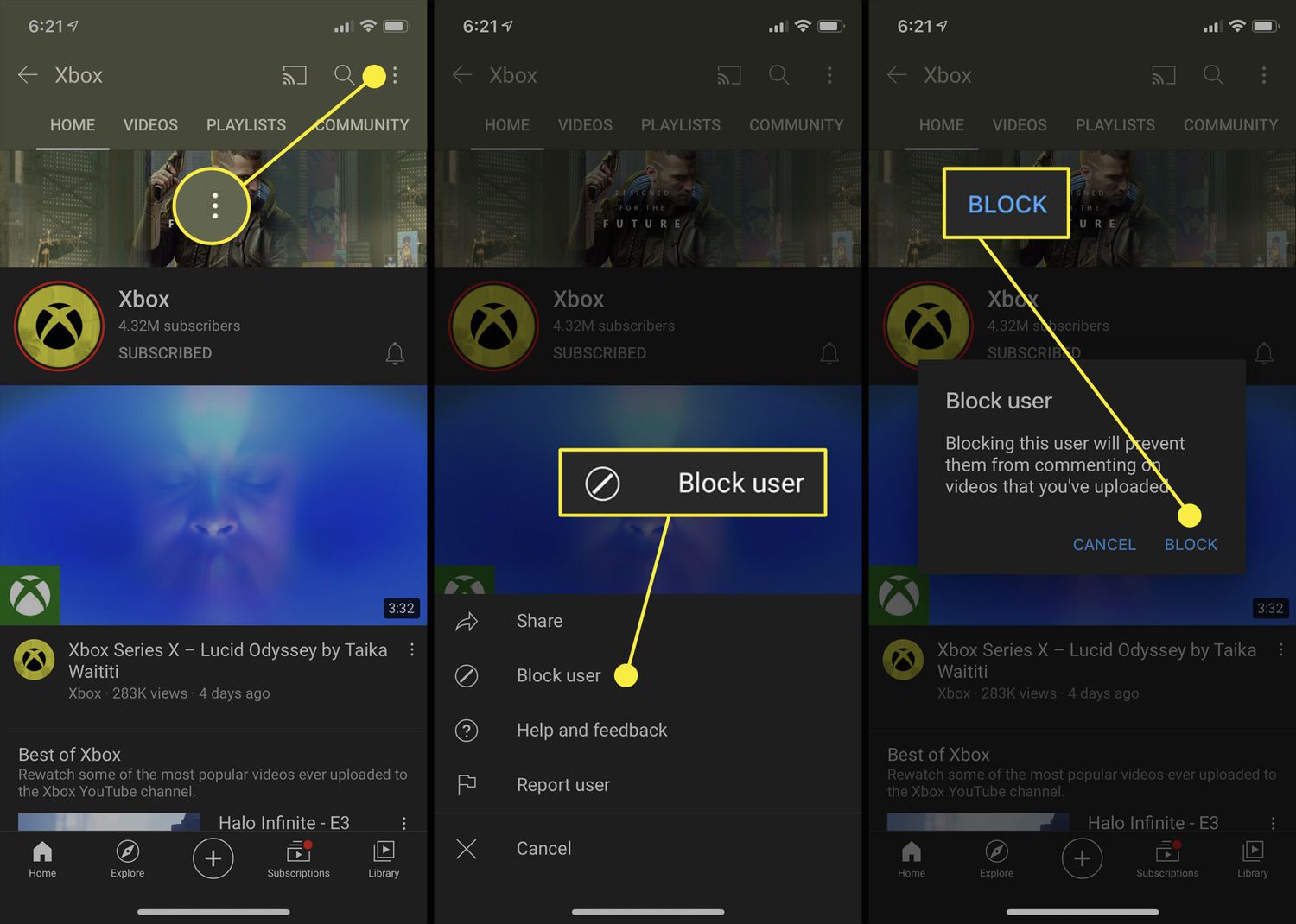
Direct communication on the platform is tucked into the notification corner. To send a message on YouTube mobile, use the sharing features available in the app and open an existing conversation. The tool is built for quick sharing rather than full chat management, and the steps are the same whether you are on an iPhone or an Android device. When you need to step away from a conversation entirely, you can block someone on YouTube mobile by opening the three-dot menu and selecting Block user. When your own contact details become outdated, you can change my mobile number on YouTube.
Controlling data, ads, and distractions
Before you start troubleshooting playback quirks, take a minute to control what your phone pulls in and pushes out. The real drain often is not the video itself but the autoplay queue you never turned off, and a few taps inside the app’s configuration can sharply reduce mobile data consumption; for more guidance, see YouTube data usage and saving tips. If constant pre-roll and mid-roll breaks push you away, a fully supported path to get rid of ads on YouTube mobile is an active Premium membership, which also unlocks offline downloads. For times when you need a harder boundary, the built-in Screen Time or Digital Wellbeing controls let you set a strict time limit to block YouTube on your phone rather than relying on settings inside the app itself. When your goal is offline listening, a YouTube Music Premium membership lets you download music from YouTube to smartphone through Smart Downloads or by manually downloading specific playlists, songs, albums, or podcast episodes.
Customizing the app and extending it
Before troubleshooting anything else, confirm your playback setup matches your subscription, because many features people assume are broken are actually locked behind YouTube Premium. If you want to watch a video while using other apps, Picture-in-Picture is available on iOS and Android without Premium for most non-music content; background listening with the screen off typically requires a Premium account.
You can change YouTube layout on phone by tapping your profile picture, opening Settings > General, and turning on Rotate screen to enable landscape browsing on Android. If the view still refuses to flip, head into your device’s system Accessibility controls and make sure Auto-rotate screen is switched on, since YouTube relies on that system-level toggle and it is easy to forget you turned it off for reading at night.
When you want to add YouTube to Android Auto, no official path is documented in the retrieved Google or YouTube help pages, and the app does not appear as a standard option in the Android Auto launcher by default. No current Google help page lists supported vehicle models or eligibility rules for full video playback on the car display, so you may need to check whether your head unit or phone projection configuration offers a workaround.
Frequently Asked Questions
How do I turn off autoplay on YouTube mobile?
Open the YouTube app, tap your profile picture, then go to Settings > General > Playback in feeds and set it to Off. This stops videos from playing automatically as you scroll, and the same menu controls whether autoplay uses Wi‑Fi only or both Wi‑Fi and mobile data.
Why does YouTube PiP not work on my iPhone even with Premium?
Confirm that Start PiP Automatically is enabled in your iPhone's Settings > General > Picture in Picture, then open the YouTube app and check Settings > General > Picture-in-picture is switched on. Both the system-level toggle and the in-app setting must be active for the floating window to appear when you exit a playing video.
Can I download YouTube videos to my phone without Premium?
Offline downloads are a YouTube Premium benefit, and the official help pages do not document a free built-in way to save videos directly to your phone through the YouTube app. A YouTube Music Premium membership adds Smart Downloads for music content specifically.