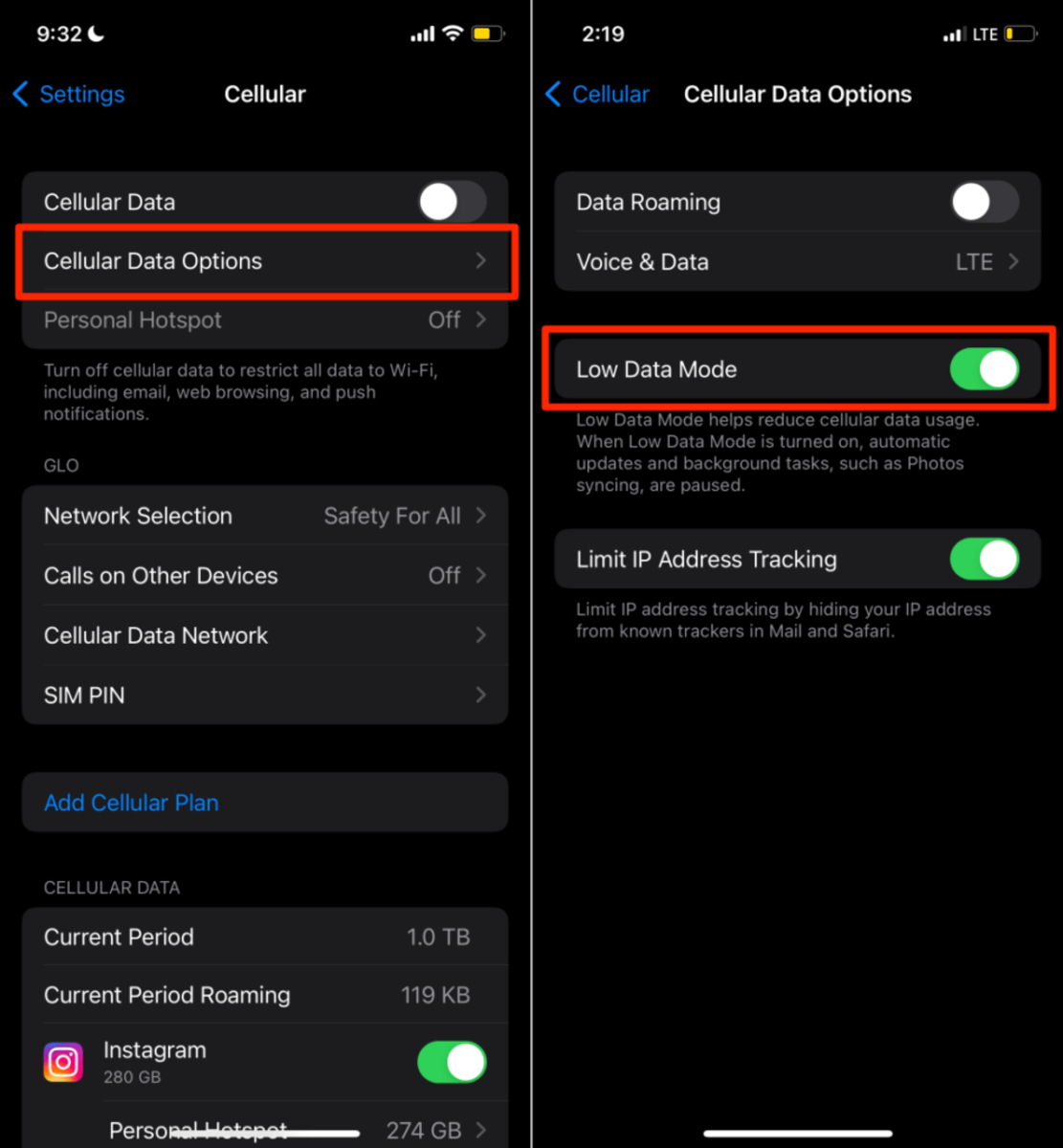
To reset cellular data on an iPhone, you clear the usage statistics that track how much data you have consumed, not fix a broken connection. This action is documented by Apple as "Reset Statistics" in the Cellular or Mobile Data settings, and it simply zeroes out the counters so you can monitor your monthly consumption from a fresh start.
What resetting cellular data actually does
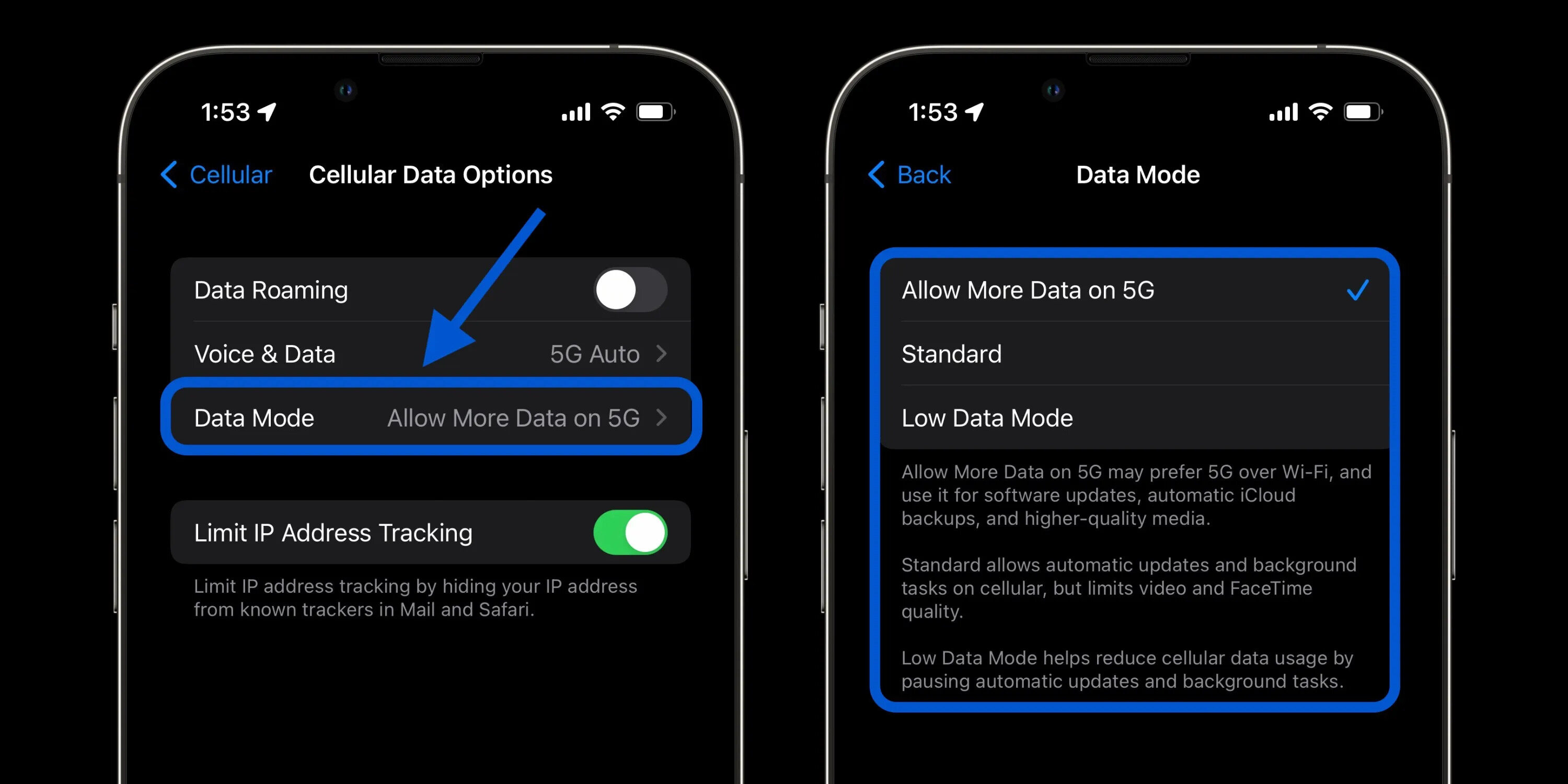
Resetting cellular data on an iPhone clears the usage statistics shown in the Cellular or Mobile Data settings. It does not change any network configuration, fix slow speeds, or restore a lost connection. On Android, a documented, universal reset path for cellular data usage statistics does not exist in official support pages, so no exact steps can be given here.
How to reset cellular data statistics on iPhone
- Open the Settings app.
- Tap Cellular or Mobile Data.
- Scroll to the bottom and tap Reset Statistics.
This action only zeroes out the usage counters. It does not affect your personal data, apps, or network settings.
What if I need to fix my cellular connection instead?
If you are experiencing slow speeds, dropped calls, or no internet access, resetting cellular data statistics will not help. First, check your signal strength. Enable and disable airplane mode to refresh network connections. Restart your device to resolve temporary glitches. Remove and reinsert your SIM card to address loose or faulty SIM issues. Check that the correct APN (Access Point Name) settings are configured for your network provider. Update your device software to fix compatibility issues with cellular data connectivity. If these steps do not work, use Reset Network Settings, which Apple documents as a separate action that removes saved Wi-Fi networks, Bluetooth pairings, and VPN configurations, and may turn off cellular data roaming. To do this, go to Settings > General > Transfer or Reset iPhone > Reset > Reset Network Settings. This is a network reset, not a cellular‑usage reset. Contact your network provider if none of the troubleshooting steps resolve the issue.
Resetting data usage on Android devices
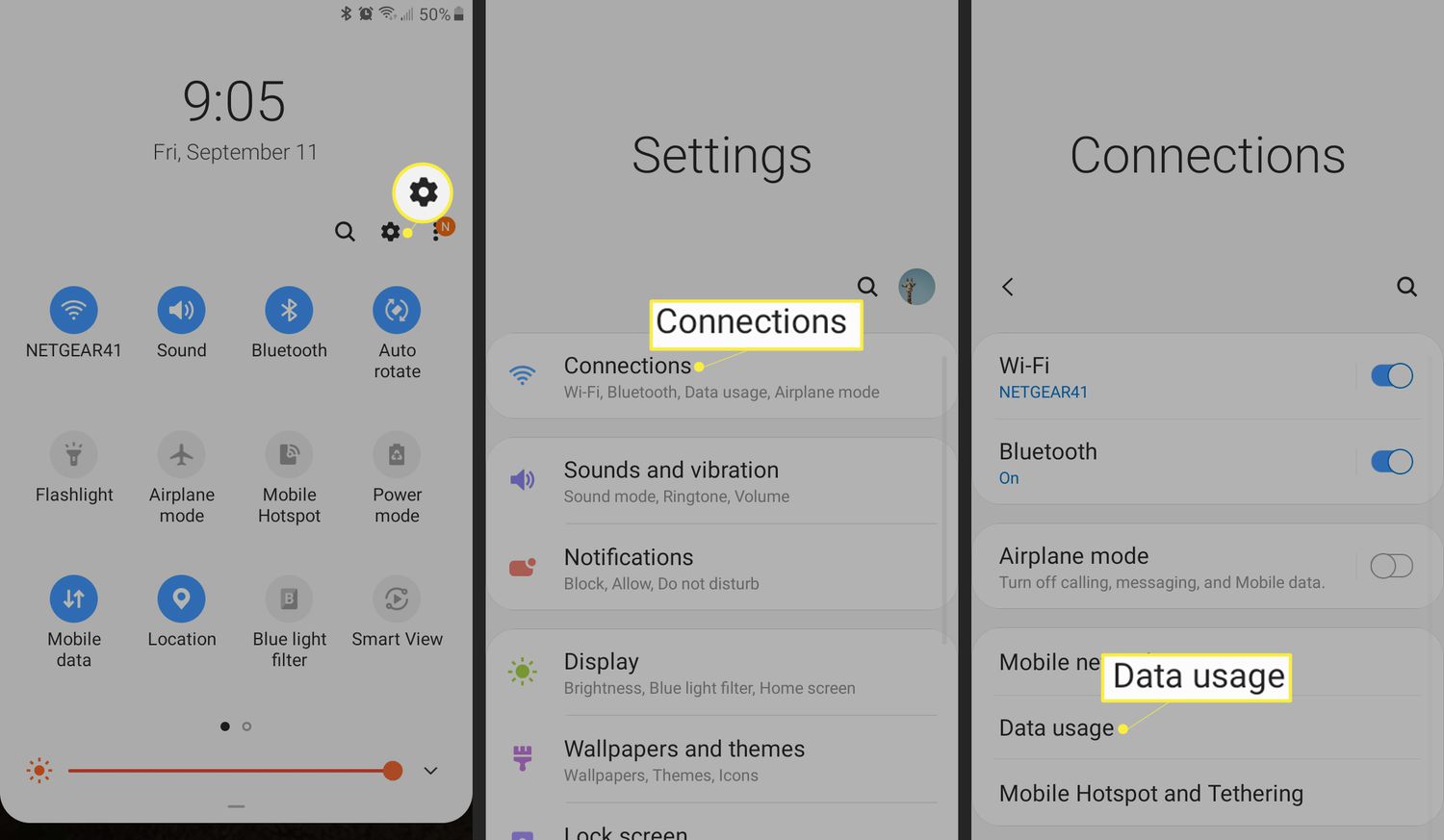
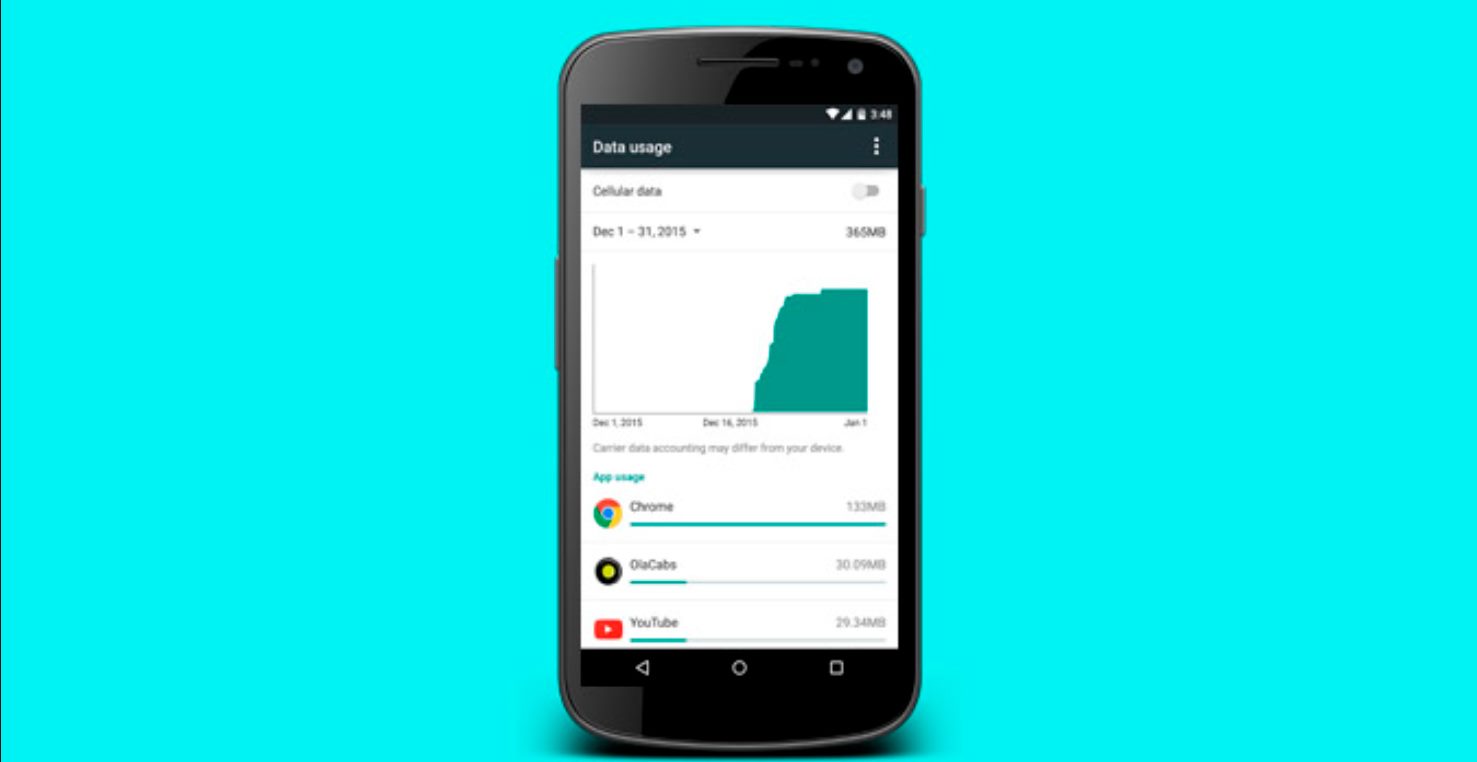
No official, universal Android path to reset cellular data usage statistics is documented in the retrieved support pages. The exact menu path, button label, and supported models vary by manufacturer and Android version. To find the correct steps for your device, consult your device manufacturer's support site.
Frequently Asked Questions
Why would I need to reset my cellular data?
You might reset your cellular data statistics to address slow speeds, connection drops, or apps not working properly by starting fresh with your usage tracking.
What precautions should I take before resetting my cellular data?
Before resetting, check for OS updates and have your Wi-Fi passwords handy, as a network settings reset will forget saved networks.
What should I do if resetting my cellular data doesn't solve the problem?
If resetting doesn't help, restart your phone, check for carrier updates, and contact your provider for further assistance.
What does Reset Statistics do on iPhone?
It resets the cellular data usage statistics shown in the Cellular or Mobile Data settings, allowing you to track your data consumption from zero.
Does resetting cellular data delete personal data?
No. Reset Statistics only clears the usage counters. It does not delete photos, contacts, messages, or any other personal data.
What if the Reset Statistics option isn't visible?
If you do not see Reset Statistics at the bottom of the Cellular or Mobile Data settings, make sure your iPhone is running a current version of iOS and that you are on a supported device. Apple documents this option on current iPhone and iPad support pages.
Is resetting cellular data the same as resetting network settings?
No. Reset Statistics clears only the data usage counters. Reset Network Settings removes all saved Wi‑Fi networks, Bluetooth connections, and VPN configurations, and may affect cellular data roaming.
How do I reset T-Mobile 5G home internet?
If you need to reset T-Mobile 5G home internet, that is a separate process for a fixed wireless gateway, not a smartphone cellular data reset. Consult T-Mobile's support documentation for the specific gateway model.
Related reading: How To Download Songs On Spotify Using Cellular Data and How Much Data Does Snapchat Use On IPhone?.