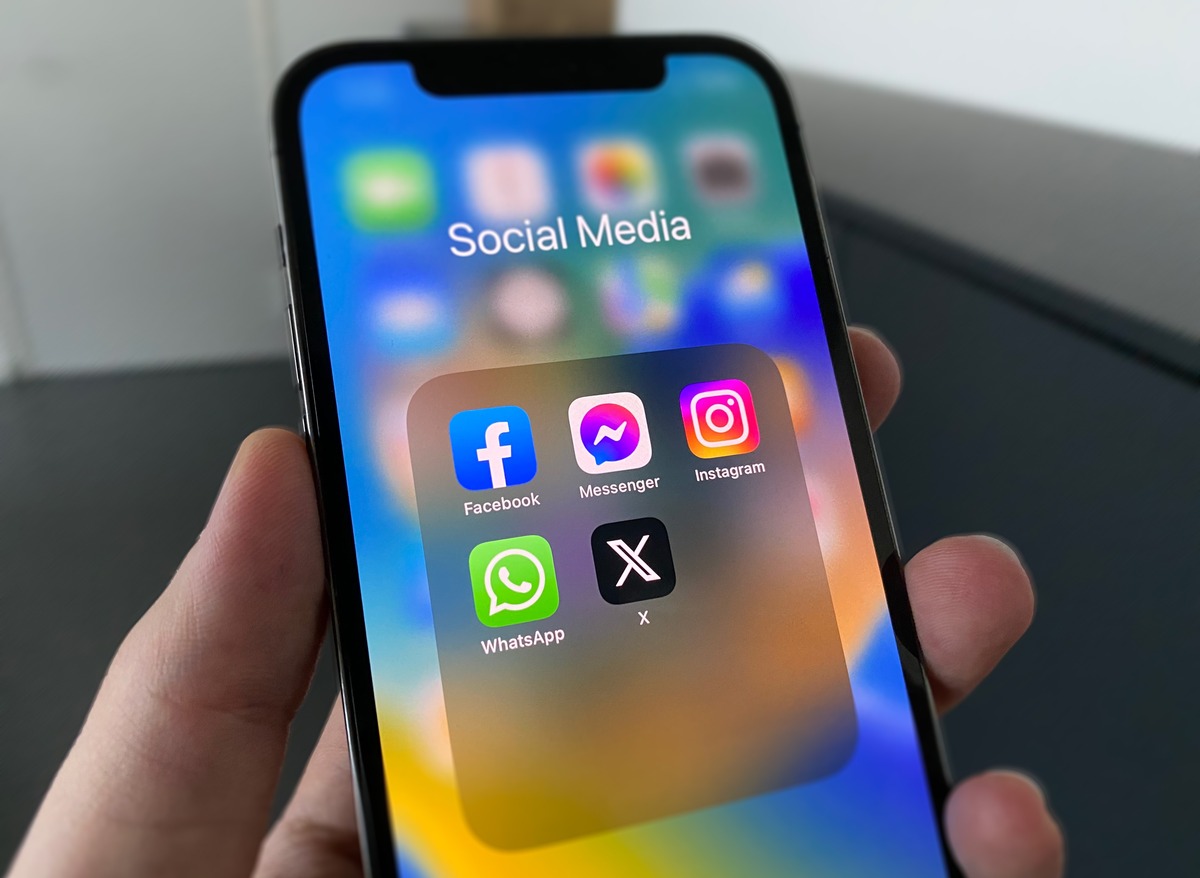
Control who sees your Facebook privacy settings
When you want to manage your Facebook privacy settings without causing offense, you can simply unfollow Facebook friends, which keeps the connection while removing their posts from your timeline. For a more thorough approach to your page’s visibility, you can hide friends list on Facebook mobile app by going to Settings & privacy > Settings and adjusting the setting for your Friends section so others cannot see it. If you want to browse without broadcasting your presence, you can turn off green dot on Facebook mobile through the Messenger app by tapping Messenger, then next to Chats tapping Options, tapping Active Status: ON, toggling Active Status off, and tapping Save. Just remember that one Active Status method is not available on the iPhone app, and turning it off in one place does not automatically hide you everywhere else you use Facebook. The platform does not offer a single switch to be invisible on Facebook mobile; the closest you can get is disabling Active Status, though people may still infer your activity from other indicators. Finally, when a post is attracting unwanted attention, you can turn off comments on Facebook post mobile, though the exact tap path varies by app version.
Manage your profile and content
Your public picture, name, and cover photo are visible to anyone on or off Facebook. Choosing the right crop matters. On desktop, hover over your current image and click Update Profile Picture. After selecting an image you will see a Crop and Save button, but you can click Skip cropping in the bottom-left corner instead. If you are trying to not crop Facebook profile picture on mobile, Facebook’s help pages do not currently document a dedicated mobile control that fully disables the crop. The safest workaround is to upload the already-framed image from your phone’s browser in desktop-view mode. When you post a Facebook status, that text box at the top of your Feed or personal page also lets you add a photo, video, or check-in. You control who sees each one through the audience selector before you publish. For broader visibility, open Settings & privacy > Settings > Privacy > Your Activity to review the default reach of your posts and stories. If you manage a business presence, the classic Pages experience is updating to the new Pages experience across the platform. Official help pages do not show a current mobile path to switch back to classic Facebook page in mobile, so expect the newer layout when you manage your brand’s hub from your phone. If performance is a concern on an older device, the lighter app may be best for you. Facebook’s own Help Center does not provide a side-by-side feature list in the pages retrieved, so you will need to test which one runs more smoothly with your daily habits.
Handle notifications and messages
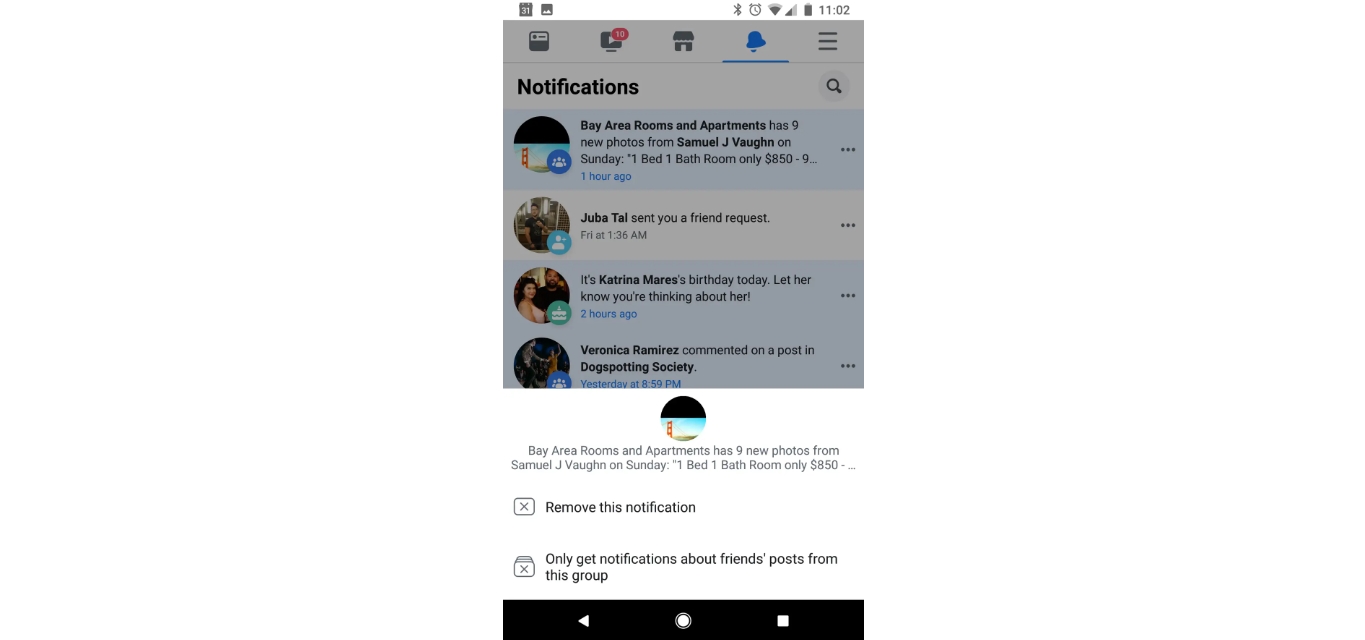
Your main notification hub lives under Settings & privacy > Settings > Notifications, where you can adjust alerts for comments, tags, and friend requests, but the app does not offer a single tap to clear notifications on Facebook mobile across all categories at once. For text message alerts, you can expand any item under What notifications you receive and toggle SMS on or off, which is useful when you want to disconnect without missing a direct message.
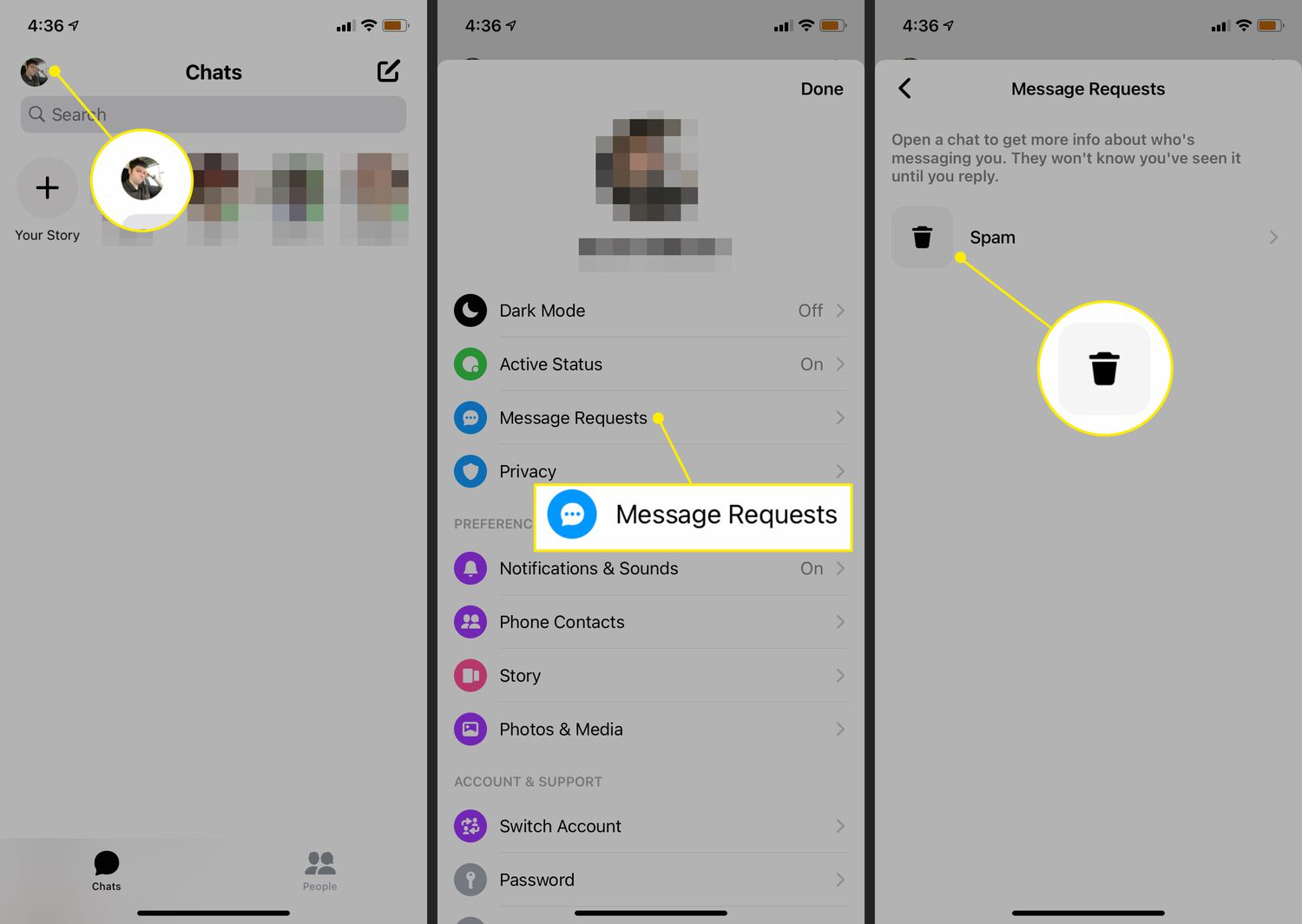
If you need to see messages from non friends on Facebook mobile, Facebook’s current help documentation does not surface a dedicated mobile path for message requests or hidden folders, so you may need to check both the Messenger app and the web view to catch every pending conversation. The platform sorts incoming texts into more than one filtered list, and you can check your 2 hidden inboxes on iPhone by looking beyond your primary chat list for the message request and spam folders that Messenger quietly maintains.
When you are ready to step away entirely, remember that closing the app does not end your active sessions, so take a moment to logout of Messenger on every device to prevent others from seeing an active status you thought you had already disabled.
Find connections and interactions
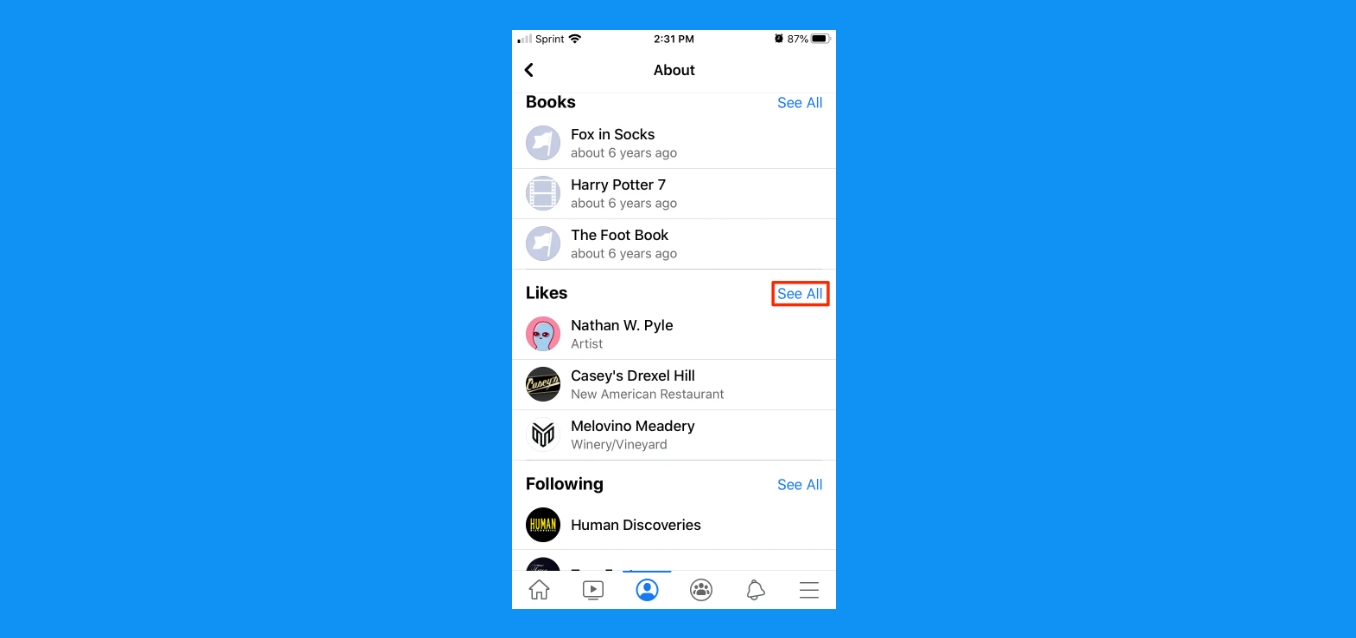
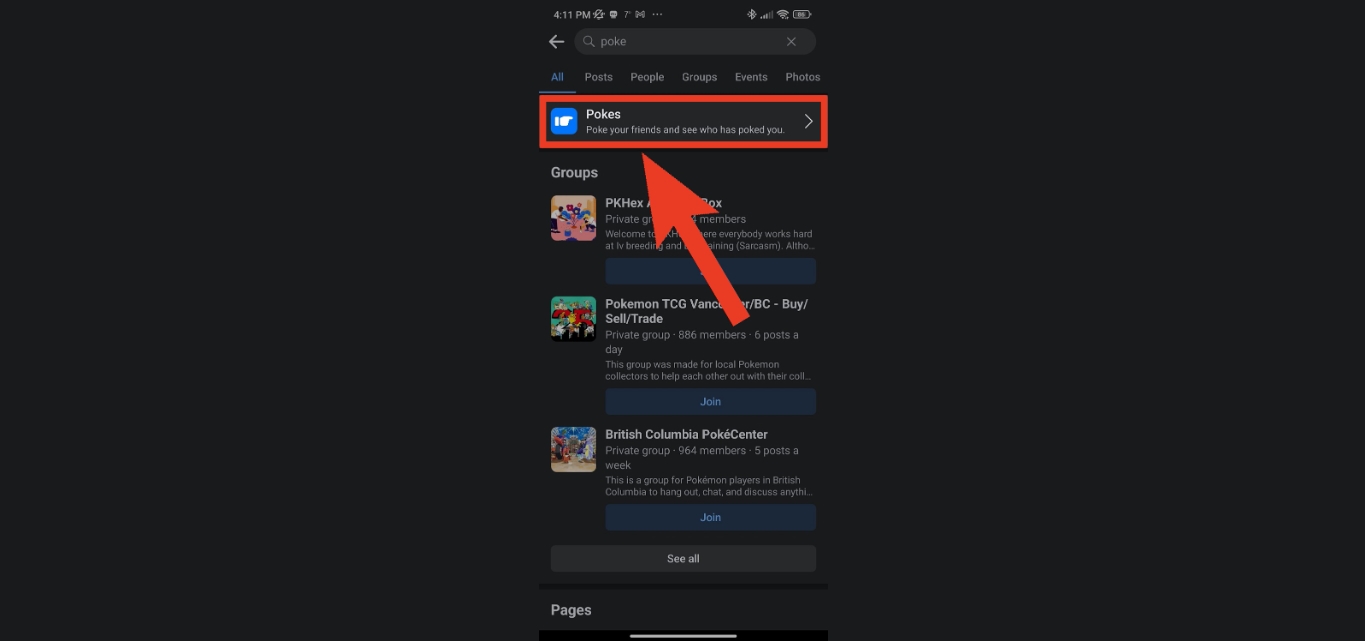
Many of the interactions you want to revisit are tucked inside your Activity Log rather than listed on your main timeline. To see your likes on Facebook mobile, open the app menu and navigate to your Activity Log. Filter by the category that includes likes and reactions. If you are trying to see who is following you on Facebook on iPhone. Older gestures like a poke are equally tucked away. The official help pages do not surface a current mobile path to check pokes on Facebook mobile. The feature may simply be absent from your app unless someone pokes you first. When you want to bring your social circles together across Meta’s platforms, you can invite your Facebook friend to join Instagram if the option appears. No universal menu path is documented in the retrieved help pages. For building new connections, you can activate Facebook Dating Android by opening the Facebook app, tapping Menu in the top left, and selecting Dating. The feature is only available on the Android and iPhone apps and may not appear if you are in an unsupported region.
Check in and share location
Sharing your current spot when you check in on FB on iPhone or on an Android device follows the same documented steps: open the post composer, tap Check in, and pick a place from the list or search for one. Facebook may keep a record of that location even when you limit who sees the post, because the audience selector only controls visibility to friends, not the data the platform itself stores. If you want to point someone to your app presence instead of a physical address, you can find my mobile app URL by typing m.facebook.com into your phone browser. When you tag a location on a Reel or Story, precise coordinates can be collected the moment you use the feature, regardless of the privacy toggle you set afterward. Before you broadcast your whereabouts, review your device location settings to see what is already being gathered, then decide whether the convenience of a check-in is worth handing over that extra signal.
Adjust settings on other platforms
When you step outside Facebook, similar privacy gaps between what you hide and what the platform records may follow you. On an iPhone, you can turn off NSFW on Reddit mobile through the iOS Settings app or the Reddit app settings, while on Android the switch lives inside the Reddit app under your account settings. Flipping that toggle stops the feed from surfacing mature posts but may not erase your interaction history from Reddit's own logs. Auditing your connections reveals a limitation, as finding a way to see who you're following on Reddit mobile in a single list may not be straightforward, though a Followers list is available from your account page on all platforms, giving you a partial picture of your social graph from the other direction.
Over on Tumblr, breaking up a long post so it does not dominate someone's dashboard is straightforward. While composing in the editor, you can add keep reading on Tumblr mobile by using the option to insert a split point. Controlling what reaches your own feed is less obvious, and finding a way to block a tag on Tumblr on mobile may not be straightforward, meaning the filtering tools you might expect from other platforms are not surfaced in the app. As on Facebook, these controls may shape your visible experience while the services continue to build their own picture of your activity behind the scenes.
Frequently Asked Questions
Can I see who viewed my Facebook profile on mobile?
Facebook does not provide a feature that lets you see who viewed your profile. The platform's help pages document Activity Log for reviewing your own interactions, but no setting or menu path exists for tracking profile visitors.
How do I add a keep reading cut on Tumblr mobile?
While composing in the editor, use the option to insert a split point where you want the break to appear. This adds a keep reading divider so your long post does not dominate someone's dashboard.
How do I find my Facebook mobile app URL?
Type m.facebook.com into your phone browser to reach the mobile web version. This URL points to Facebook's mobile site rather than a physical address, giving you a shareable link for your app presence.