Cancel a food or drink mobile order
Timing is everything when you need to cancel mobile order requests in food and drink apps. In the McDonald’s app, open your order details and look for a cancel option, but only before the restaurant begins preparing your food. Once preparation starts, you may not be able to change the order after payment is submitted. If you do not see one, contact that location directly. Since the steps differ slightly by app, the specific walkthroughs break down how to cancel mobile Starbucks order, how to cancel mcdonalds mobile order, how to cancel McDonald'S mobile order, and how to cancel Dunkin mobile order.
Cancel a digital subscription or membership on your phone
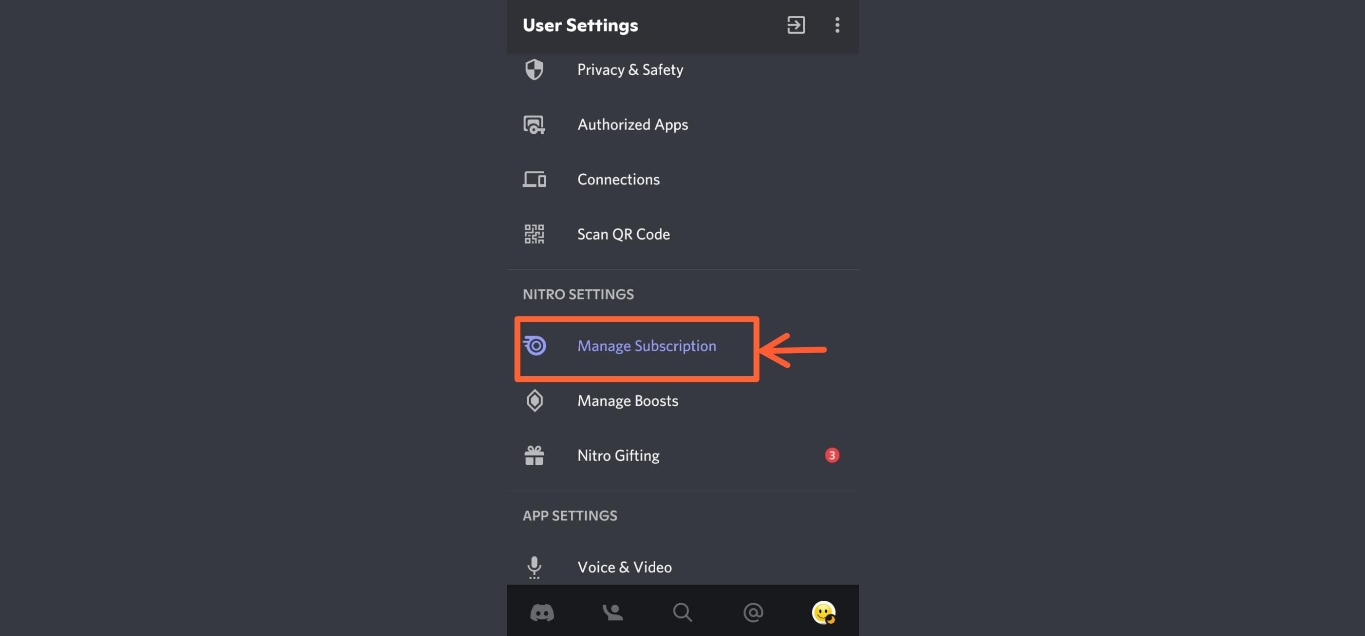
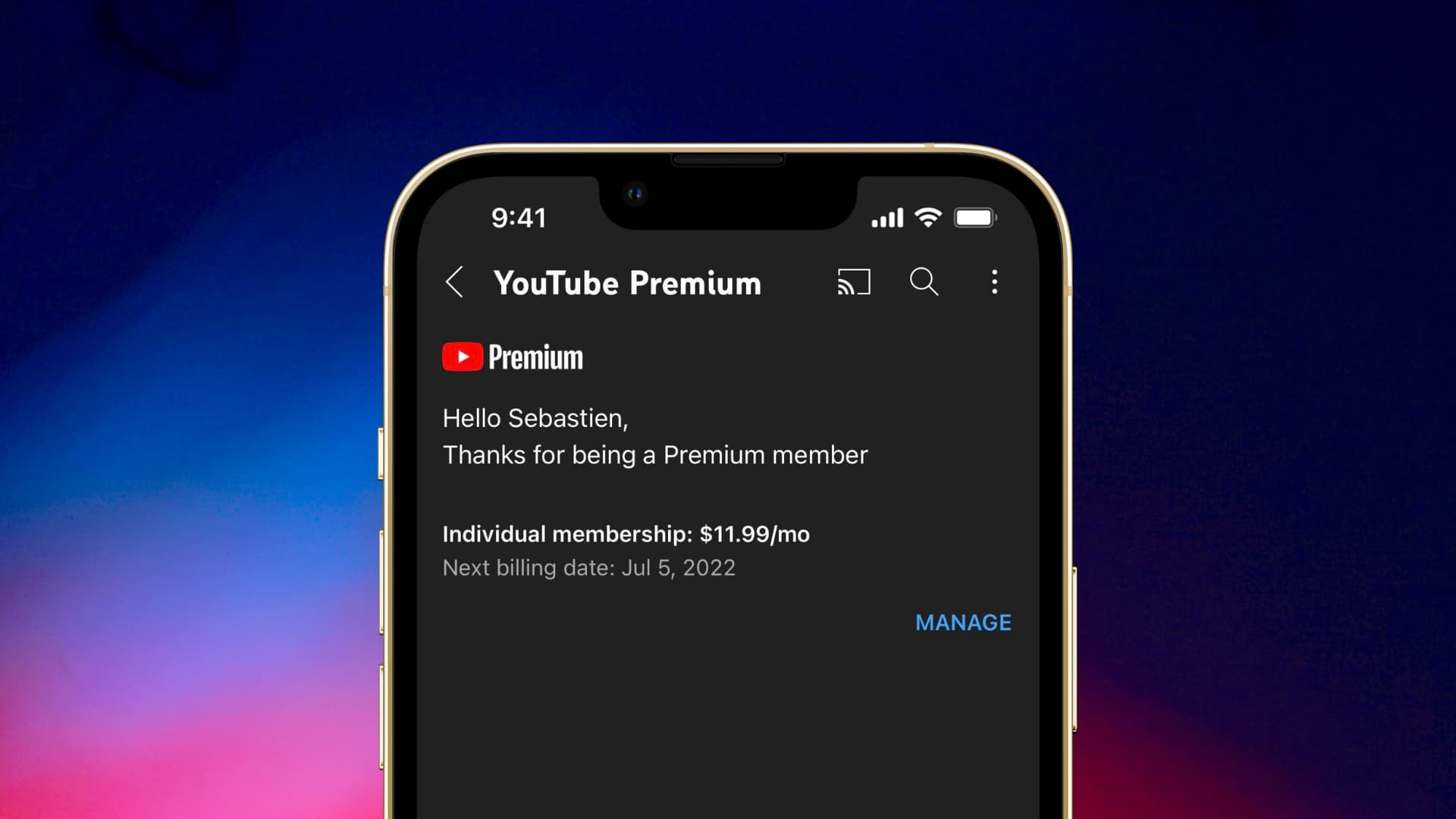
When a recurring charge hits your bank account, the fix usually starts in the same two places for most phone-managed plans. On an iPhone, open Settings, tap your name, then Subscriptions, and select the active plan to find the Cancel Subscription button; if there is no Cancel button or you see an expiration message in red text, the subscription is already canceled. On Android, open the Google Play Store, tap your profile icon, choose Payments & subscriptions, then Subscriptions, and tap Cancel subscription on the entry you want to end. Since many services bill through these platform-level tools, you can often cancel a Patreon membership on mobile or cancel a Whitepages premium membership right from that same list without opening a separate app, provided the original sign-up used your Apple ID or Google profile. If you need to cancel Nitro subscription on mobile and it does not appear there, the service may have billed you directly and you will need to manage it on its own account page.
Some recurring plans hide behind slightly different labels. You can cancel Google Disney mobile charge by locating it inside your Google Play subscriptions. To cancel Xbox live on phone, open the Google Play or Apple subscription list and look for the entry tied to your Microsoft profile. If you are using a Galaxy device and wondering how to cancel subscriptions on Samsung phone, use the Google Play subscription management flow. Before you call your carrier about a mystery fee, check these platform lists; canceling it yourself stops future billing.
Cancel music and media subscriptions
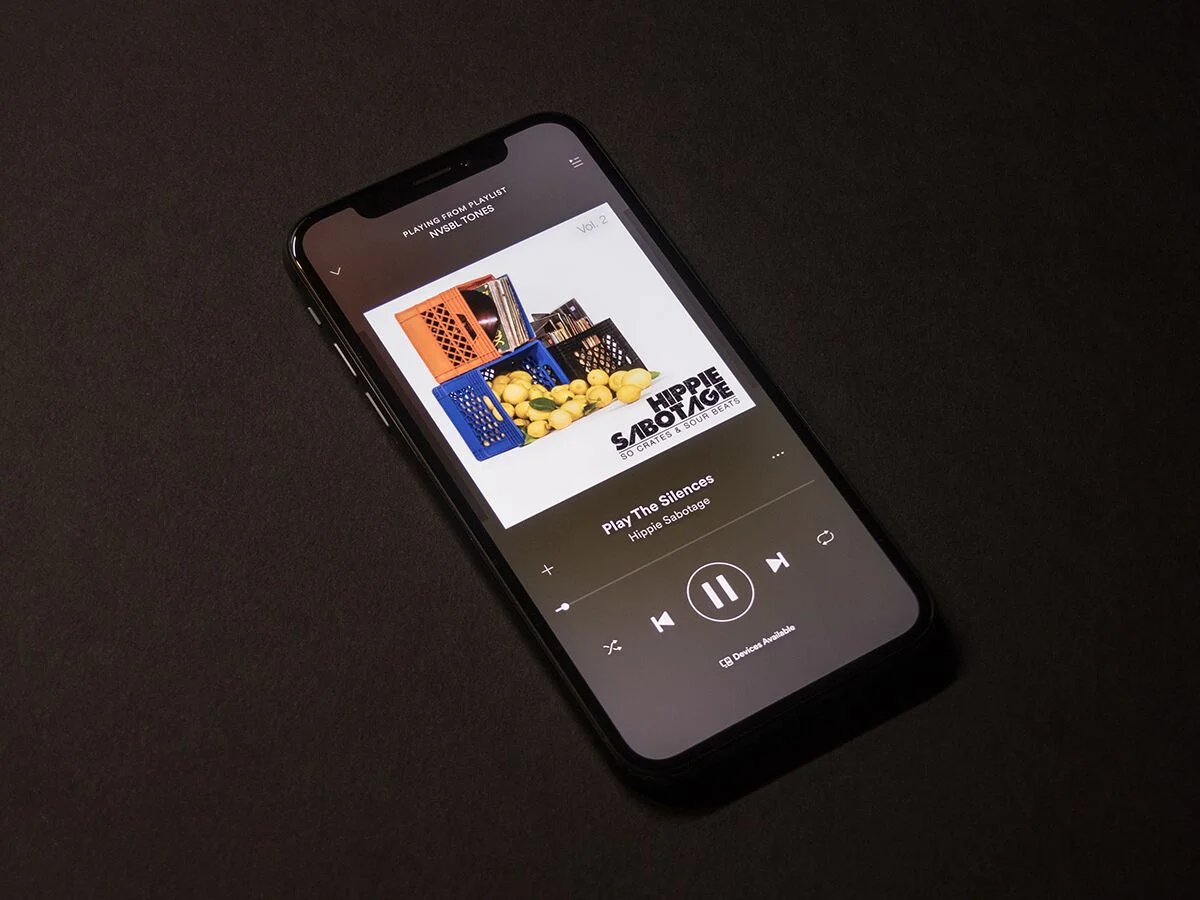
Entertainment plans often renew quietly, but the path to stop them depends entirely on who processes the payment. When you need to cancel Spotify subscription and Spotify bills you directly, log in at Spotify.com/account, open Manage your plan, and select Cancel subscription. Your Premium stays active until the next payment date, then the profile switches to free. If the charge appears on your Apple ID, open Settings, tap your name, tap Subscriptions, choose the Spotify entry, and select Cancel Subscription. If there is no Cancel Subscription button or you see a red expiry message, no further action is needed.
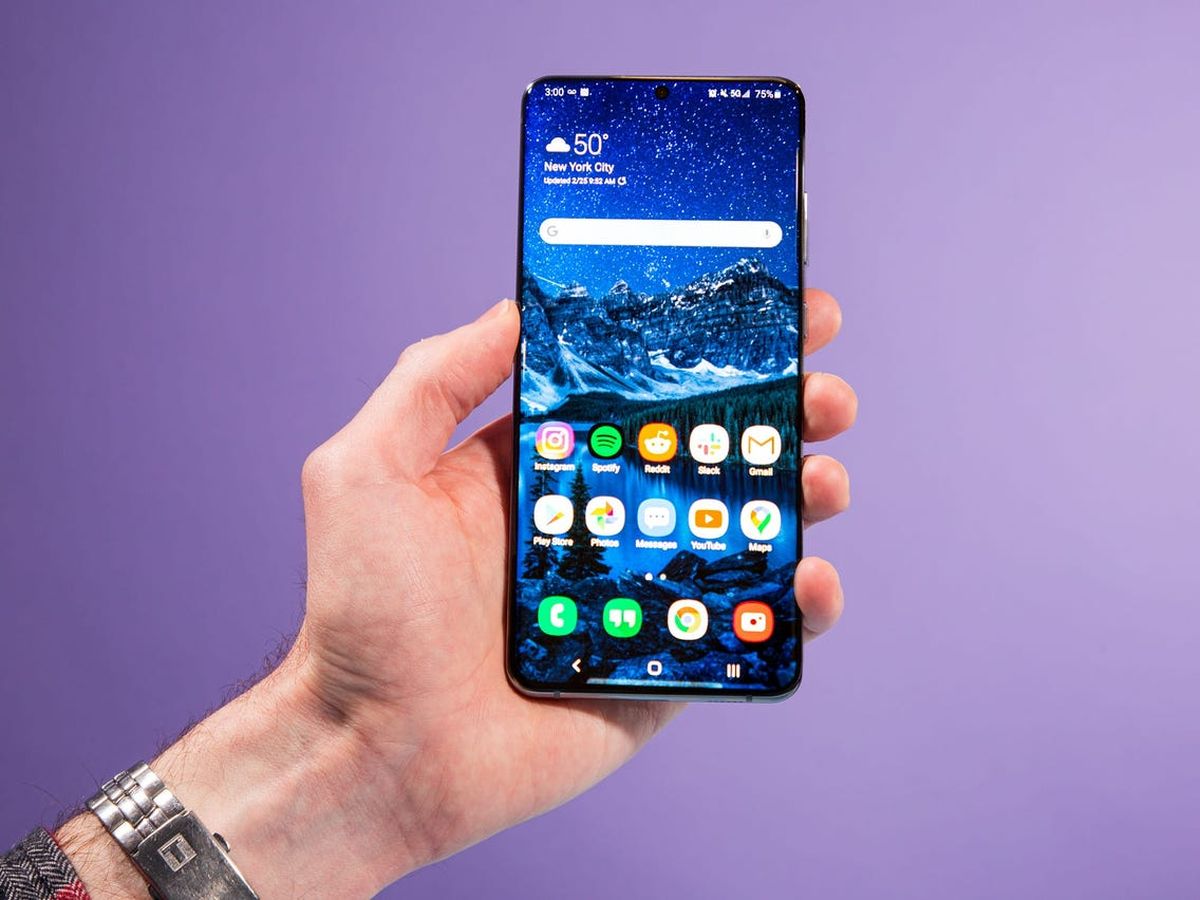
On a Google-billed plan, you cancel subscriptions on Android by opening subscriptions in Google Play, selecting the service, and tapping Cancel subscription. Uninstalling the app does nothing to halt the charges; removing the icon without taking that step leaves the payment cycle running. The same Google Play list is where you stop any media service originally signed up through your phone, saving time and preventing another monthly renewal.
Cancel an entire phone carrier account
Closing your entire account is a different process from removing a single line, and most carriers require a direct conversation to finalize it. If you need to end T-Mobile service completely, you must call in so a representative can review your profile and walk you through the final steps, as no self-serve button exists in the app or on the website for a full shutdown. To cancel phone service with AT&T, you may be able to start the request online by signing in, though this could terminate your wireless and internet services together. If the online option is not available on your profile, a phone call becomes the required path. To cancel Consumer Cellular service, you should prepare to contact the company directly. Should you decide to cancel my Xfinity Mobile account, the documented routes are calling in, scheduling a callback, or visiting a physical store. Before you cancel T-Mobile account, review your final billing details with the representative and time the call near the end of your cycle to prevent paying for weeks of service you will not use.
Cancel or remove a single phone line
Taking a single number off a family plan is not the same as closing the account, and the path depends entirely on your carrier. If you need to cancel AT&T mobile line service for one person, the company directs wireless customers to use Chat when available or call, though accounts originally ordered online in Illinois, Massachusetts, or New York may see a self-service option at att.com/attaccount. Once signed in, the flow reportedly involves selecting the option to remove a line and choosing the specific number, while tablets and wearables on their own single line still require contacting AT&T directly.
T-Mobile takes a different approach and does not offer a self-service button for this. When you want to remove a line from T-Mobile online. Since you cannot simply remove line from T-Mobile yourself, calling ahead helps you discuss options before finalizing the change.
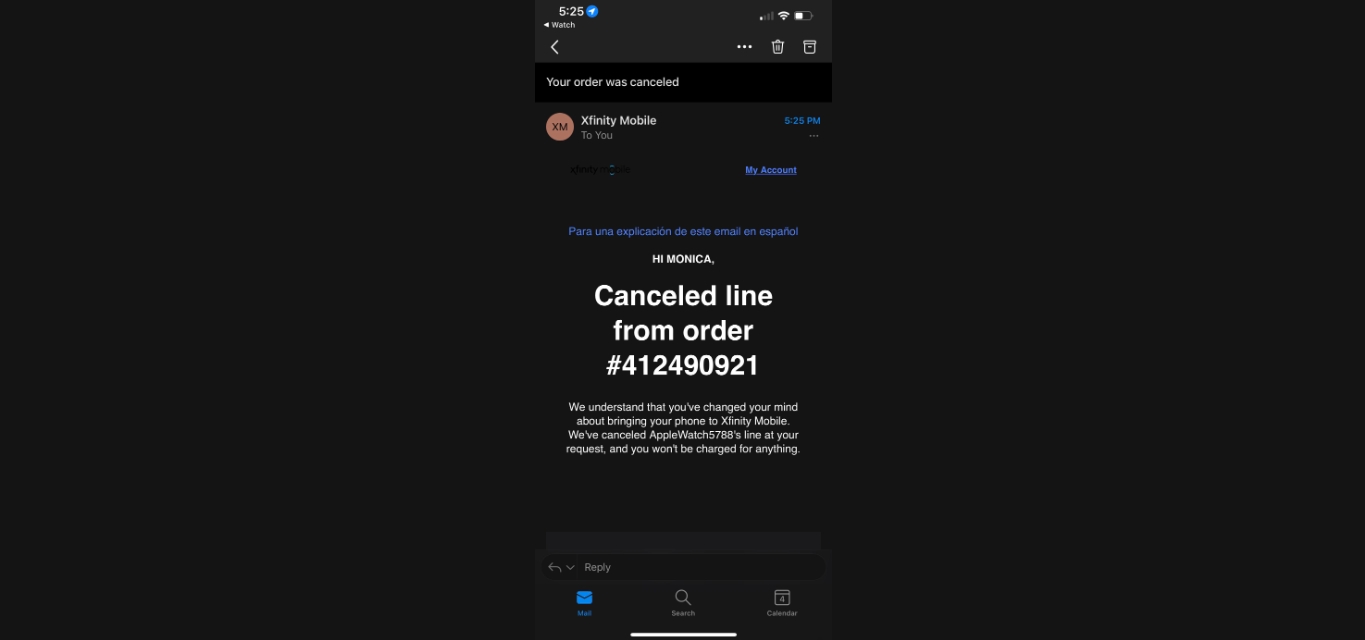
On Xfinity Mobile, the process also lacks a dedicated in-app tool. To cancel a line on Xfinity Mobile, the only documented route from the retrieved support information is contacting Xfinity Support by direct message.
Cancel a prepaid or budget phone plan
Ending service on a no-contract plan works differently from a postpaid arrangement, since you are not locked into a term, but you rarely get a self-service button to finish the job. If you need to cancel a T-Mobile prepaid plan, most plans will cancel on their own after 120 days in a “Not Paid” status provided Autopay is turned off and the balance runs out. When you want to cancel Cricket phone plan, you should reach out to Cricket support for the current procedure rather than relying on unconfirmed advice about stopping payments. Before you contact either carrier, a quick check of your device payoff status will confirm whether you own the phone outright, because closing the line does not absolve you of any remaining balance on a financed handset, and simply ending service does not automatically free the device for use elsewhere.
Cancel carrier add-ons and features
Before you call to cancel your wireless plan, strip out the extras you layered on top, because closing the account does not automatically end every add-on. You can remove Verizon mobile protect at any time from the Add-ons and apps page in My Verizon. Be aware that canceling device coverage may block you from re-enrolling later unless you meet a new eligibility check. If you relied on your phone as a mobile data source during outages, you can cancel Verizon hotspot through your account add-ons, though the exact toggle location varies by plan version. These features bill separately from your core talk-and-text service, and leaving them active after you port out can generate a small trailing charge that looks like an error on your final statement. T-Mobile customers managing similar extras will find cancellation workflows in their online profile or the T-Life app, where you can cancel protection 360 T-Mobile, cancel call forwarding on T-Mobile, cancel a line on T-Mobile, or cancel a payment arrangement on T-Mobile depending on whether you are dropping device coverage, forwarding, a full line, or a scheduled payment arrangement.
Pay off or settle your device before canceling
Before you call to cancel a line, open your carrier’s app and check the device payment agreement tied to your phone number. The full remaining balance is due immediately when you close the line and lands on your final bill if you have not already settled it. If you need to pay off Verizon phone financing, the My Verizon app shows your current balance and lets you complete the payoff in the device payment plan area; this is helpful because you avoid a surprise charge on your final bill and can keep the phone unlocked. The same principle applies when you pay off AT&T phone installments through your account portal, doing so ensures you own the handset outright and can switch carriers without any outstanding balance. Settling the balance first means you own the phone outright and can take it to another carrier without a surprise lump sum appearing on your way out the door.
Manage billing, payments, and reactivation
Before you close a line, open your account and settle any remaining device balance, since a financed phone becomes due immediately once service ends. If you need to cancel Verizon phone plan, the account owner can start the process at Verizon.com, though disconnecting a line may still require a call, and your service stays active through the final billing cycle. Checking your contract payoff amount first prevents that lump sum from landing as a surprise on your last statement. There is no device-side setting to remove Verizon from my phone, so you will need to confirm eligibility for release directly with the carrier after you pay off the phone. If you suspended service and need to come back, the way to reactivate T-Mobile account can be handled through the T-Life app or My T-Mobile, and the exact steps depend on how long your line has been dormant.
Frequently Asked Questions
Can I cancel a T-Mobile line myself online?
T-Mobile does not offer a self-service button to remove a line online. You must call T-Mobile directly so a representative can review your account and discuss options before finalizing the change.
Where is the cancel button for Xfinity Mobile in the app?
Xfinity Mobile does not provide a dedicated in-app tool for canceling a line. The only documented route is contacting Xfinity Support by direct message, calling 1-800-934-6489, or visiting a store.
Does uninstalling Spotify stop the monthly charge?
Uninstalling the Spotify app does not cancel your subscription or halt charges. You must cancel through Spotify.com/account, Apple Subscriptions, or Google Play Subscriptions depending on who bills you, then the Premium plan stays active until the next payment date.